HornsUpThumbsDown
Members
-
Joined
-
Last visited
Everything posted by HornsUpThumbsDown
-
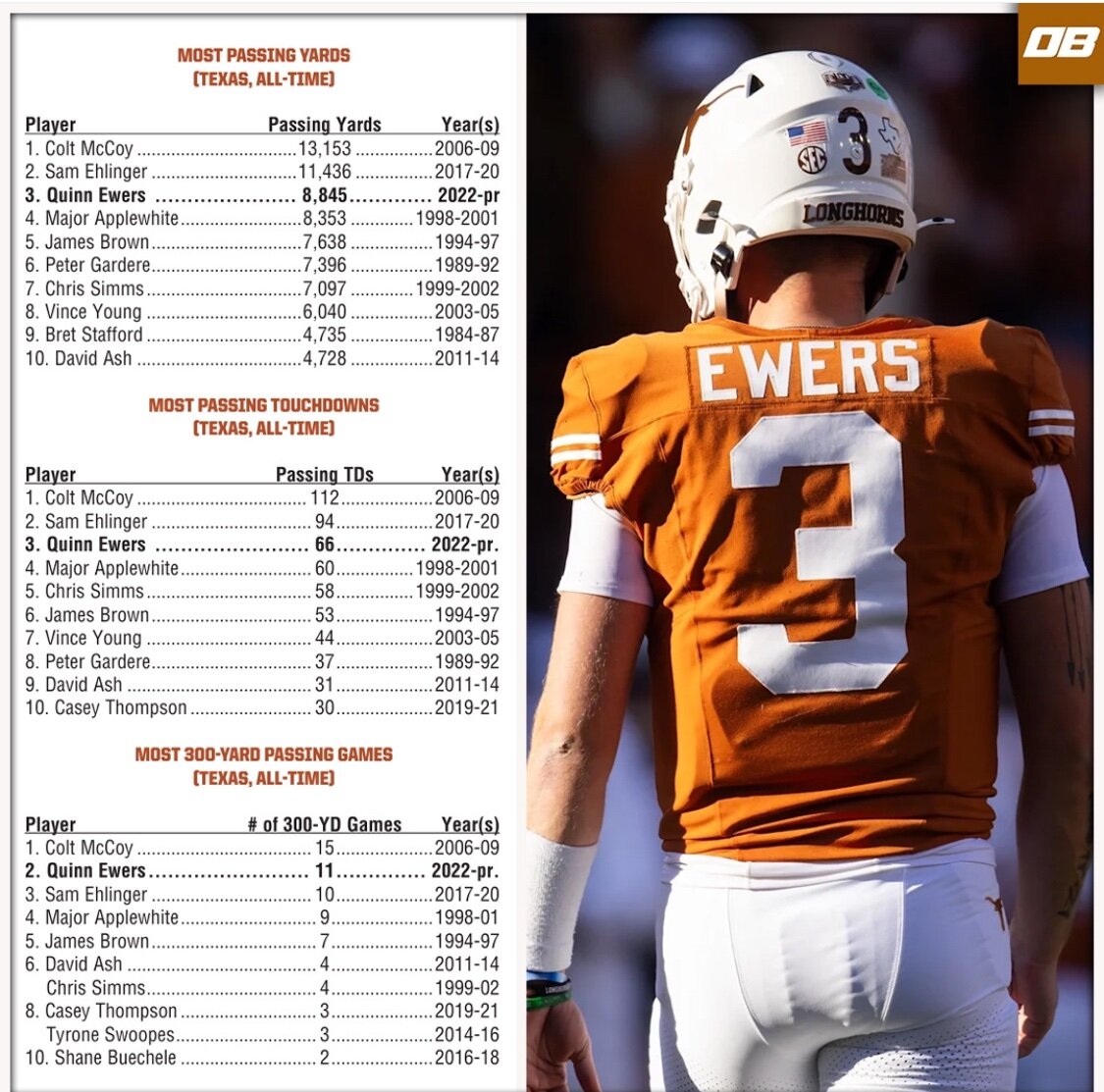
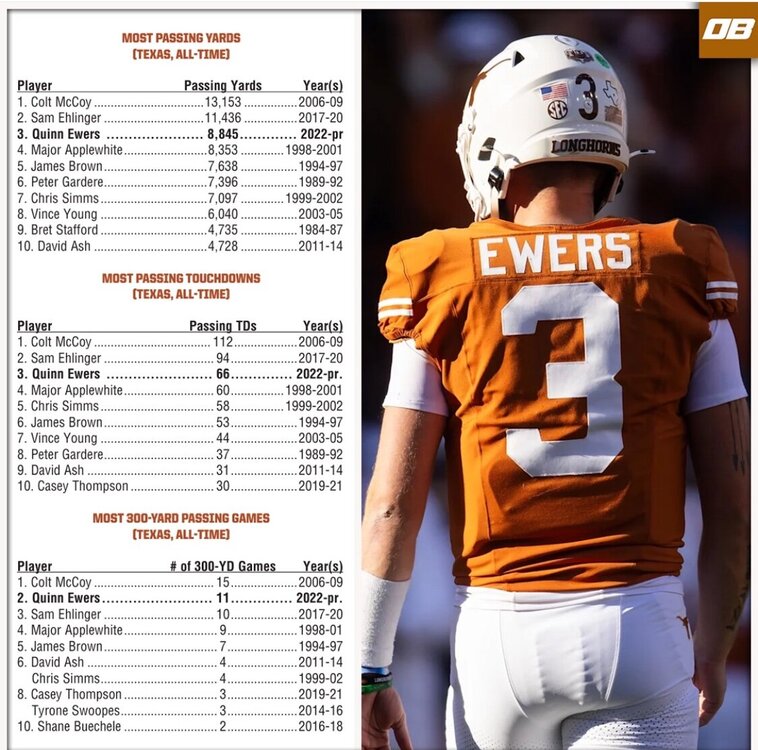
And this was before last night on stats
-
Can he get us a yard and play right tackle?!
-
Pretty much sums it up…if not for injury would have stacked a few more for sure
-
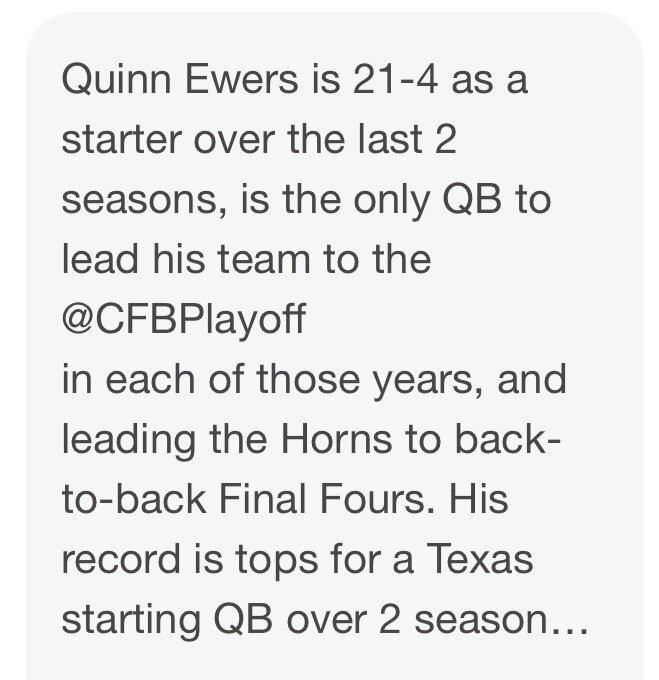
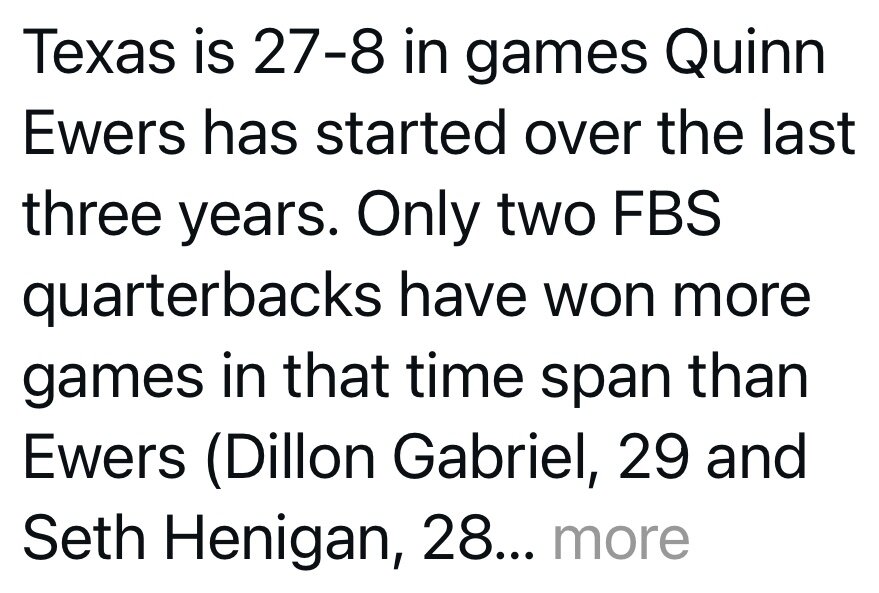
NFL or not deserves more love from Longhorn nation.
-
CJ what does the number followed by NFL mean?
-
Good take, he doesn’t have the natural arm talent and the scramble won’t help as much. Lesser Jalen Hurts my bet.
-
Agree
-
*than any Longhorn QB that’s made it to the league
-
Quinn will be a better pro than any on the list, and have a career statistically that’s better than any other QB that’s made it to the league.
-
Matt freakin Golden.
-
Bet on it typical Texas
-
Ha facts we won all that matters, cheers to 4th and 15 Quinn!
-
Colt also threw fewer touchdowns, more interceptions, and had a lower yards per attempt that year than Quinn.
-
Check the stats, still room for ya on the AM bandwagon. 13-2! pS Texas hasn’t been good since 09’, in fact not until Quinn got here.
-
Not true check the rush stats
-
Nope, no run game and crappy line
-
-
I’m watching bowl games the fact that people say Drew Allar, Jalen Milroe are better than Quinn is laughable. Winning matters. Period.
-
Sad
-
Awesome film, honestly can’t wait for the KJ for Arch controversy, followed closely by Dia. Kidding of course Quinn restarted what will now be QBU.
-
You know this how?
-
Talent looking for talent 😜😂
-
Cam ward over rated and he’s like 30, Garret nussmeier is laughable at best versus anyone else on the list. Sanders, Milroe and Quinn all have the best upside period. Note neither of the two pre mentioned are actually in a true pro offense
-
Easy narrative to blame 1 person… listen to this analysis.
-
Or the coach who draws the plays and adjusts?