


Gerry Hamilton
Moderators
-
Joined
-
Last visited
Everything posted by Gerry Hamilton
-
Absofreakingloutely
-
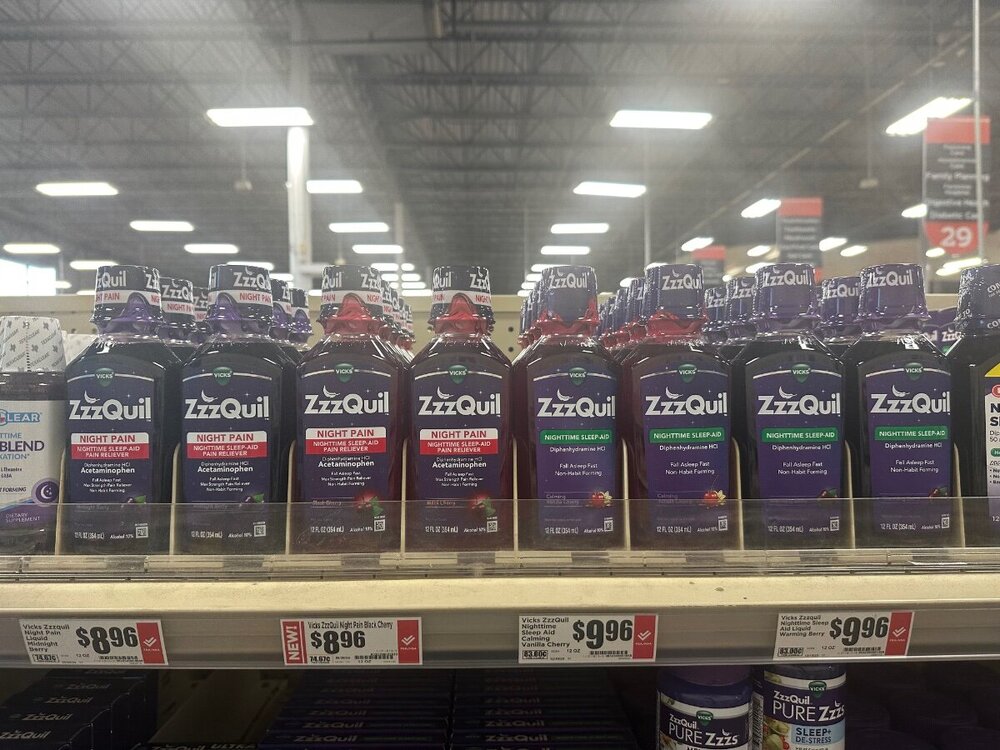
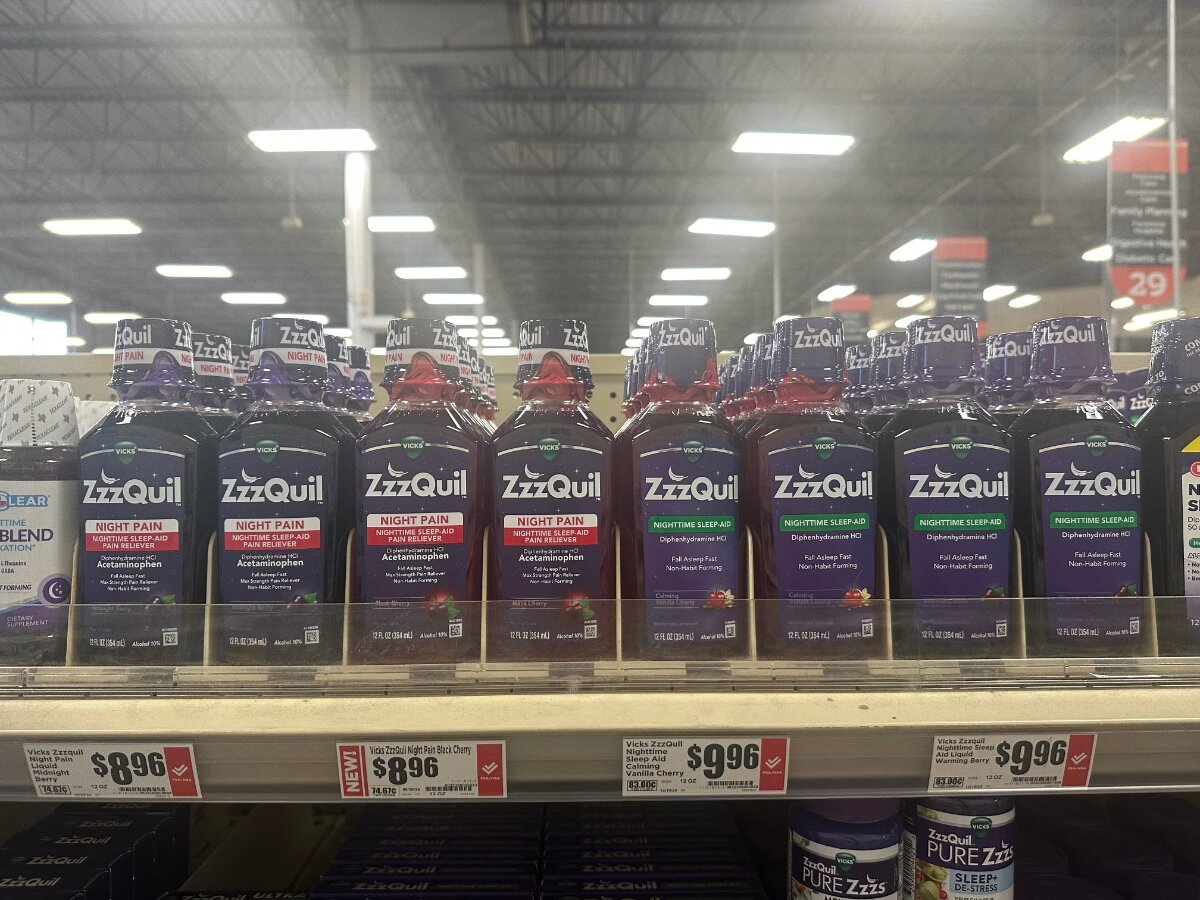
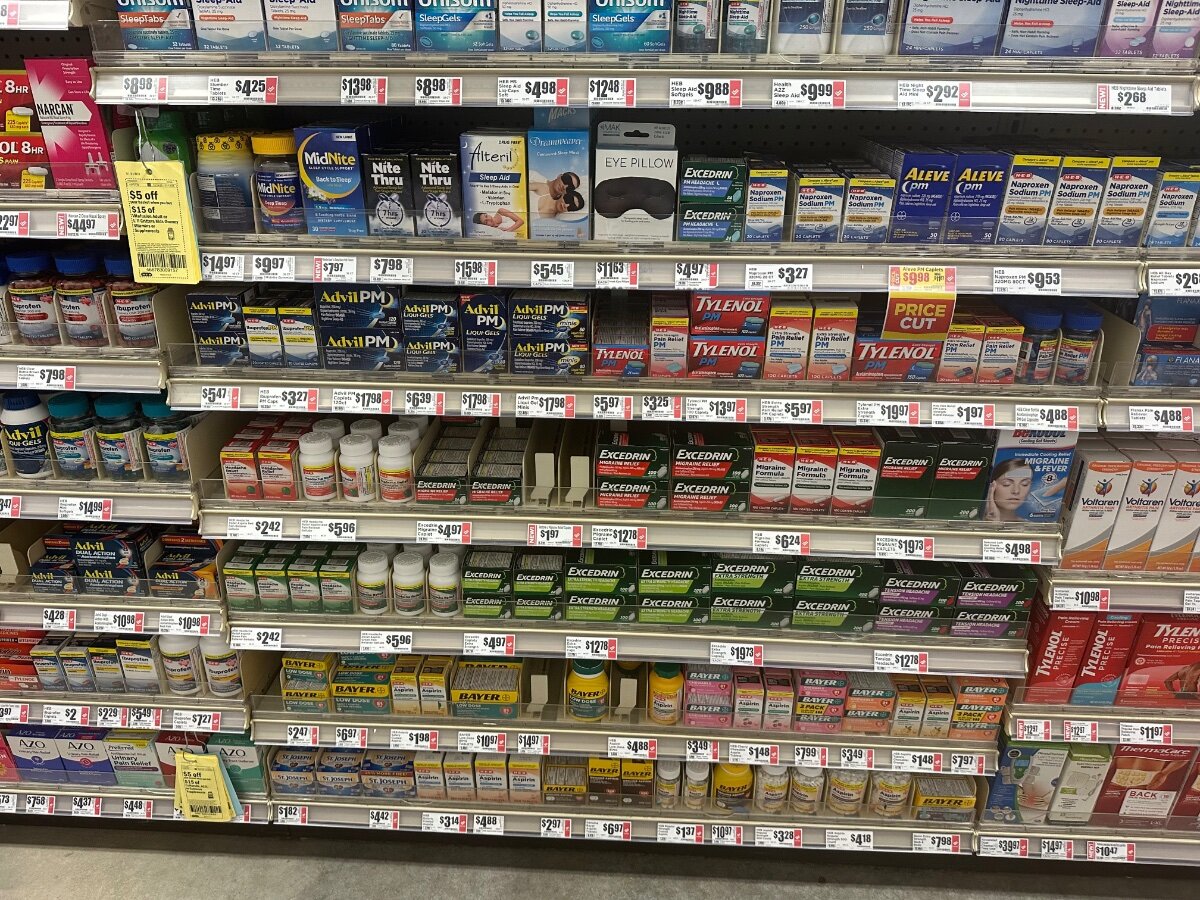
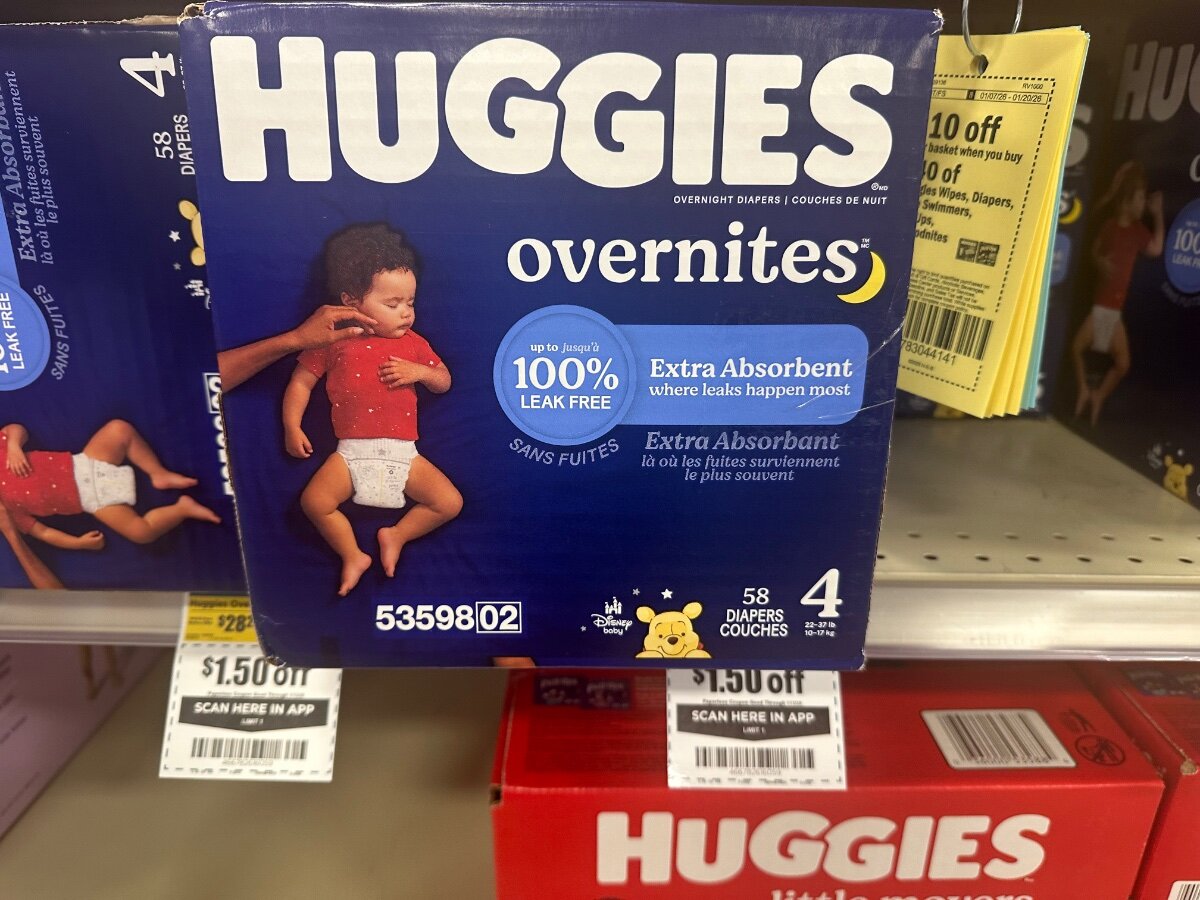
Would I look weird carrying the whole shelf to the checkout line? It’s kind of busy

-
Dude was one hell of a RB talent

-
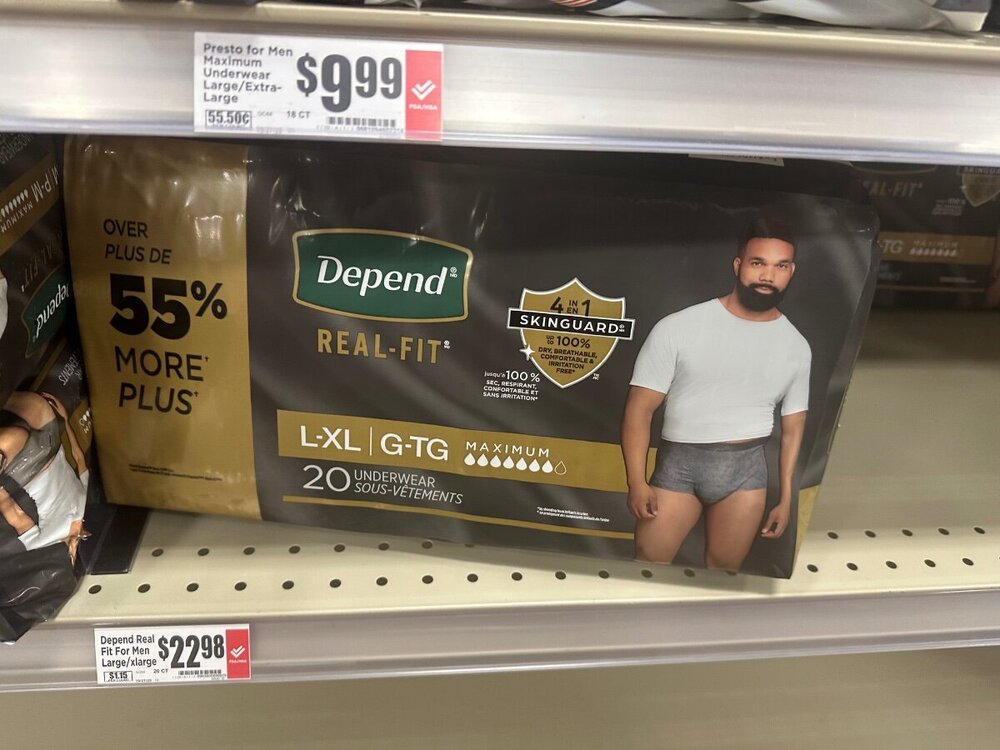
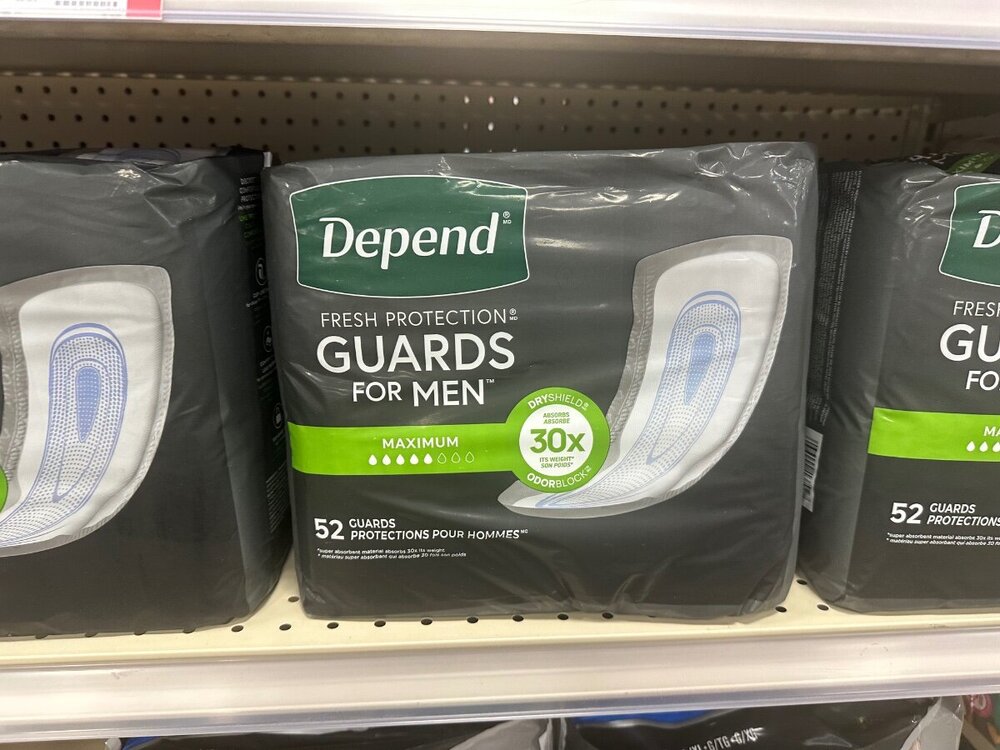
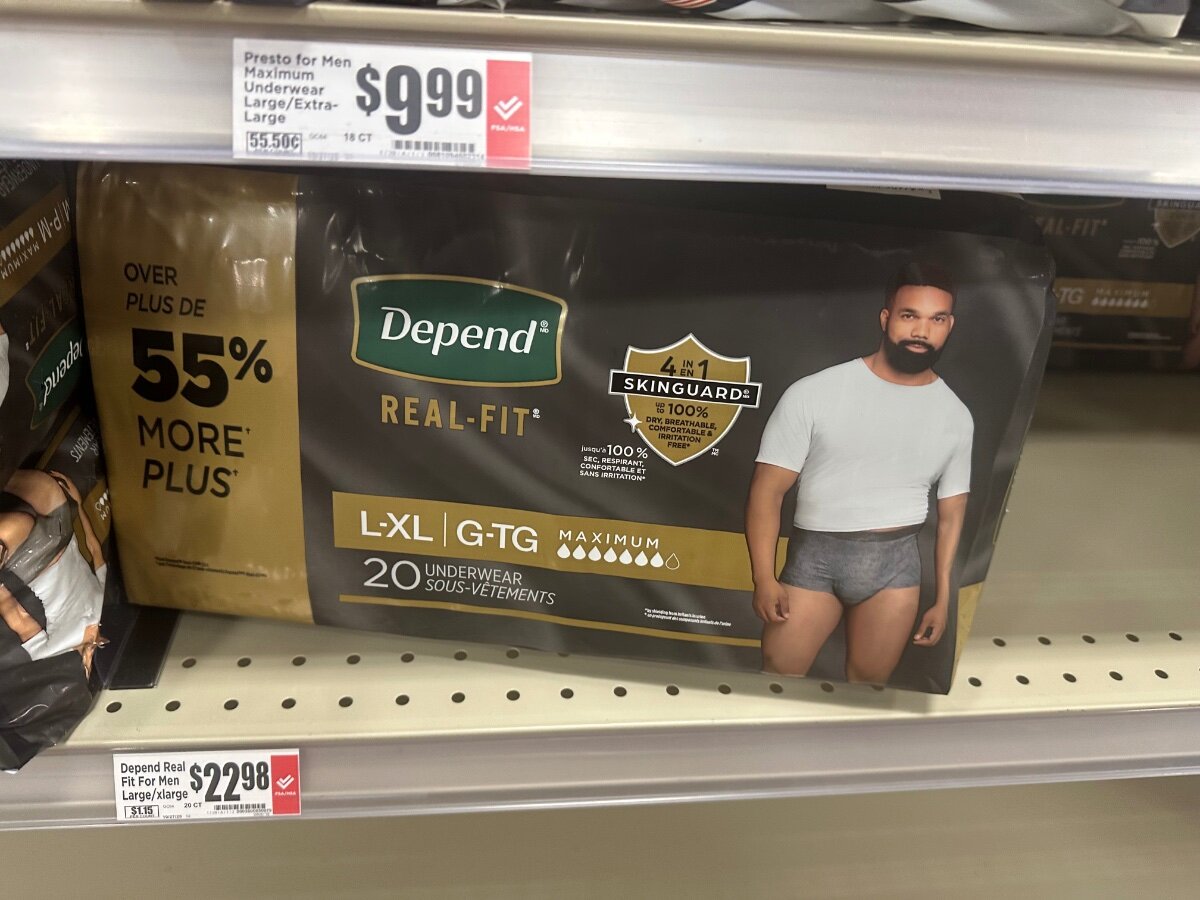
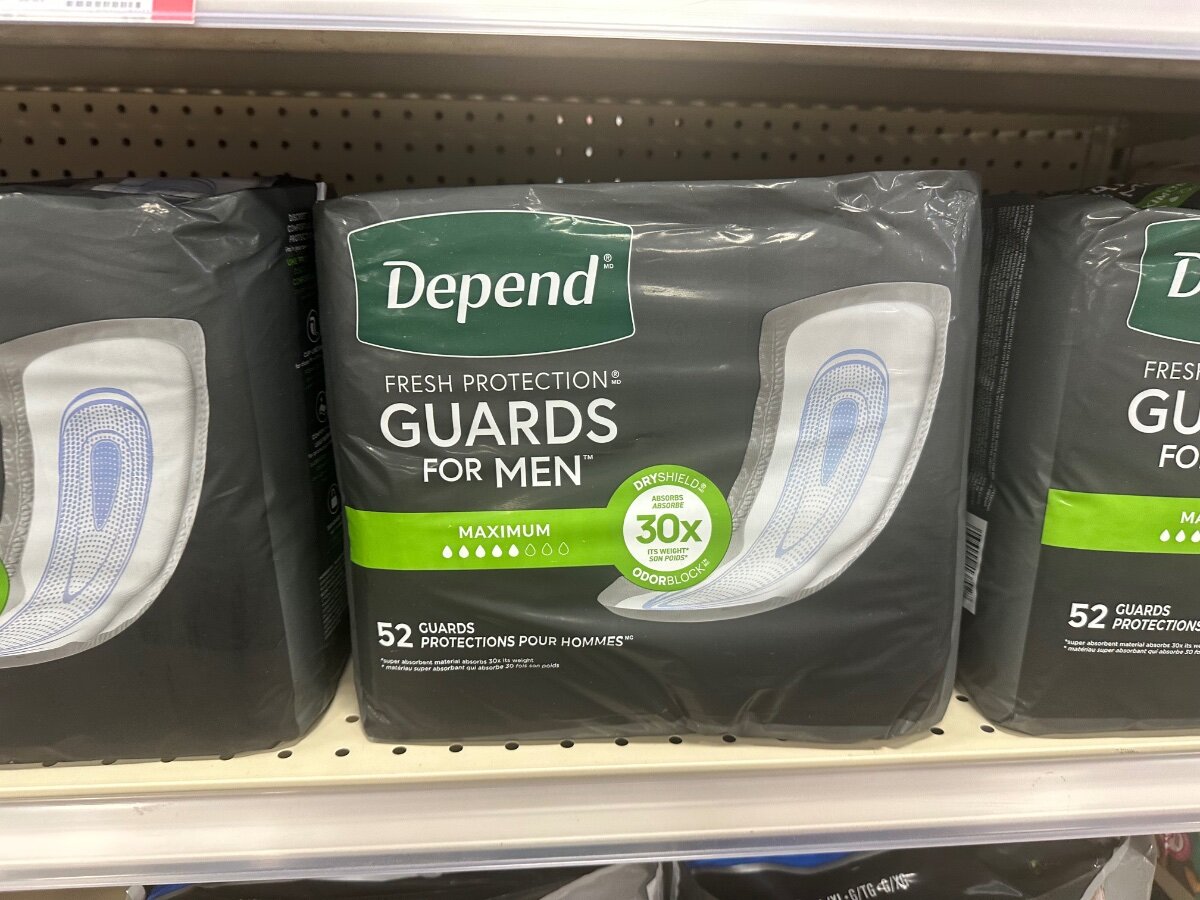
May need them
-
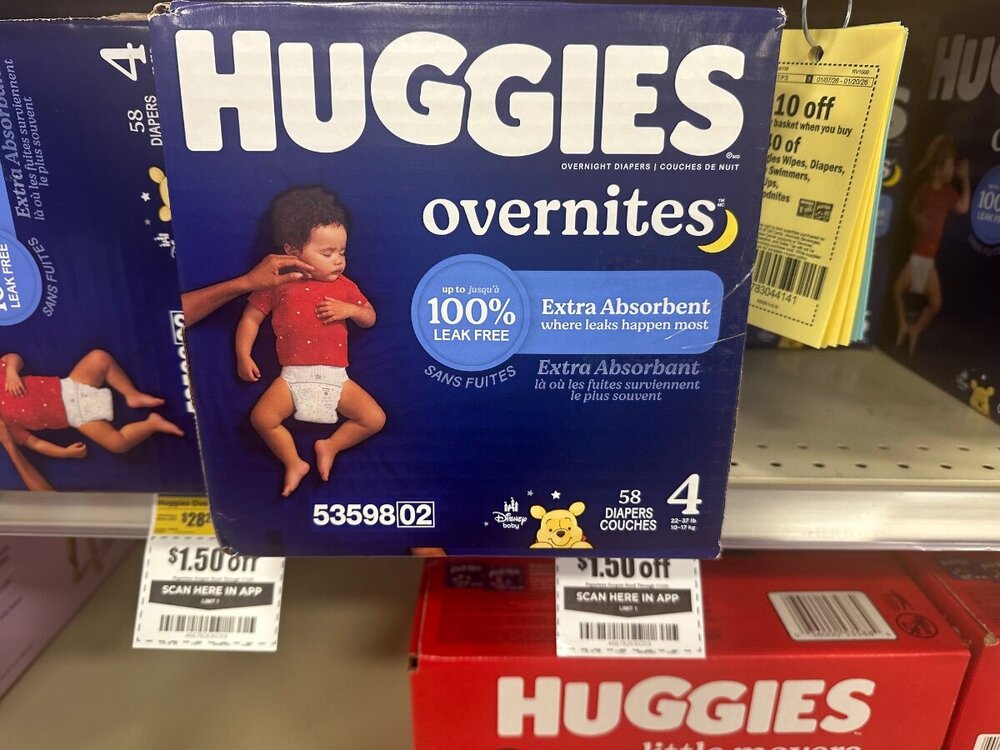
Hope they fit
-
Both of them

-
I’m at HEB … should I post my grocery list picture by picture?
-
Hilarious
-
I’m cruising along

-
He wants to play left tackle Texas would have to pay him LT $$$ to play RT
-
LSU transfer NG Zion Williams scheduled to arrive in Austin around 5pm
-
Still waiting
-
Zion Williams scheduled to arrive at 5 BTW
-
Yes
-
Going to go ahead and make the call on this thread prior to the NHC 5pm ET advisory

-
Marvelous hahaHaha. Youngest ACL tear on record?Has proven he can handle big jobs
 That’s amazing!Whoa… Matt is here!!!
 I’ve continually had the same message. About portal, guys actually going in portal or not, and multiple colleges are going to get caught holding the bag at positions when we look up on January 25 (after dust settles) And my No. 1 message is and has been if Texas is 135 in penalties next year and undisciplined… it doesn’t matter how much talent one accumulates. I’m always genuine with my thoughts, or opinions.













Important Information
We have placed cookies on your device to help make this website better. You can adjust your cookie settings, otherwise we'll assume you're okay to continue.
Account
Navigation
Search
Configure browser push notifications
Chrome (Android)
- Tap the lock icon next to the address bar.
- Tap Permissions → Notifications.
- Adjust your preference.
Chrome (Desktop)
- Click the padlock icon in the address bar.
- Select Site settings.
- Find Notifications and adjust your preference.
Safari (iOS 16.4+)
- Ensure the site is installed via Add to Home Screen.
- Open Settings App → Notifications.
- Find your app name and adjust your preference.
Safari (macOS)
- Go to Safari → Preferences.
- Click the Websites tab.
- Select Notifications in the sidebar.
- Find this website and adjust your preference.
Edge (Android)
- Tap the lock icon next to the address bar.
- Tap Permissions.
- Find Notifications and adjust your preference.
Edge (Desktop)
- Click the padlock icon in the address bar.
- Click Permissions for this site.
- Find Notifications and adjust your preference.
Firefox (Android)
- Go to Settings → Site permissions.
- Tap Notifications.
- Find this site in the list and adjust your preference.
Firefox (Desktop)
- Open Firefox Settings.
- Search for Notifications.
- Find this site in the list and adjust your preference.