


Gerry Hamilton
Moderators
-
Joined
-
Last visited
Everything posted by Gerry Hamilton
-
Jordon Davison on campus already
-
San Marcos (Calif.) Mission Hills 2026 QB Troy Huhn arrived in Austin Thursday night. He was on campus today and met with Sarkisian and staff. He will go through day 2 of the unofficial visit Saturday.
-
Chapel Hill RB Rickey Stewart and his mom are driving to Austin in the morningKaliq Lockett and family will arrive in Austin tonight
 Hastings EDGE Smith Orogbo will arrive Saturday morningKJ Lacey’s flight into Austin arrives around 7:30 am early morning in Mobile!Definitely prefers safety, and has to be recruited as that!For sure! EliteDekaney TE Nick Townsend is currently at Alabama on an unofficial visit he tells OnTexasFootball… so the weekend visit appears iffyElijah Barnes at The Cotton Bowl in October
 Jonah Williams


 Zion Williams from the season
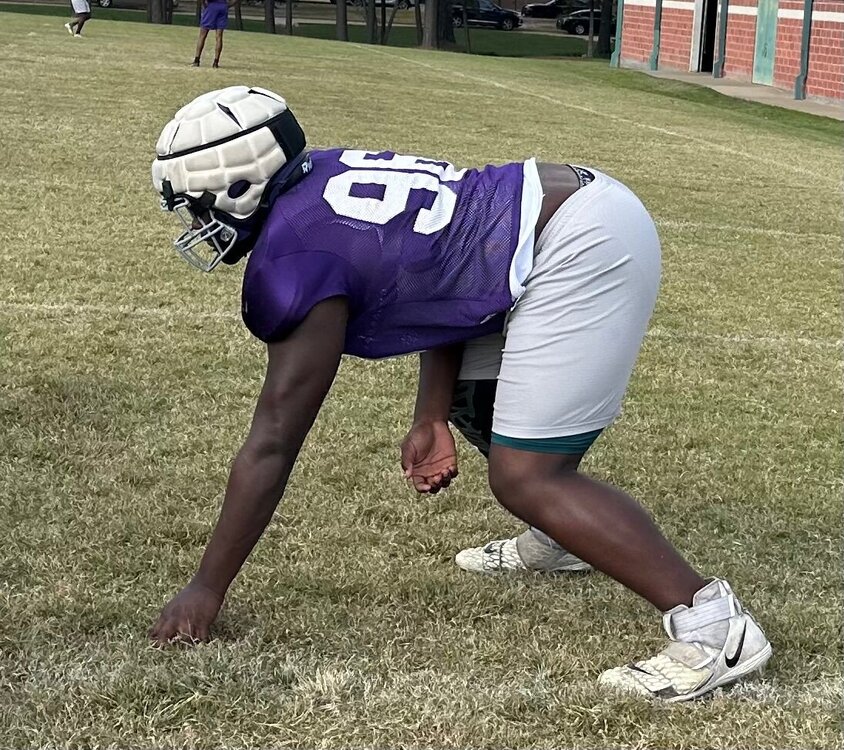

 Aggie fans
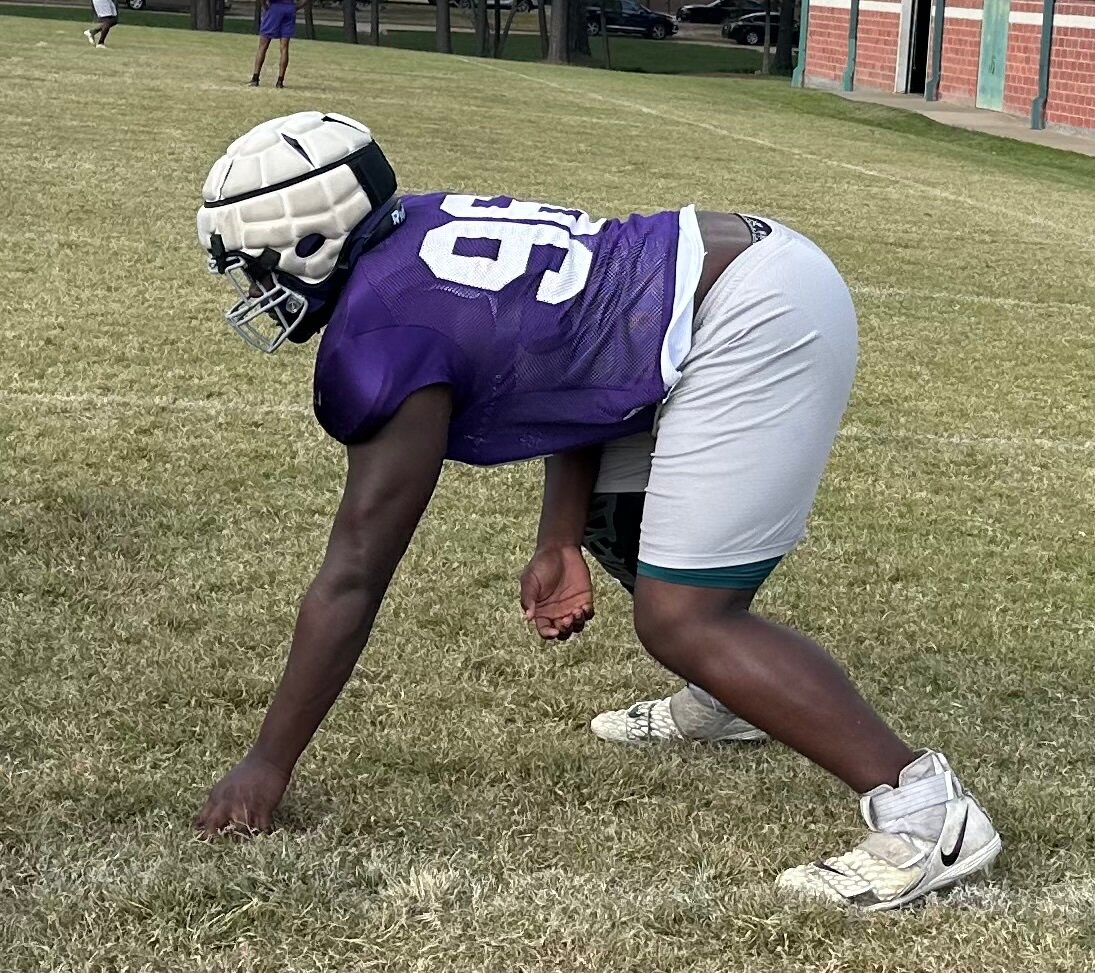
 Jonah Williams from hoops season
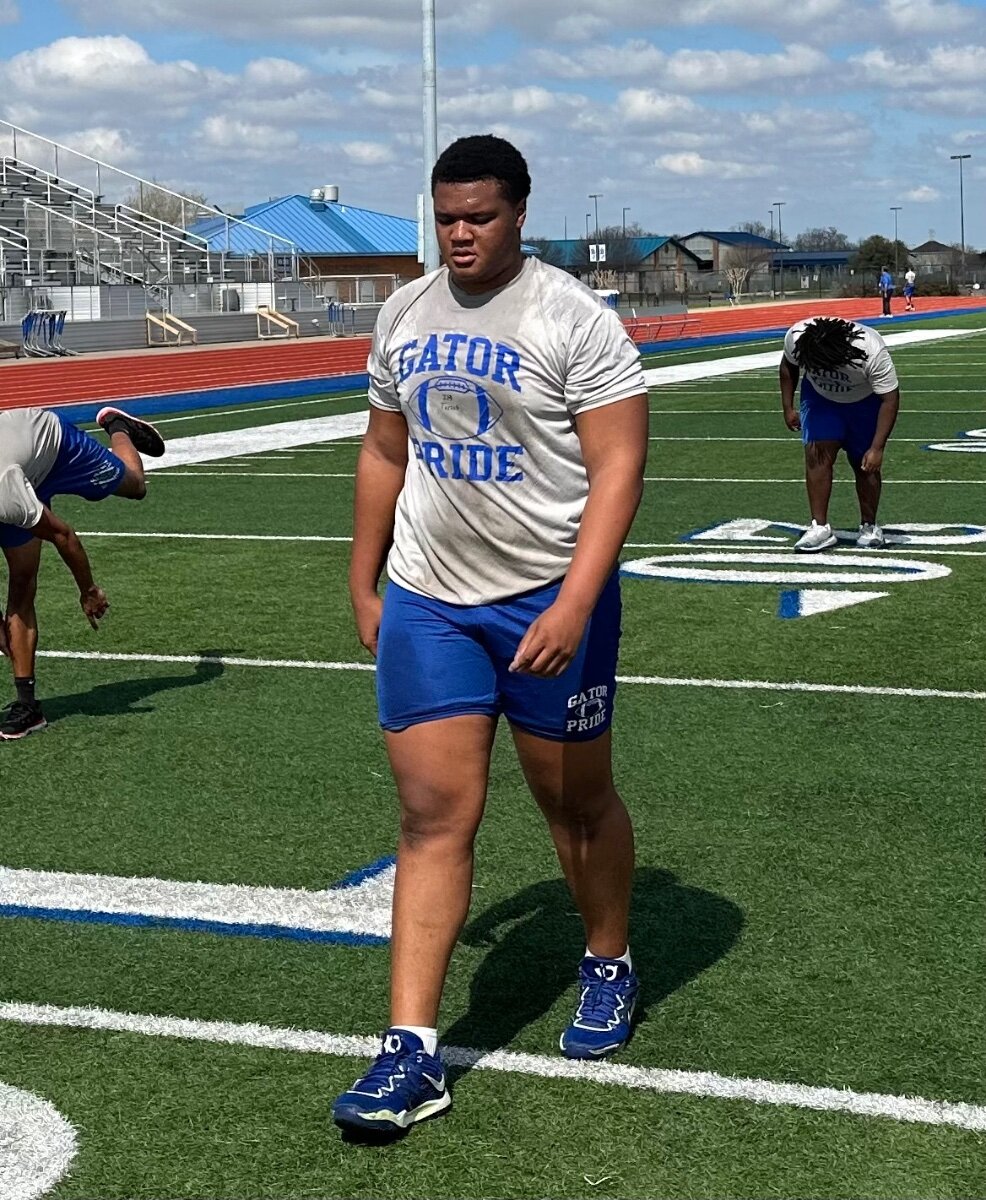
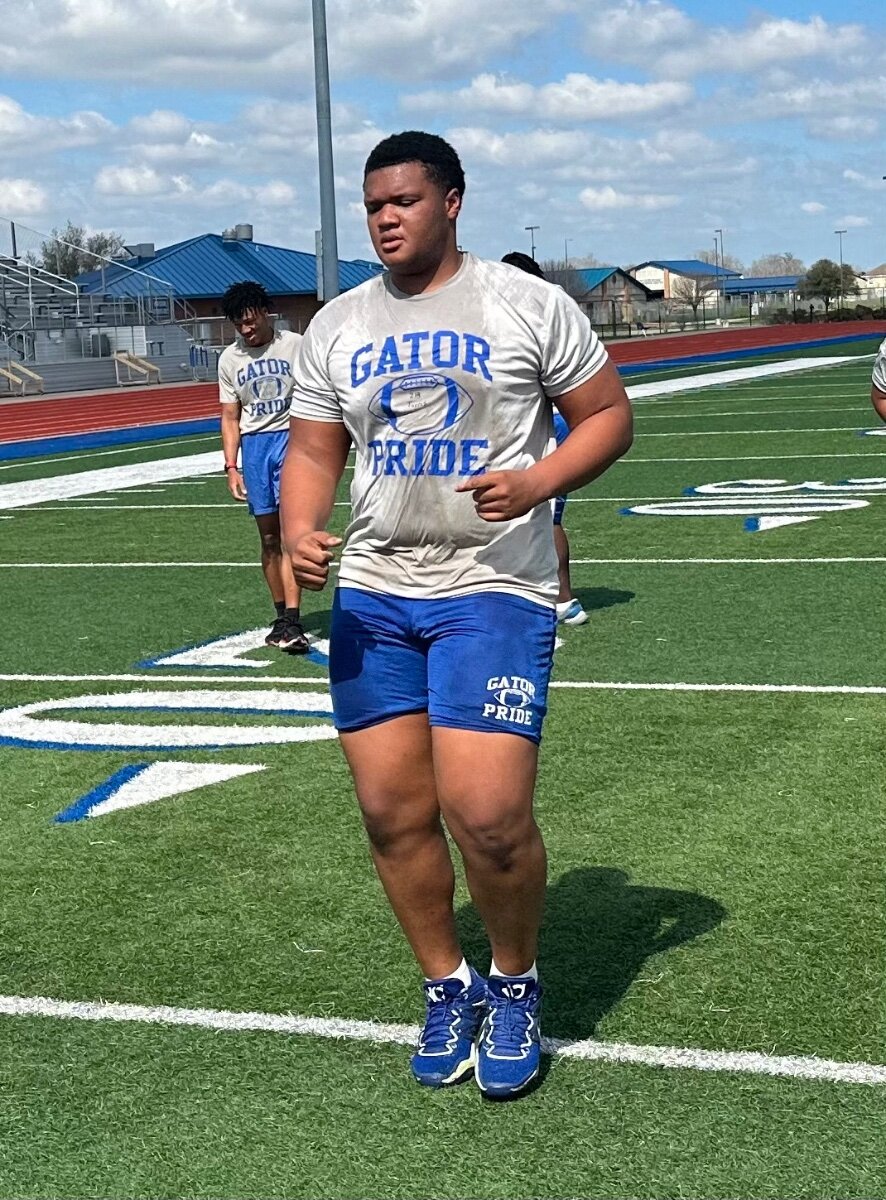
 Jonte Newman from earlier this year
 Kelshaun Johnson will arrive in the morning

Important Information
We have placed cookies on your device to help make this website better. You can adjust your cookie settings, otherwise we'll assume you're okay to continue.






























Account
Navigation
Search
Configure browser push notifications
Chrome (Android)
- Tap the lock icon next to the address bar.
- Tap Permissions → Notifications.
- Adjust your preference.
Chrome (Desktop)
- Click the padlock icon in the address bar.
- Select Site settings.
- Find Notifications and adjust your preference.
Safari (iOS 16.4+)
- Ensure the site is installed via Add to Home Screen.
- Open Settings App → Notifications.
- Find your app name and adjust your preference.
Safari (macOS)
- Go to Safari → Preferences.
- Click the Websites tab.
- Select Notifications in the sidebar.
- Find this website and adjust your preference.
Edge (Android)
- Tap the lock icon next to the address bar.
- Tap Permissions.
- Find Notifications and adjust your preference.
Edge (Desktop)
- Click the padlock icon in the address bar.
- Click Permissions for this site.
- Find Notifications and adjust your preference.
Firefox (Android)
- Go to Settings → Site permissions.
- Tap Notifications.
- Find this site in the list and adjust your preference.
Firefox (Desktop)
- Open Firefox Settings.
- Search for Notifications.
- Find this site in the list and adjust your preference.