Gerry Hamilton
Moderators
-
Joined
-
Last visited
Everything posted by Gerry Hamilton
-
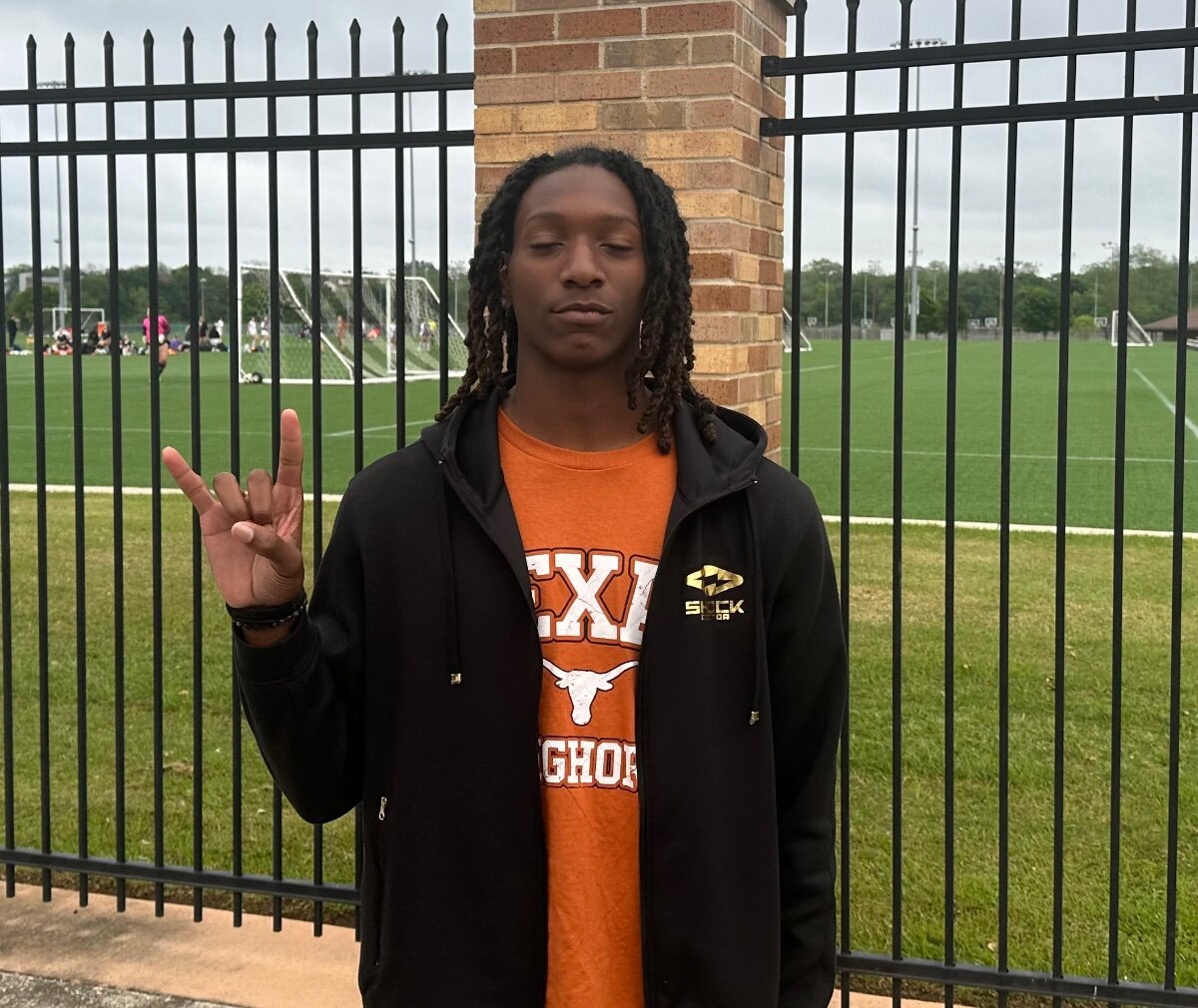
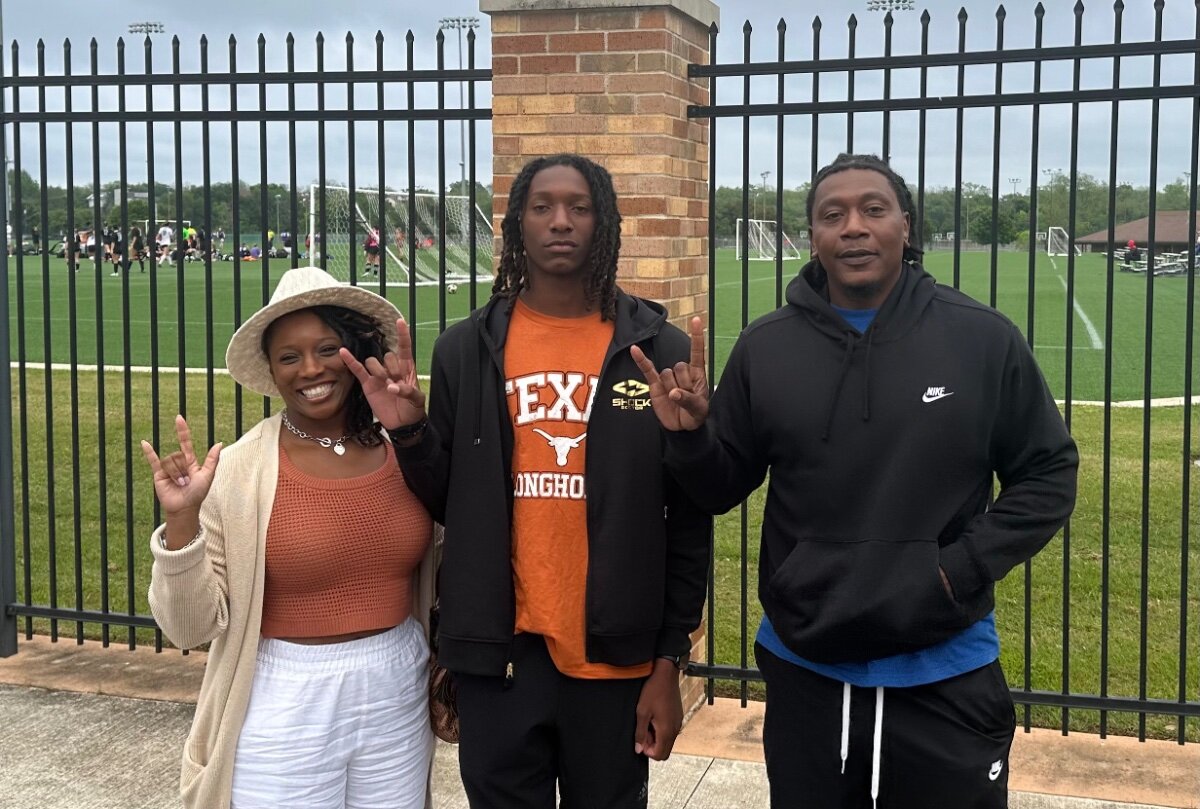
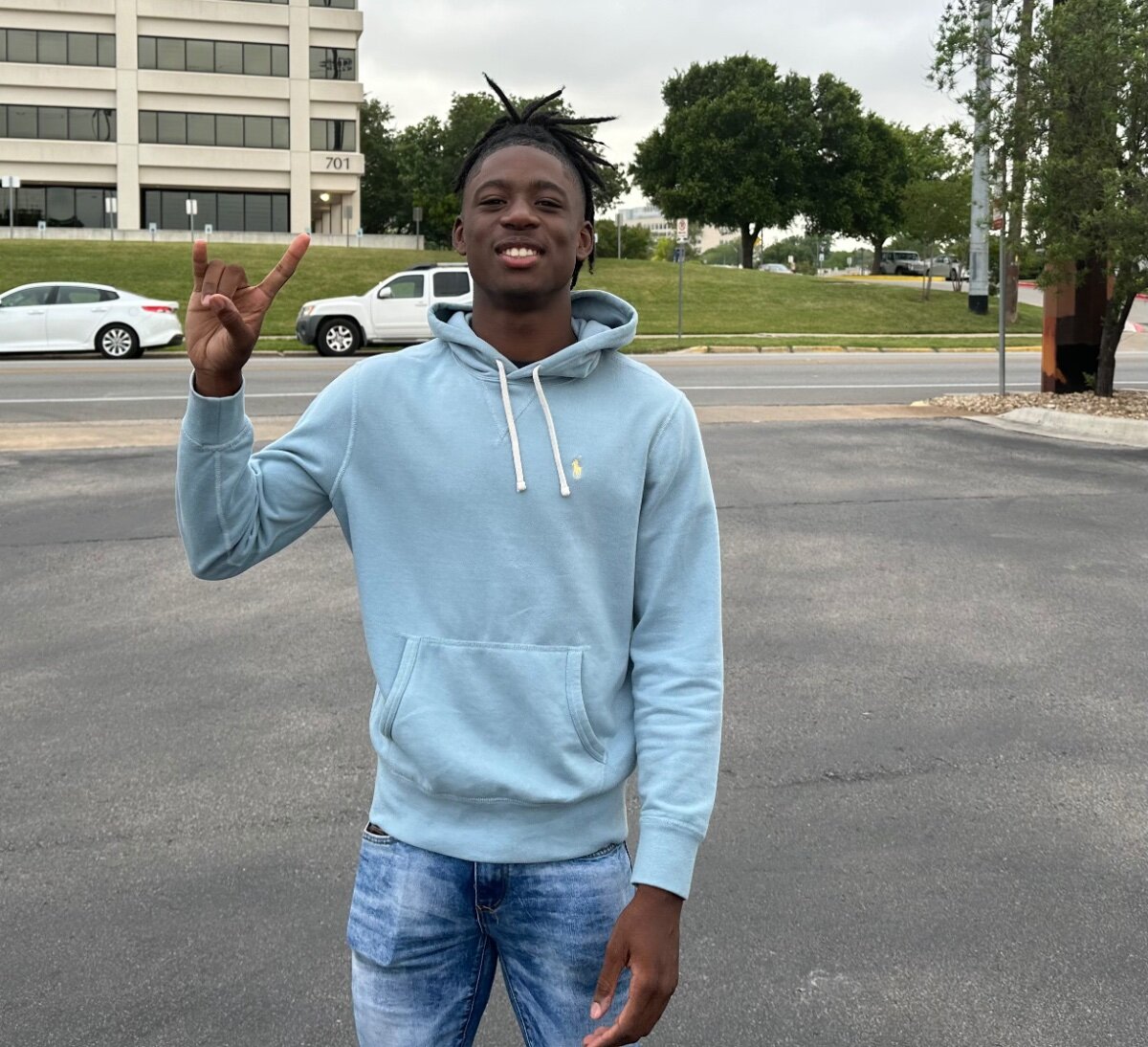
Myron Charles was the big one Friday The DL from Nashville today
-
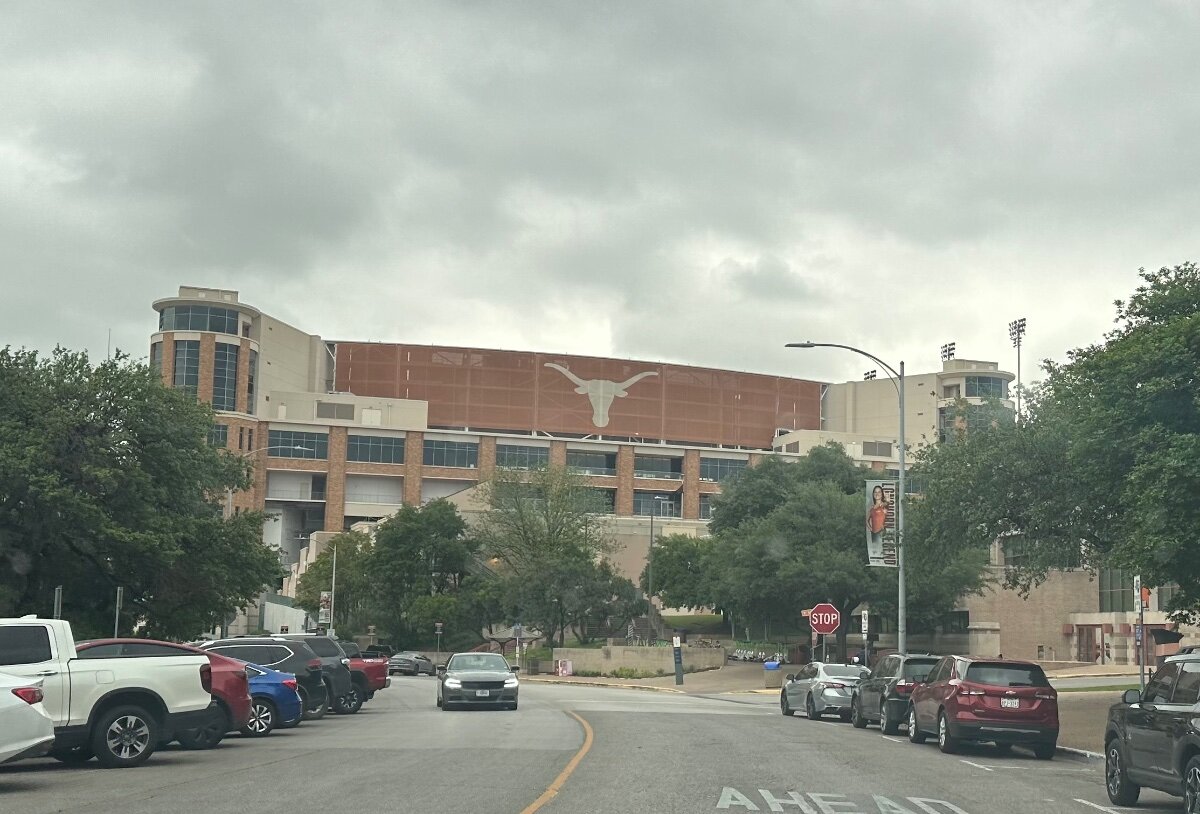
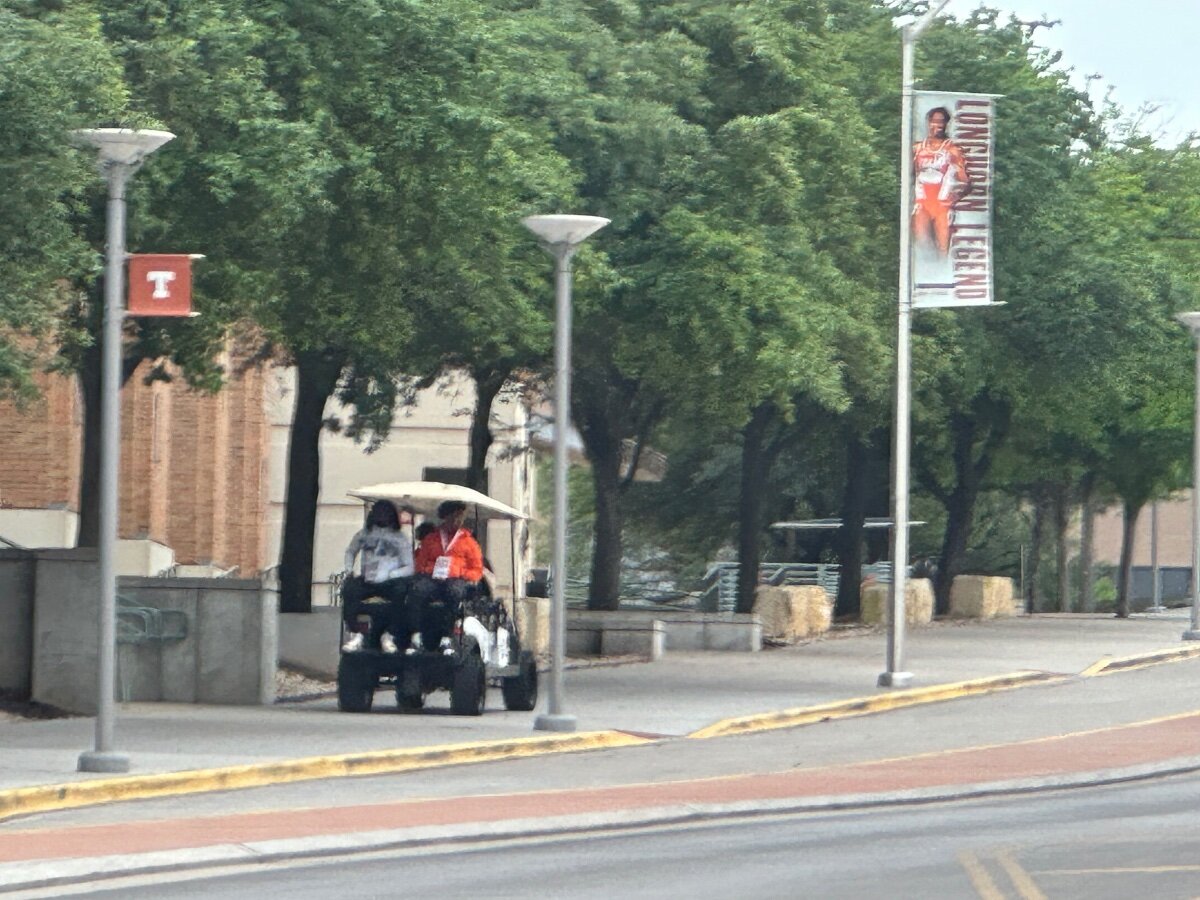
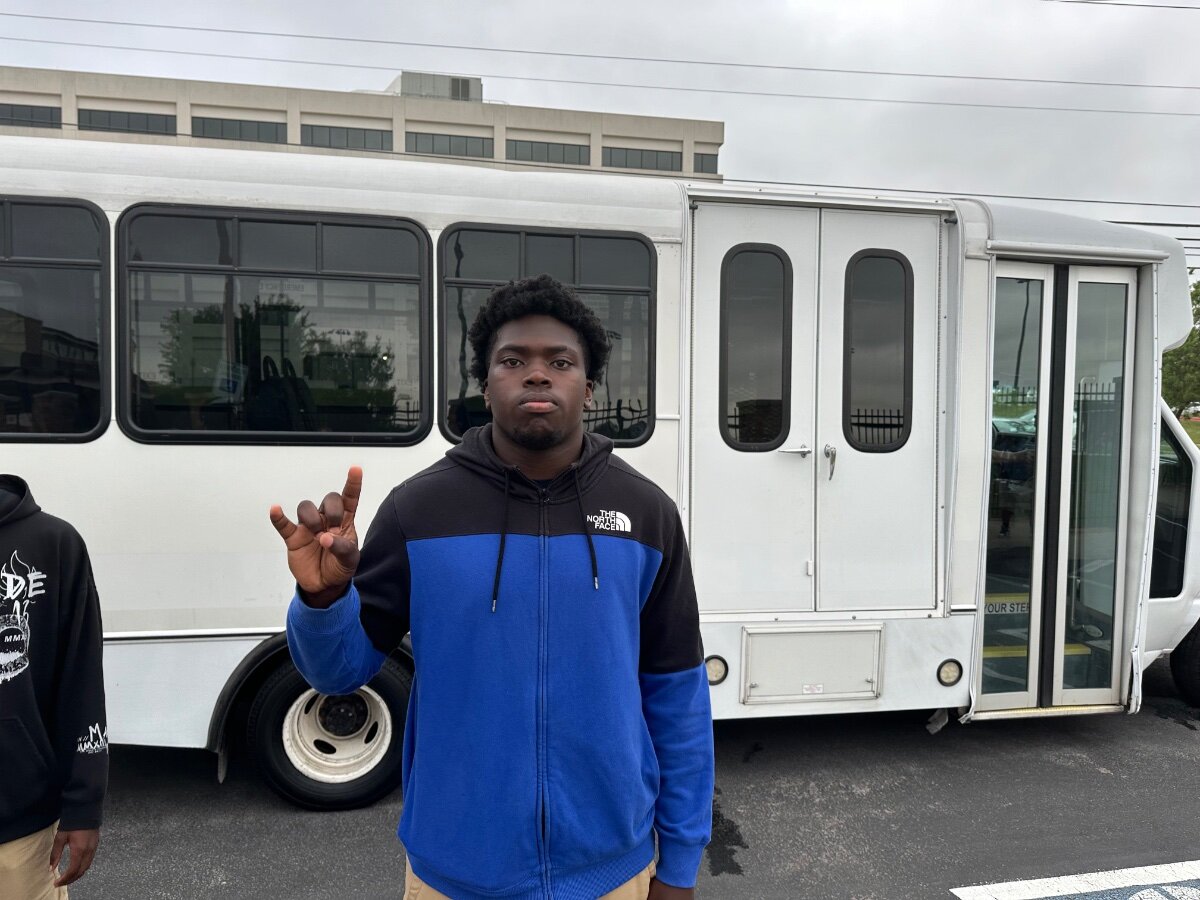
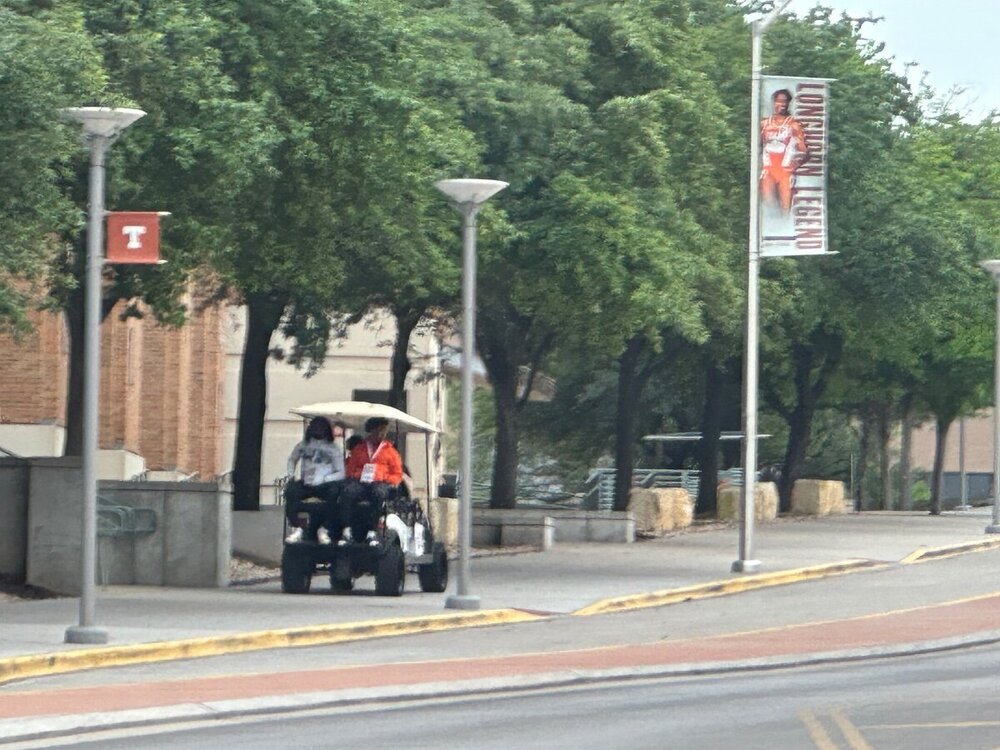
There are shuttle buses to take recruits/families to Moncrief … for parking purposesJordon Davison and Rickey Stewart
 Hastings 2025 DL Ike Okafor
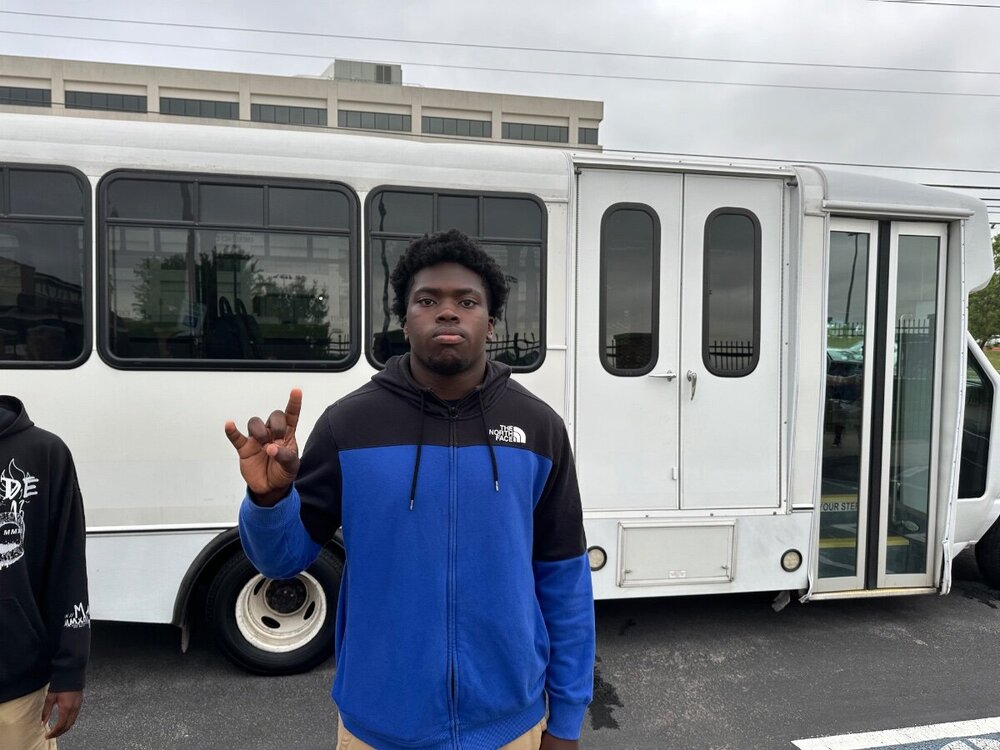 Hightower High 4-star safety Kade Phillips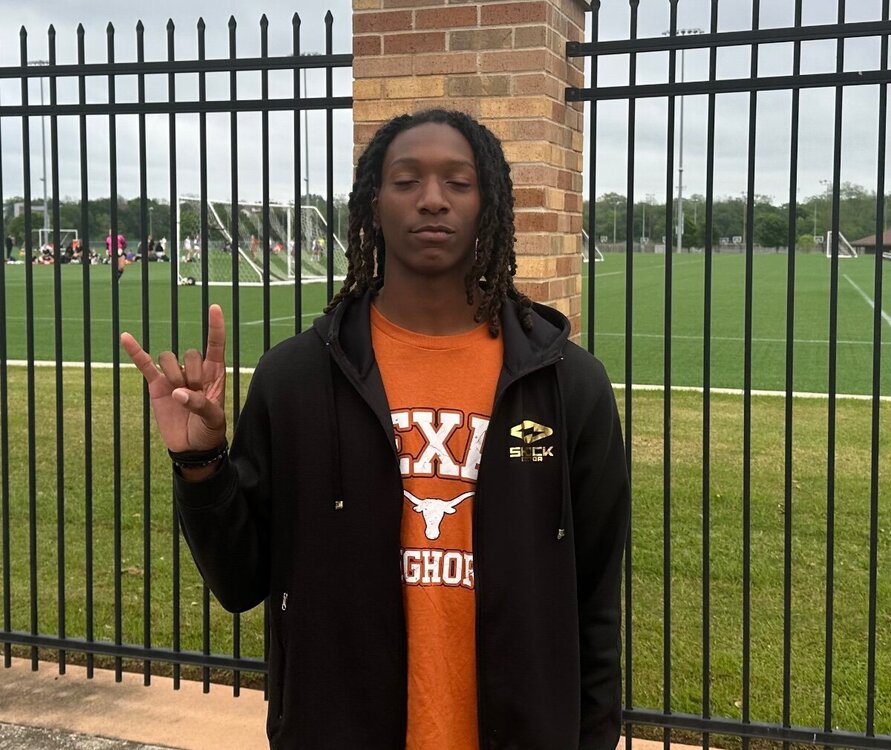
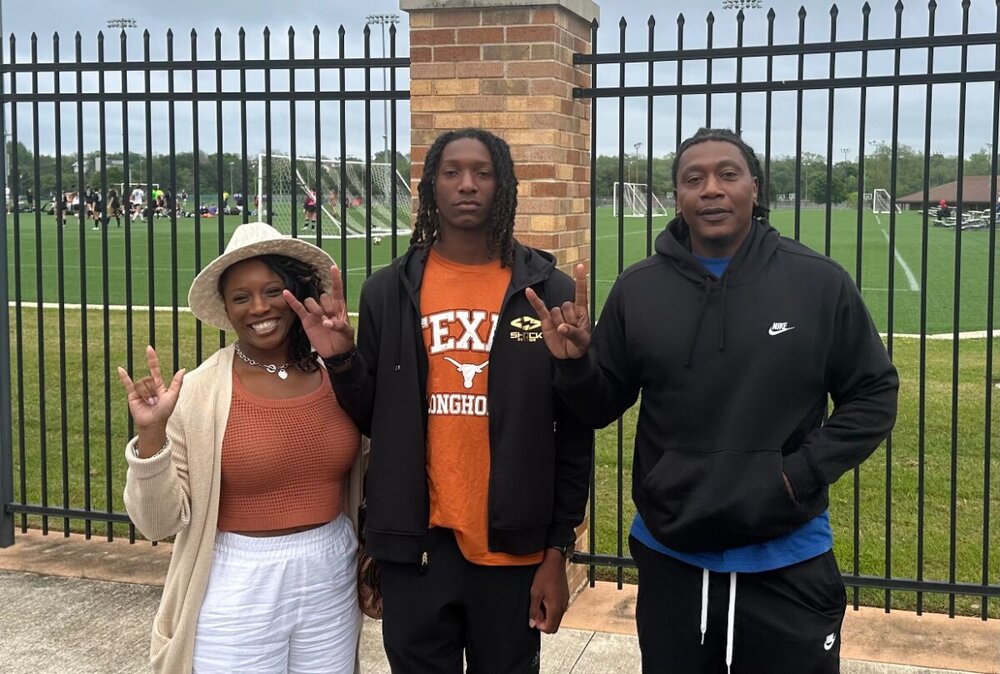 Kaliq Lockett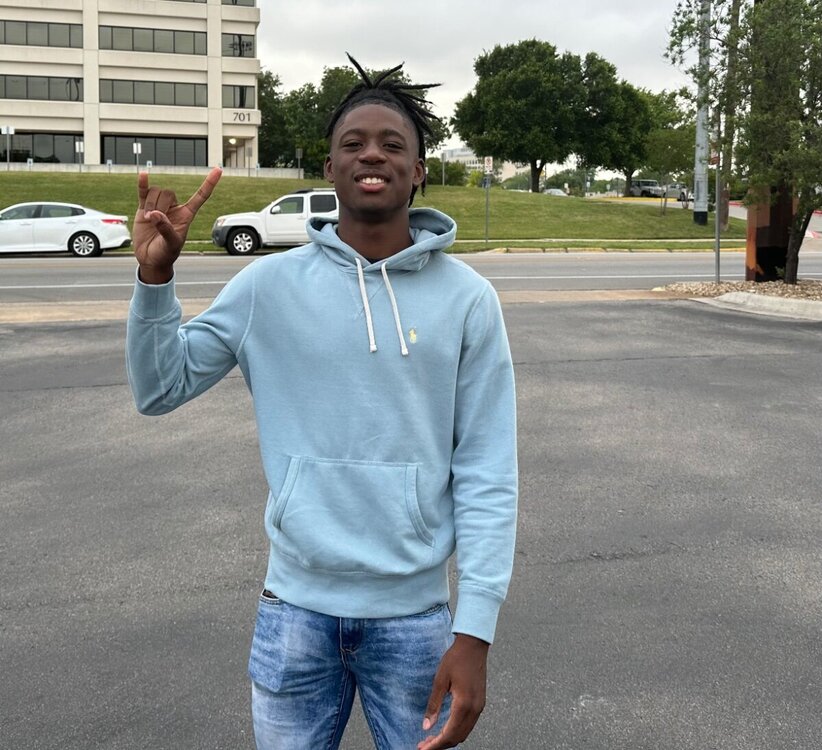
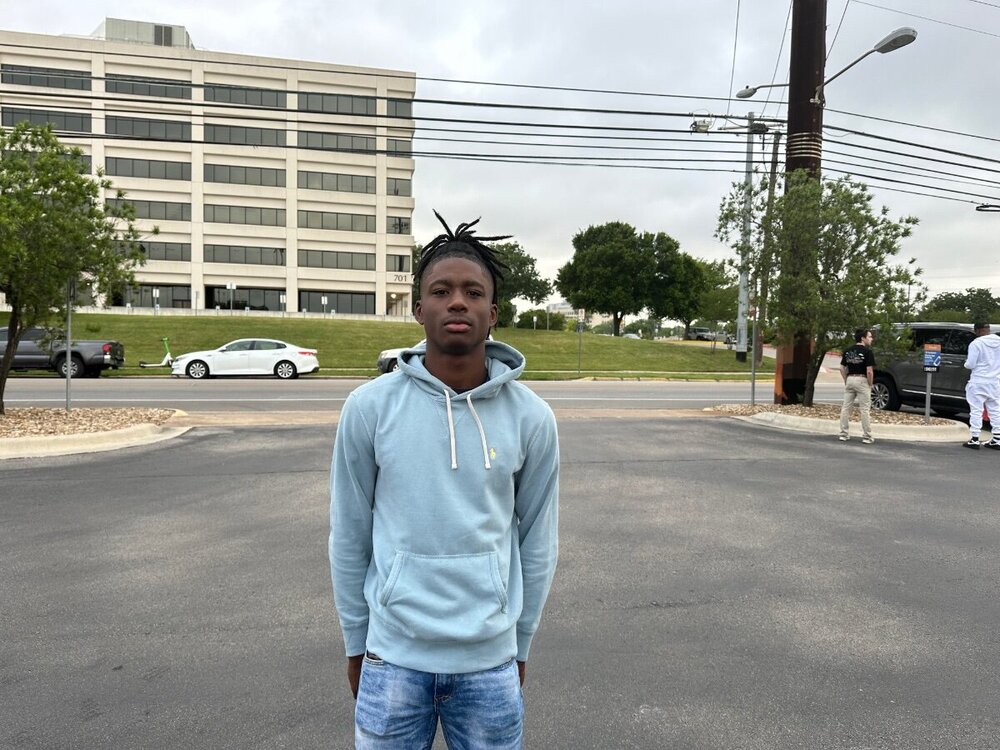 Huhn sister is transferring to UT-RGV for basketball from Miami (Ohio)His sister lives in San Antonio11am’ish
Important Information
We have placed cookies on your device to help make this website better. You can adjust your cookie settings, otherwise we'll assume you're okay to continue.
Account
Navigation
Search
Configure browser push notifications
Chrome (Android)
- Tap the lock icon next to the address bar.
- Tap Permissions → Notifications.
- Adjust your preference.
Chrome (Desktop)
- Click the padlock icon in the address bar.
- Select Site settings.
- Find Notifications and adjust your preference.
Safari (iOS 16.4+)
- Ensure the site is installed via Add to Home Screen.
- Open Settings App → Notifications.
- Find your app name and adjust your preference.
Safari (macOS)
- Go to Safari → Preferences.
- Click the Websites tab.
- Select Notifications in the sidebar.
- Find this website and adjust your preference.
Edge (Android)
- Tap the lock icon next to the address bar.
- Tap Permissions.
- Find Notifications and adjust your preference.
Edge (Desktop)
- Click the padlock icon in the address bar.
- Click Permissions for this site.
- Find Notifications and adjust your preference.
Firefox (Android)
- Go to Settings → Site permissions.
- Tap Notifications.
- Find this site in the list and adjust your preference.
Firefox (Desktop)
- Open Firefox Settings.
- Search for Notifications.
- Find this site in the list and adjust your preference.