


Gerry Hamilton
Moderators
-
Joined
-
Last visited
Everything posted by Gerry Hamilton
-
Marlon Davidson was really good out of here … Auburn and NFL DL
-
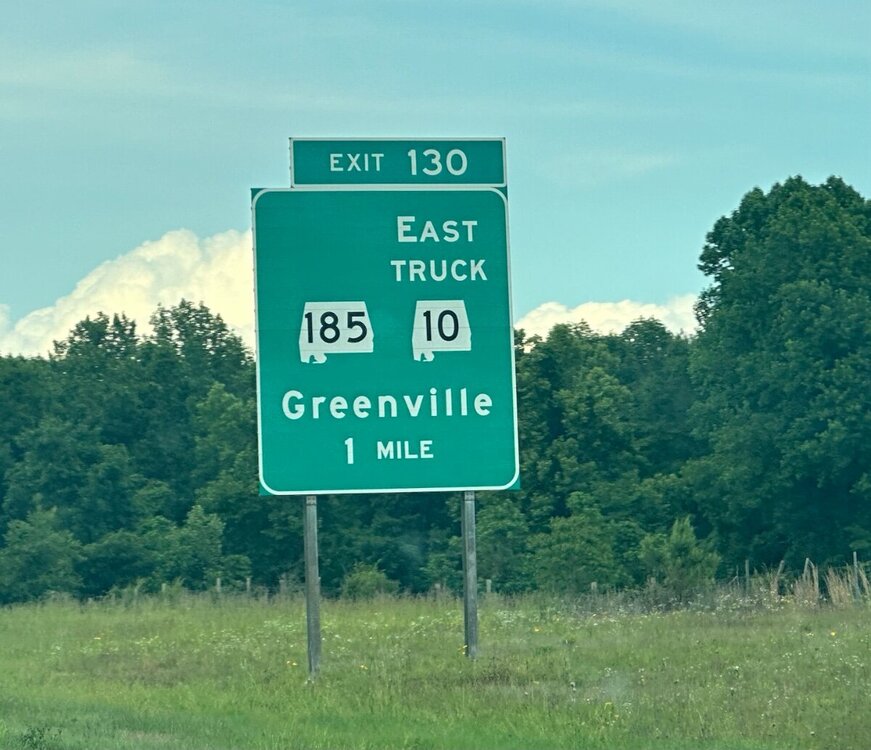
In the area code!
-
Alabama or Auburn for Antonio Coleman? I may take the Tigers
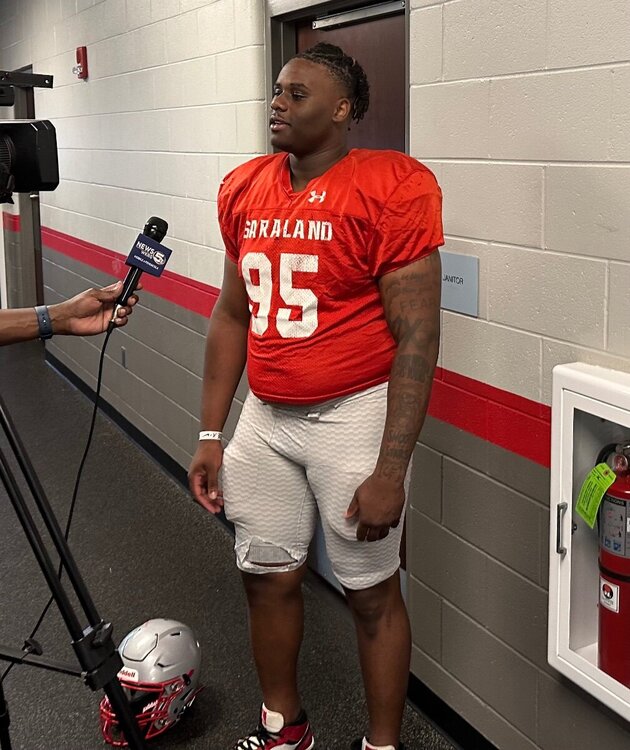 🔥🔥🔥
🔥🔥🔥 Commits elsewhere. Don’t think the recruitment is shut down, at this point.IMG_3395.movThree members of Auburn coaching staff now watching KJ Lacey throw it around
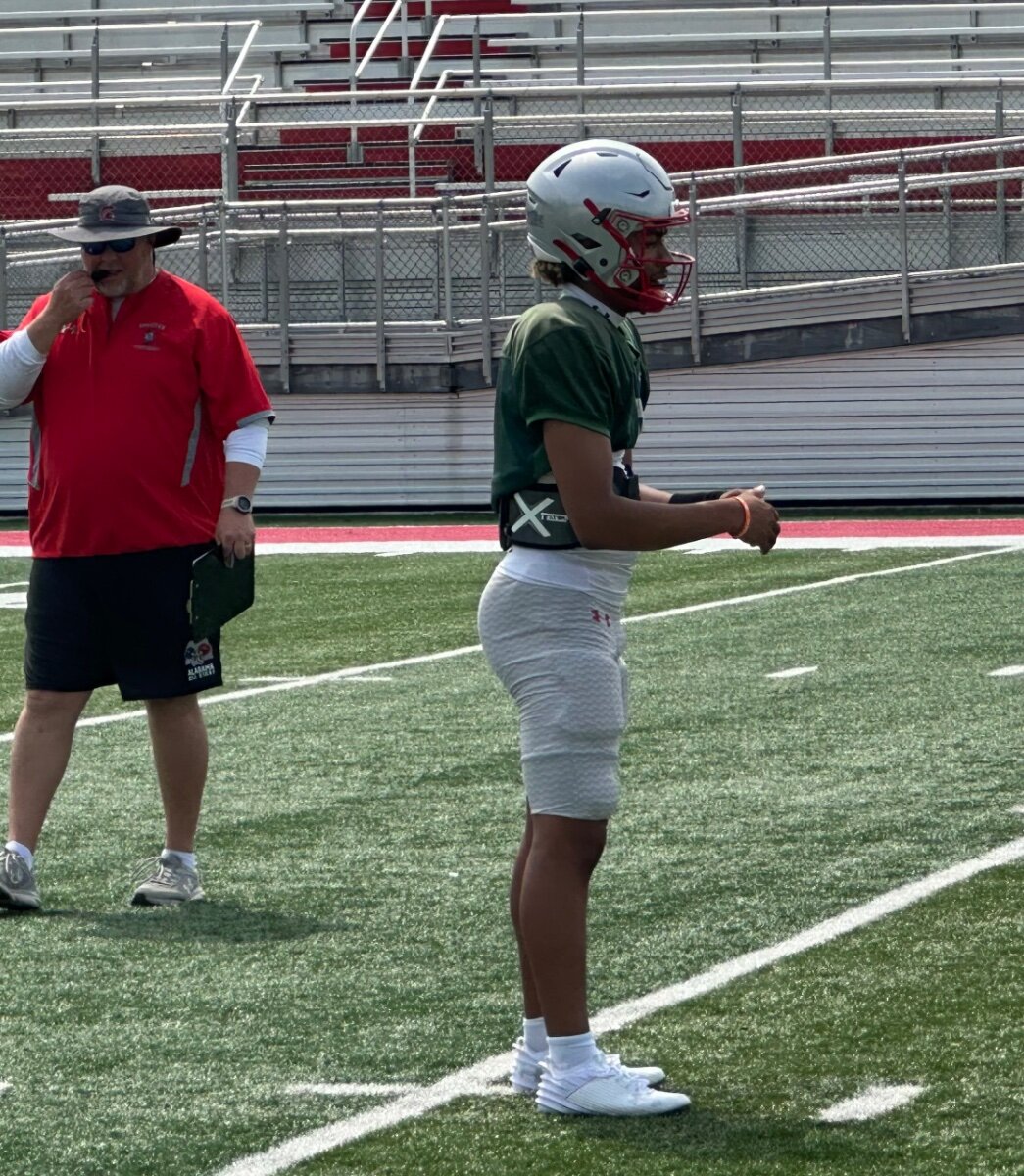
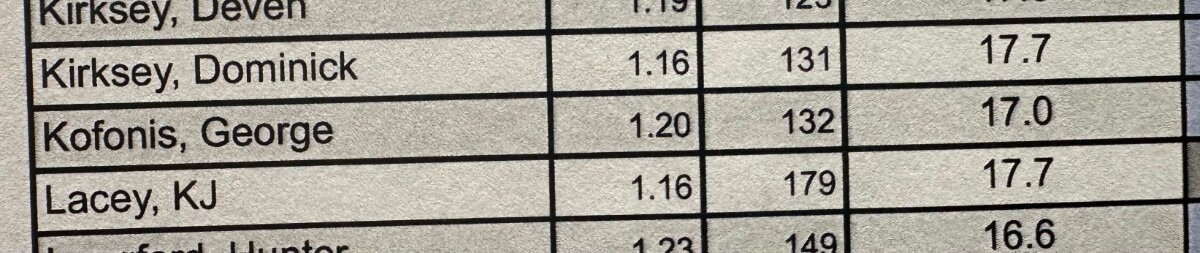
 More of KJ Lacey IMG_3391.movKJ Lacey IMG_3381.movKJ Lacey IMG_3382.movKJ Lacey … up to 186 pounds from around 172 at the start of the 2023 season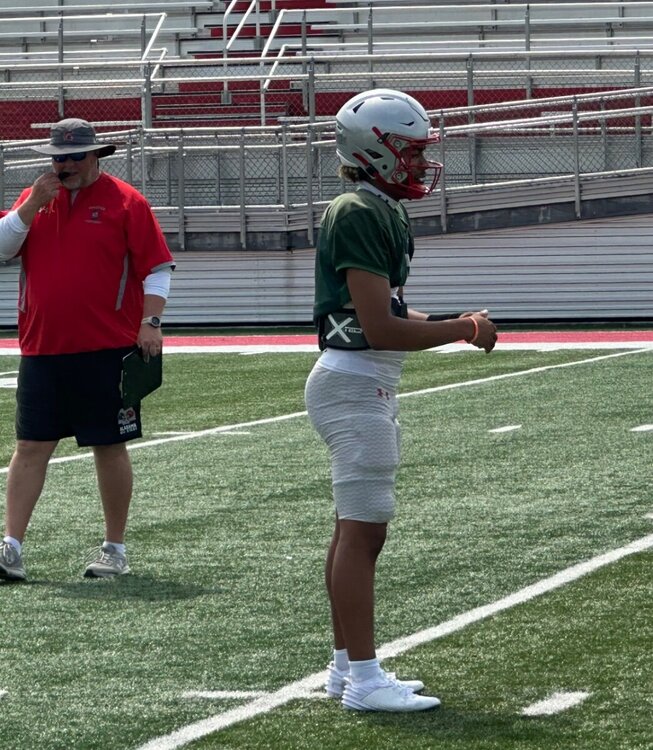
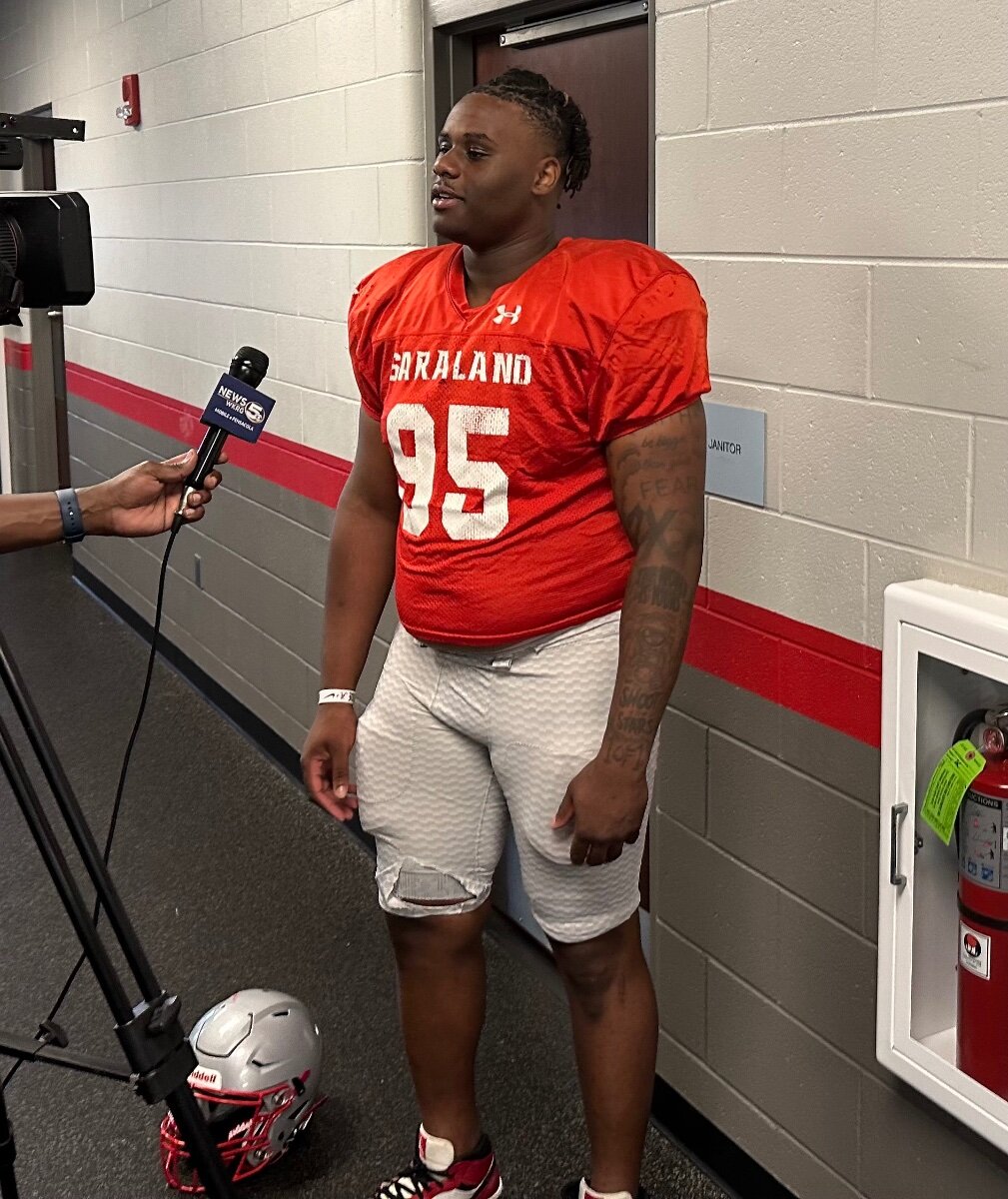
 Auburn DC DJ Durkin and DL coach watching Saraland High 4-star DT and Alabama commit Antonio Coleman
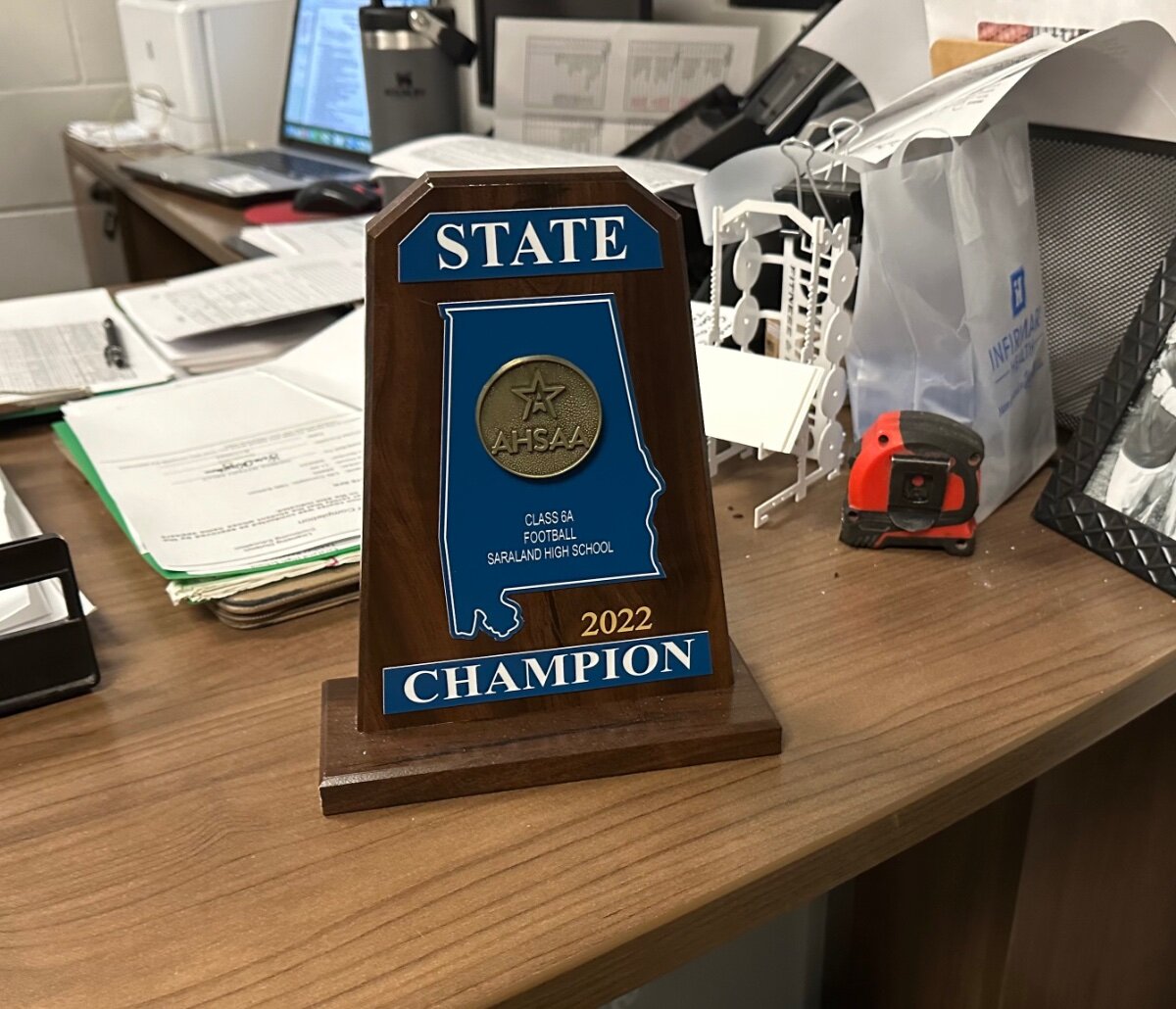
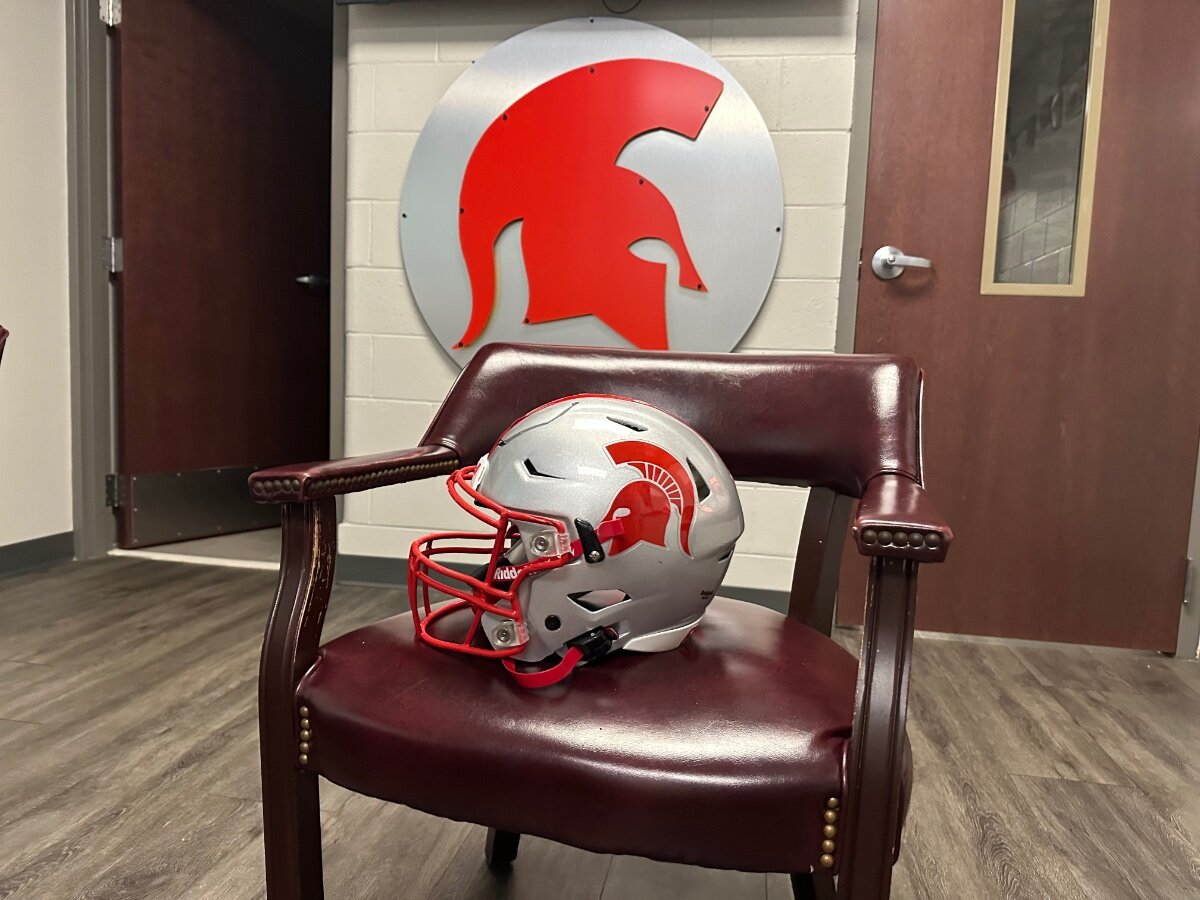
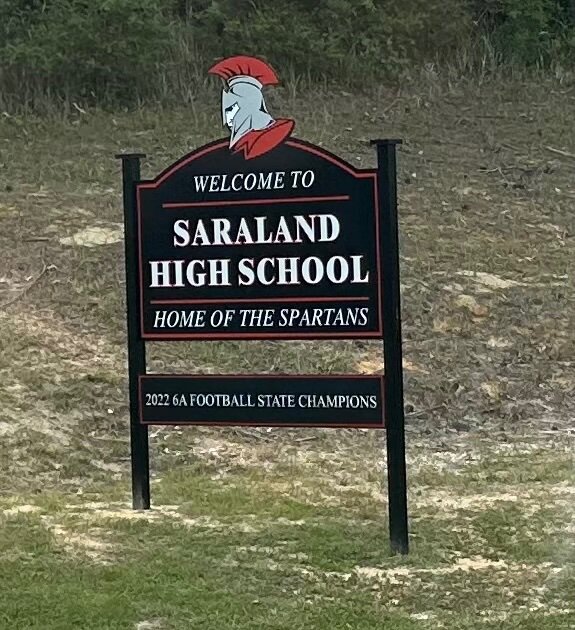
 KJ Lacey in a little growth spurt right now per the Saraland High staff. Grown about an inch since committing to TexasSaraland High head coach Jeff Kelly was a very good QB at Southern Miss, and played in the NFL and CFL He brought Saraland High their first state title in 2022
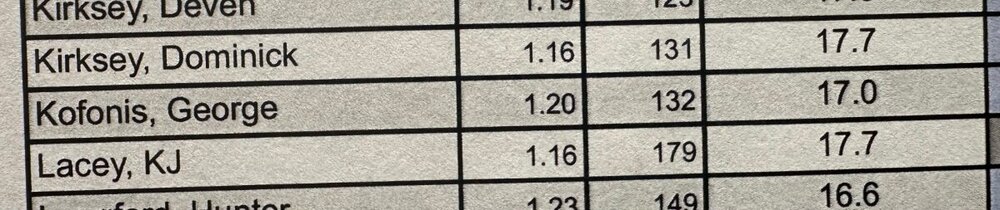
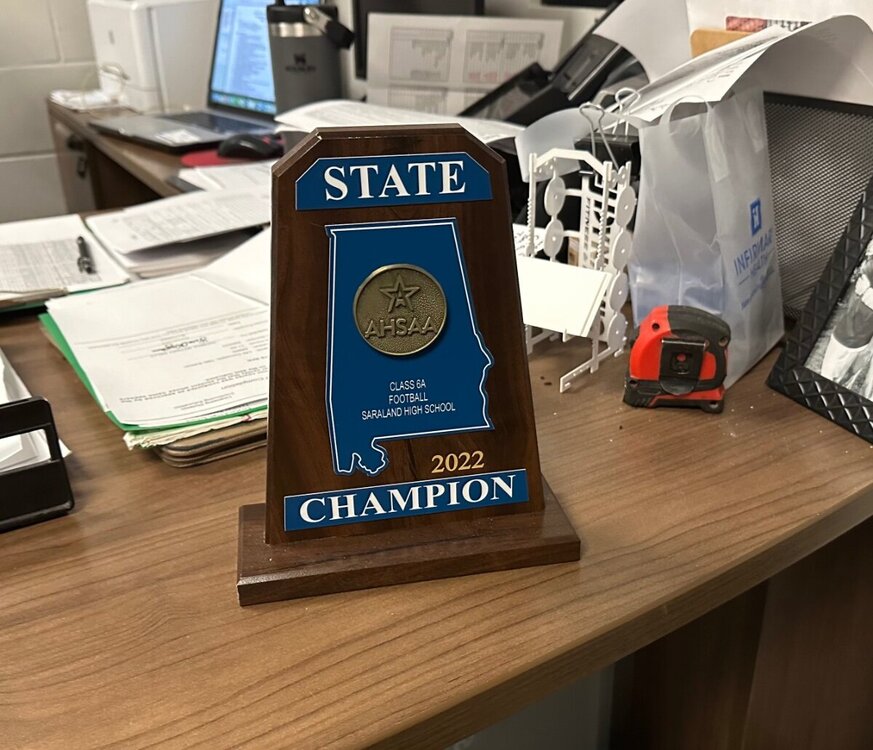 For those wondering … KJ Lacey was 179 pounds in March … around 182-183 now.
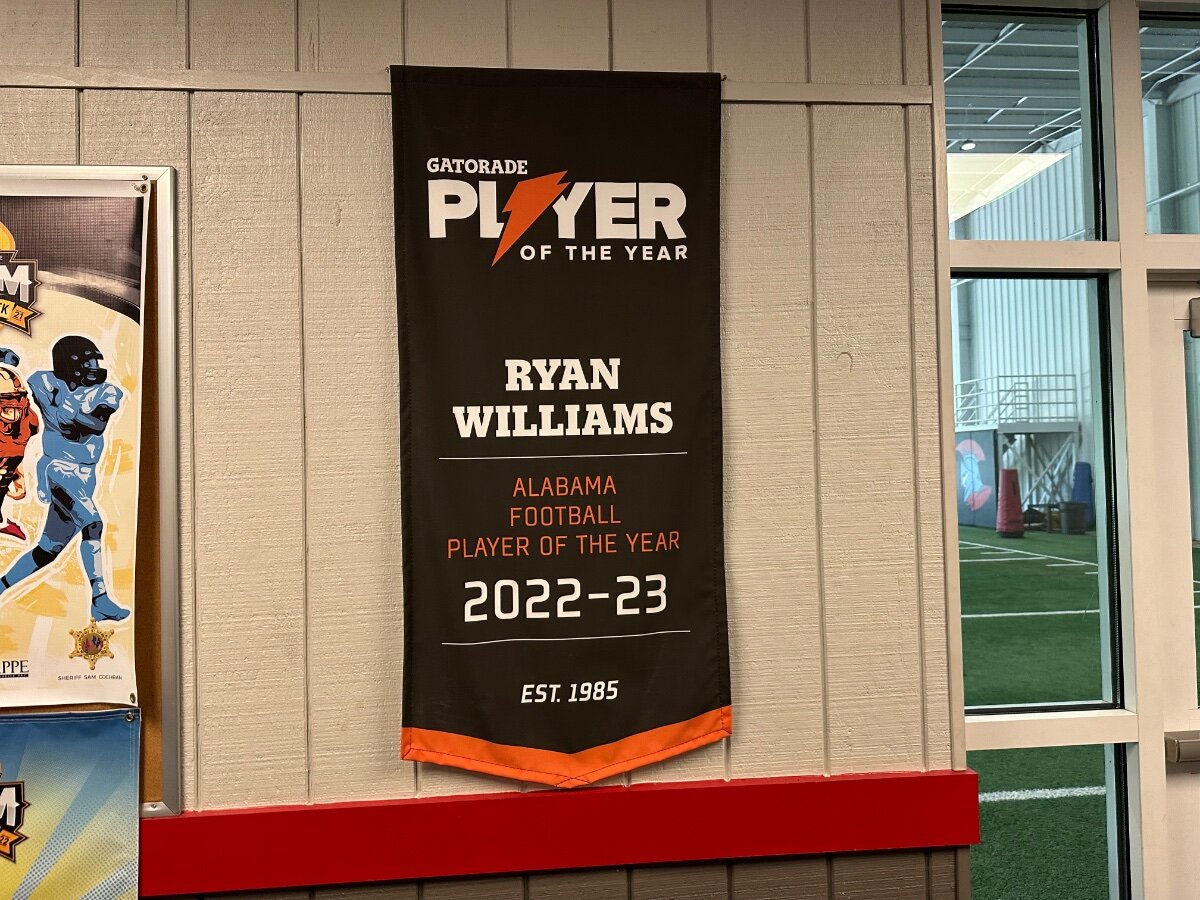
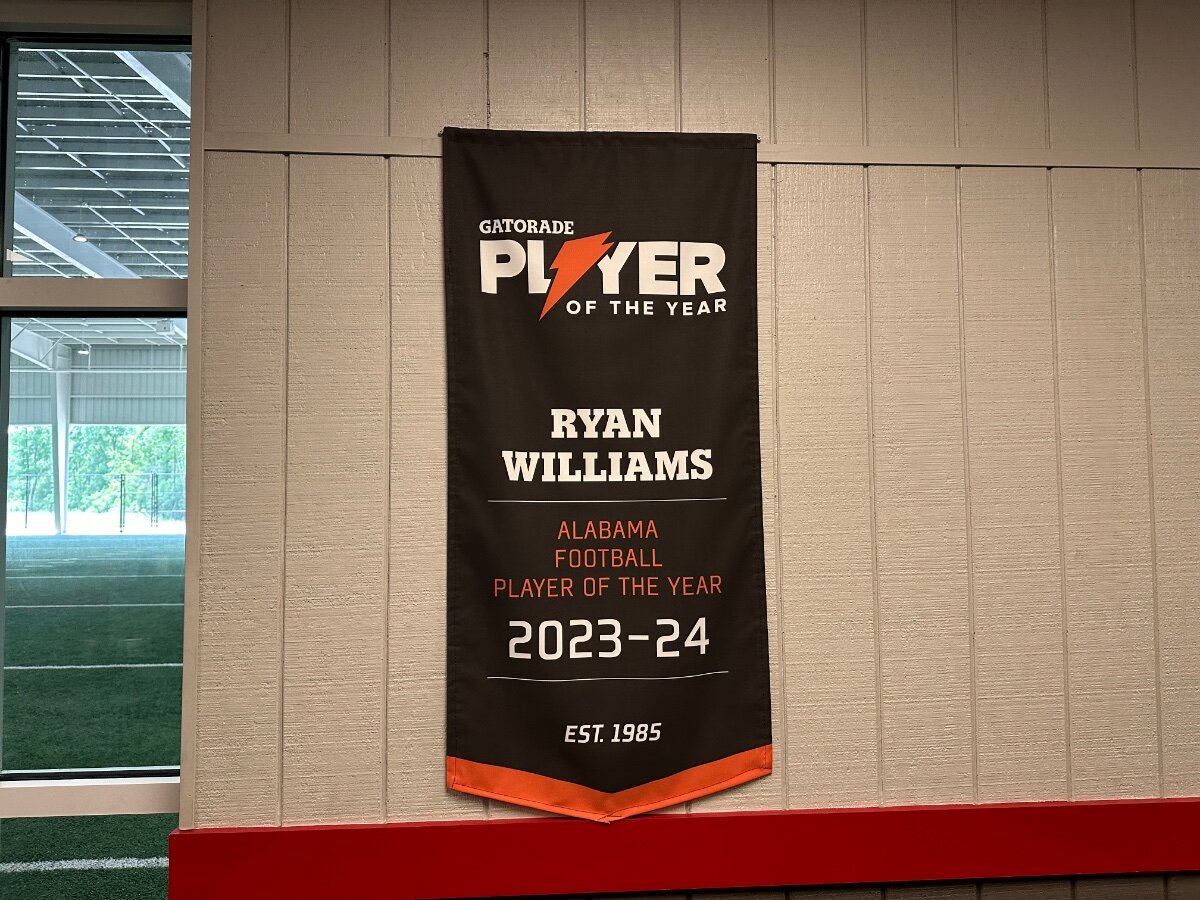
 Alabama freshman and 5-star WR Ryan Williams was the back-to-back Gatorade Player of the Year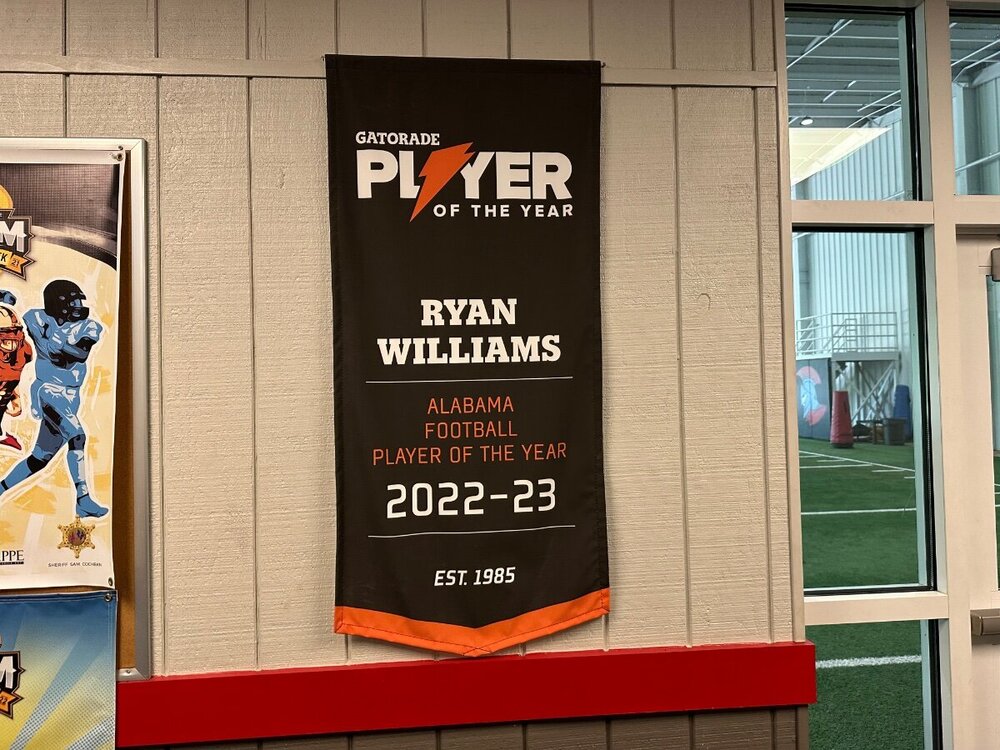
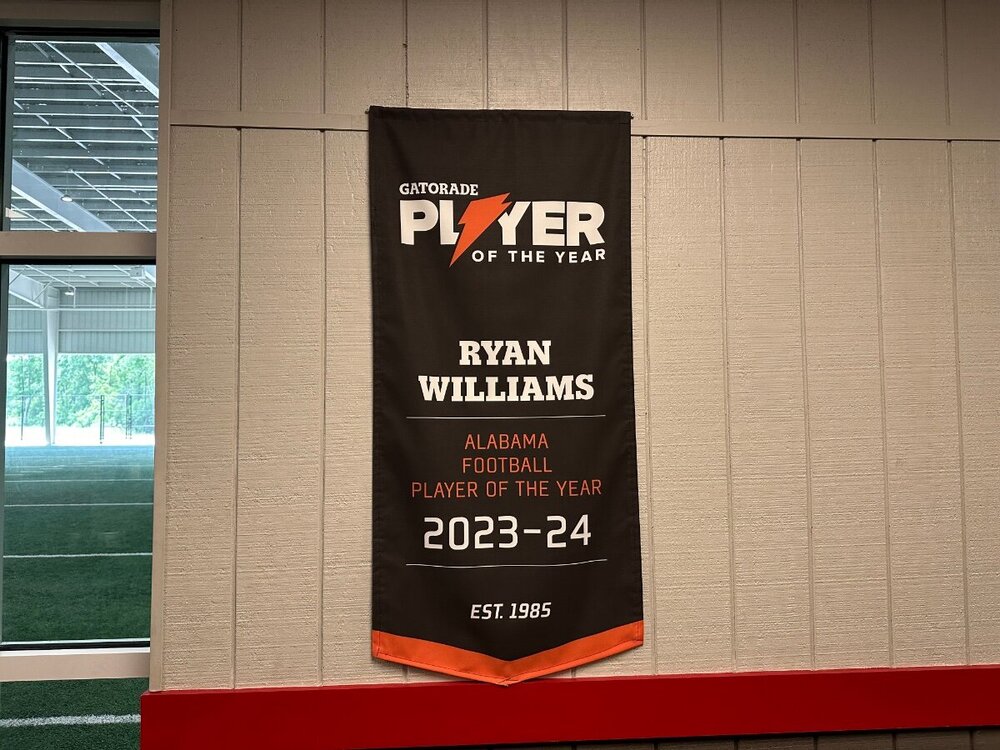 Saraland High
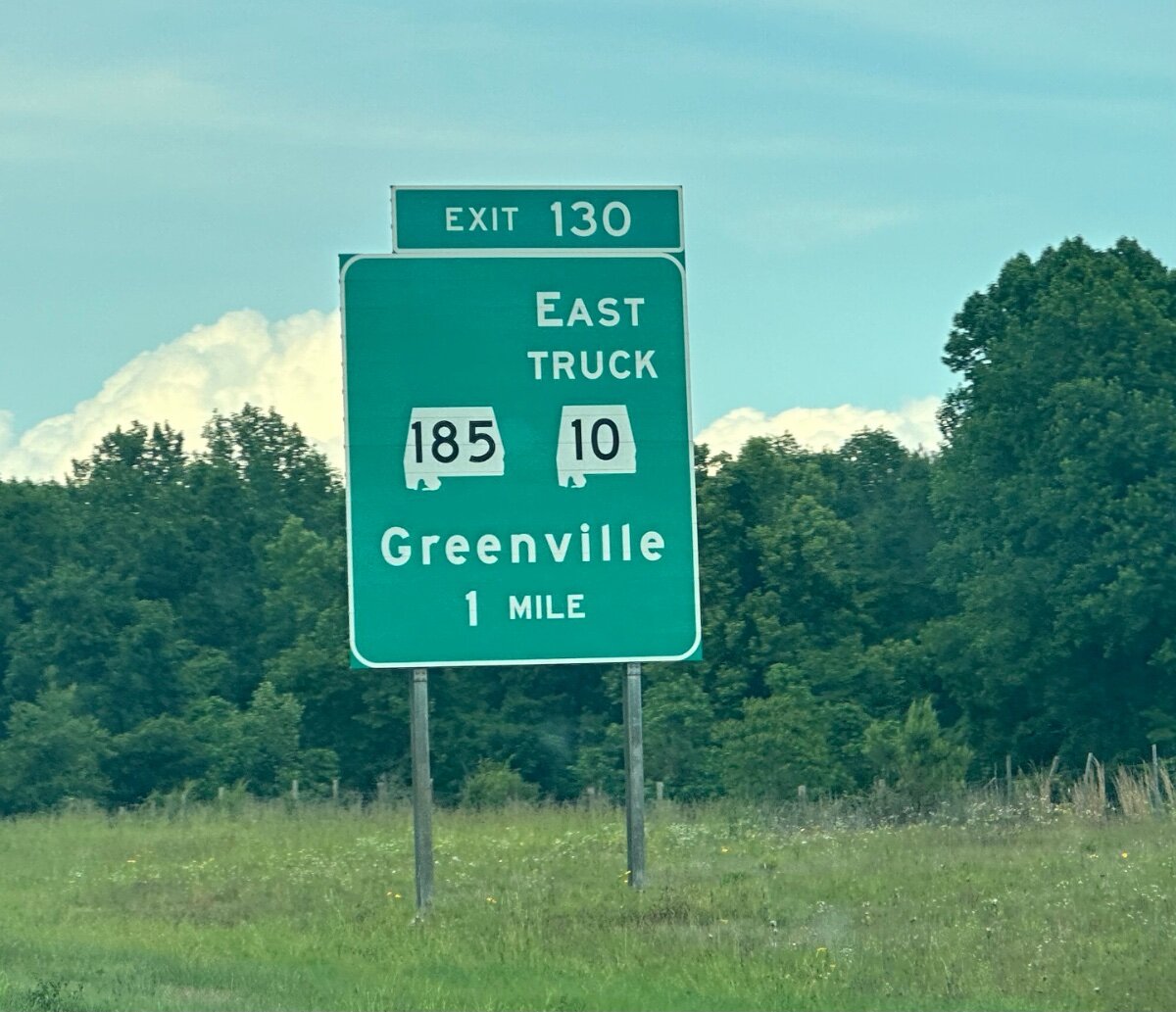
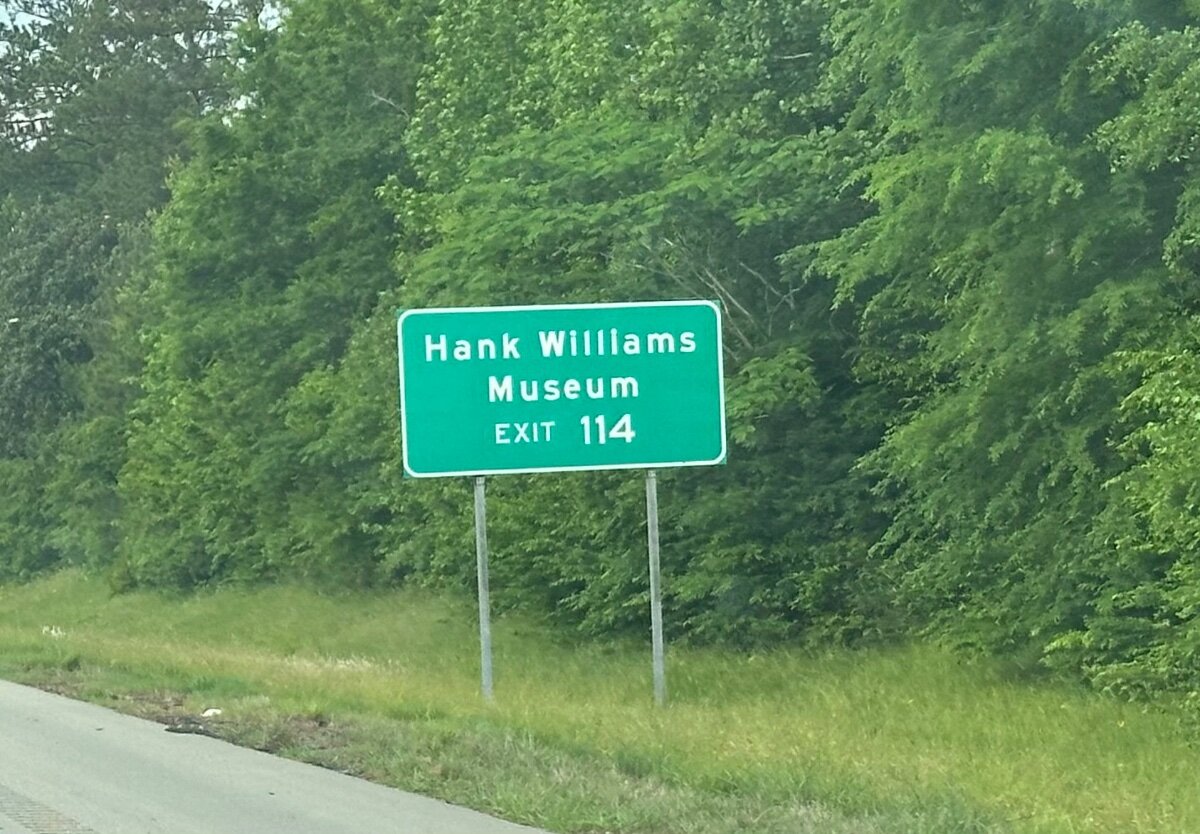
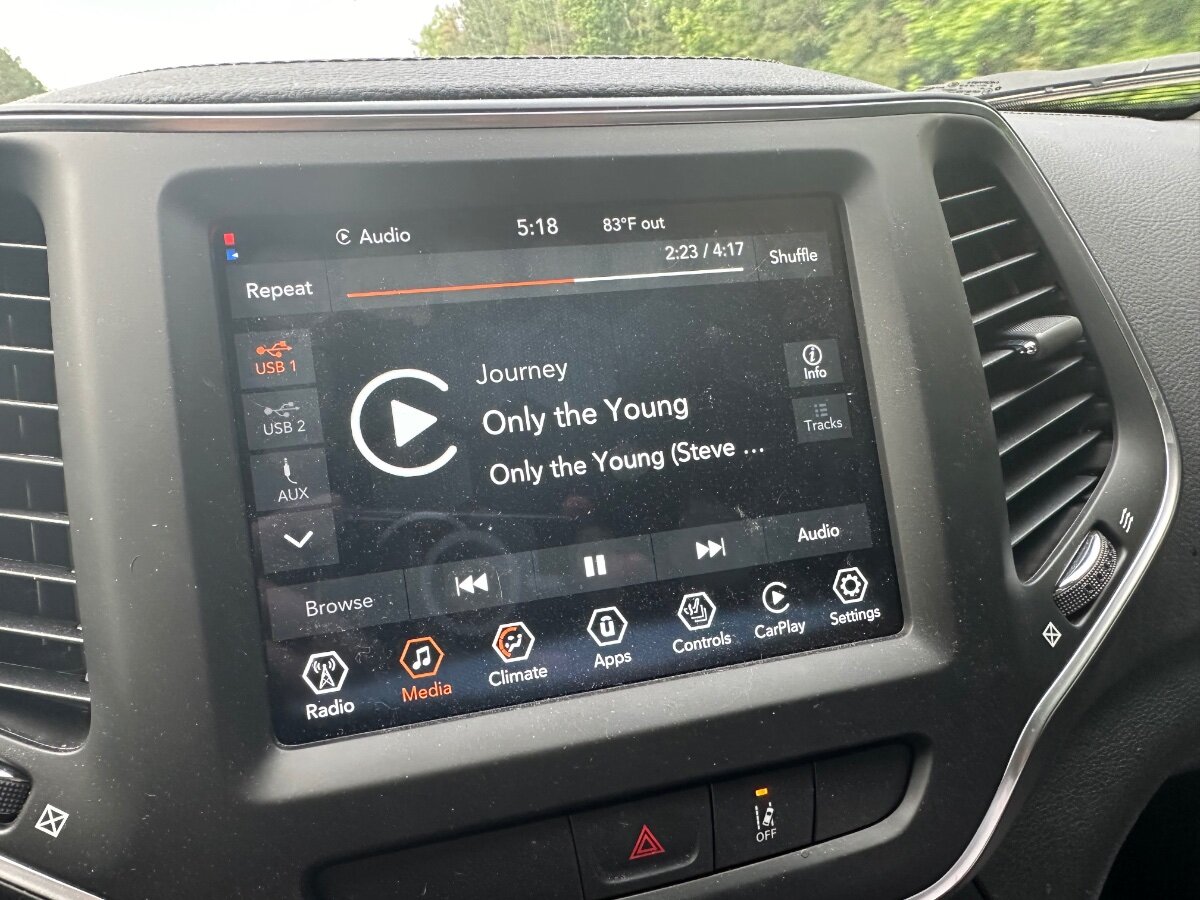
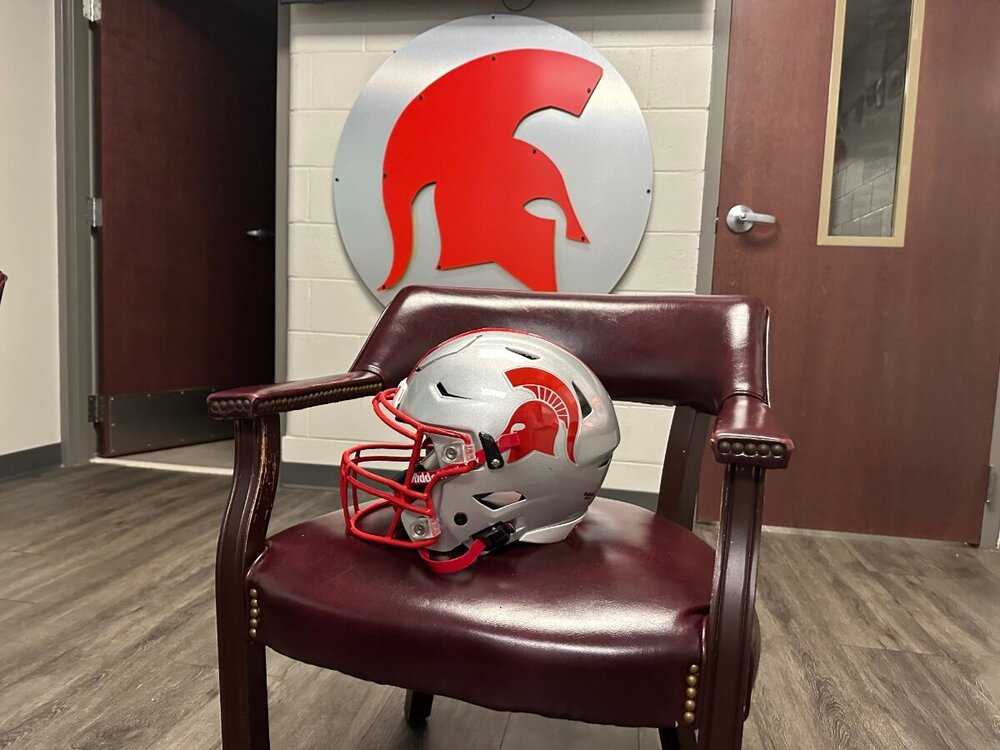 I’m a bad listener… Chick-Fil-A time prior to school stopLove days on the road! The school stops begin today











Important Information
We have placed cookies on your device to help make this website better. You can adjust your cookie settings, otherwise we'll assume you're okay to continue.
Account
Navigation
Search
Configure browser push notifications
Chrome (Android)
- Tap the lock icon next to the address bar.
- Tap Permissions → Notifications.
- Adjust your preference.
Chrome (Desktop)
- Click the padlock icon in the address bar.
- Select Site settings.
- Find Notifications and adjust your preference.
Safari (iOS 16.4+)
- Ensure the site is installed via Add to Home Screen.
- Open Settings App → Notifications.
- Find your app name and adjust your preference.
Safari (macOS)
- Go to Safari → Preferences.
- Click the Websites tab.
- Select Notifications in the sidebar.
- Find this website and adjust your preference.
Edge (Android)
- Tap the lock icon next to the address bar.
- Tap Permissions.
- Find Notifications and adjust your preference.
Edge (Desktop)
- Click the padlock icon in the address bar.
- Click Permissions for this site.
- Find Notifications and adjust your preference.
Firefox (Android)
- Go to Settings → Site permissions.
- Tap Notifications.
- Find this site in the list and adjust your preference.
Firefox (Desktop)
- Open Firefox Settings.
- Search for Notifications.
- Find this site in the list and adjust your preference.