Blake Munroe
Moderators
-
Joined
-
Last visited
Everything posted by Blake Munroe
-
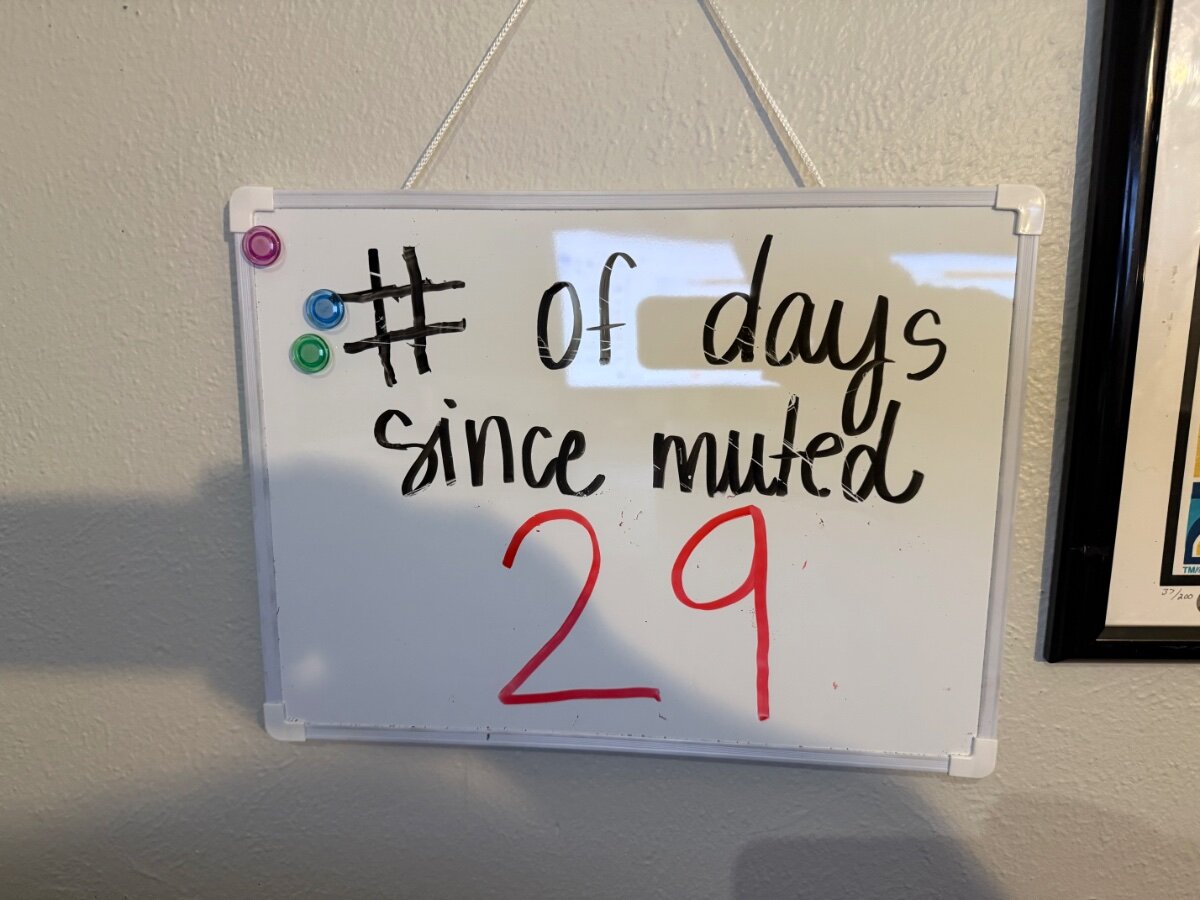
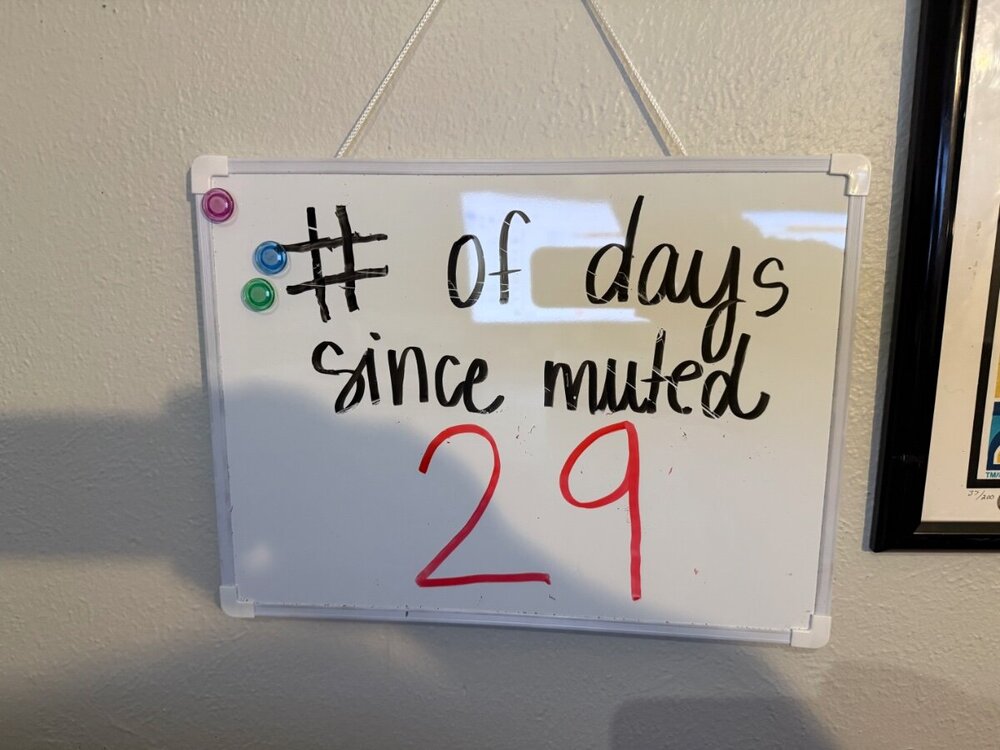
Today we hit 30 days!!! THIS IS WHAT DREAMS ARE MADE OF @Joe Zura
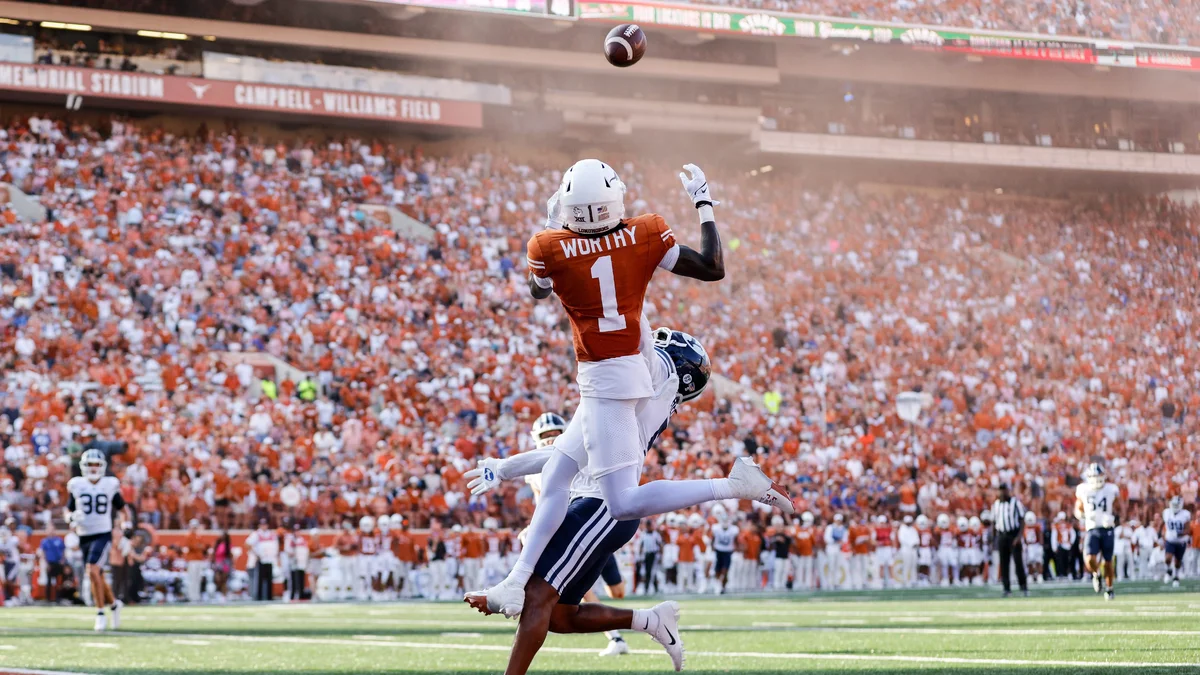
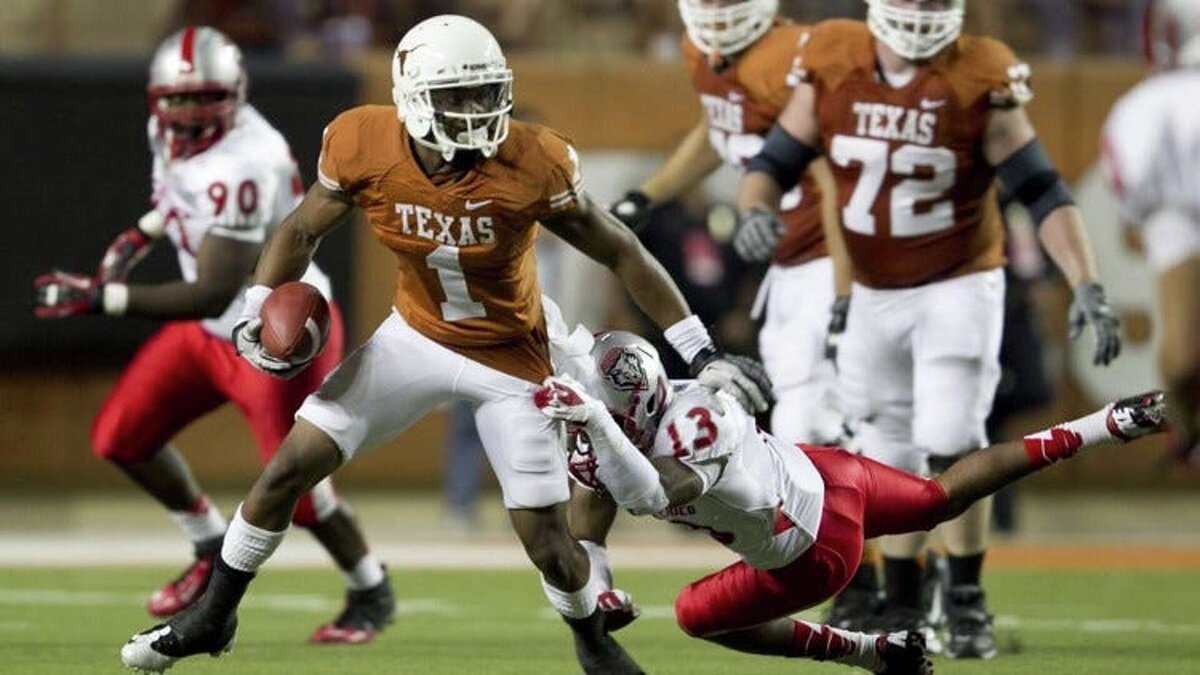
 Join us for Coffee and Football starting at (?) 8:15 AM, as we talk Texas and answer your questions. I believe we have a very special guest today as well.Technically you can say Colin Simmons or Ryan Wingo as well, since they changed to No. 1 this season.We are just one day away from the Longhorns opening the season against the Buckeyes. Who’s your favorite No. 1 to play for Texas? Some options include… Xavier Worthy Mike Davis Johnny Walker Donnie Little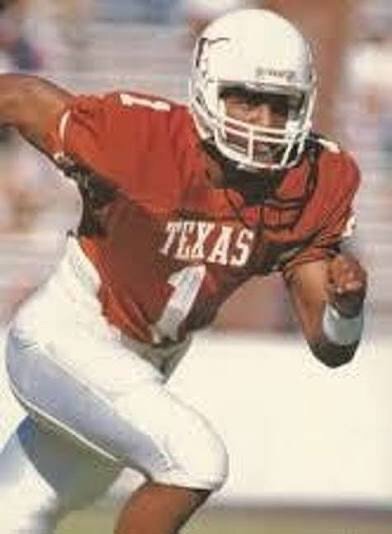
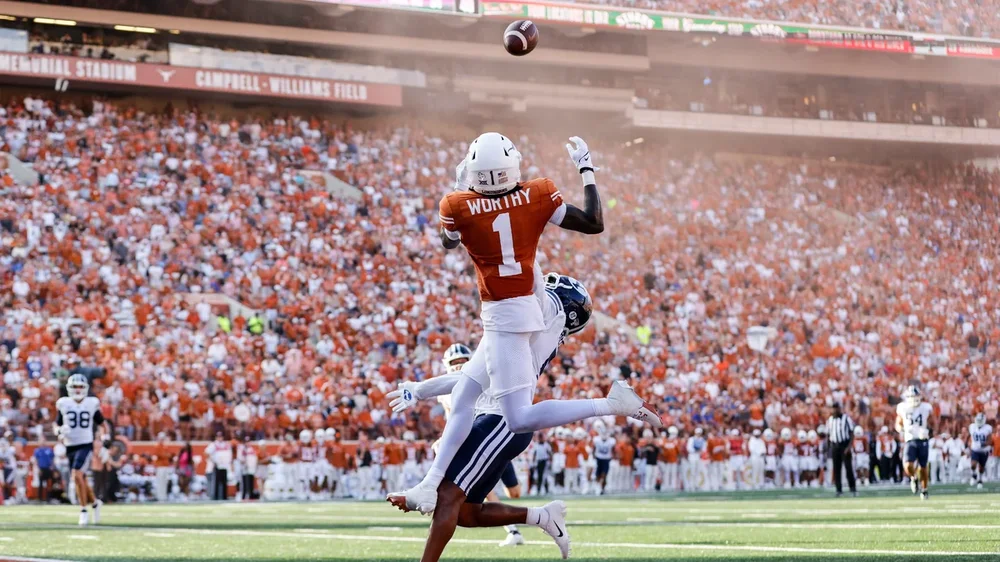
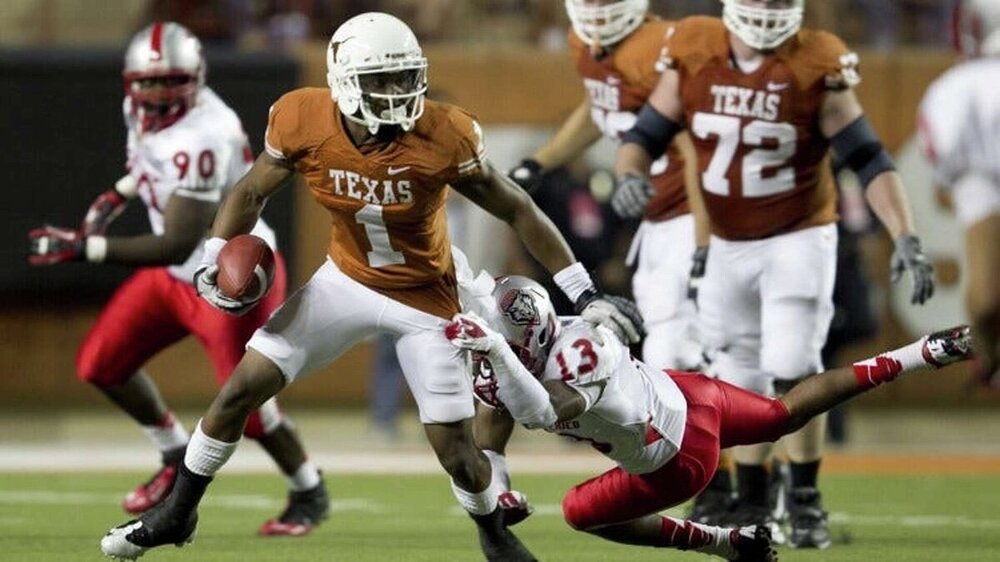
 To be clear I didn’t write this. 😂 Its from The Athletic
Important Information
We have placed cookies on your device to help make this website better. You can adjust your cookie settings, otherwise we'll assume you're okay to continue.
Account
Navigation
Search
Configure browser push notifications
Chrome (Android)
- Tap the lock icon next to the address bar.
- Tap Permissions → Notifications.
- Adjust your preference.
Chrome (Desktop)
- Click the padlock icon in the address bar.
- Select Site settings.
- Find Notifications and adjust your preference.
Safari (iOS 16.4+)
- Ensure the site is installed via Add to Home Screen.
- Open Settings App → Notifications.
- Find your app name and adjust your preference.
Safari (macOS)
- Go to Safari → Preferences.
- Click the Websites tab.
- Select Notifications in the sidebar.
- Find this website and adjust your preference.
Edge (Android)
- Tap the lock icon next to the address bar.
- Tap Permissions.
- Find Notifications and adjust your preference.
Edge (Desktop)
- Click the padlock icon in the address bar.
- Click Permissions for this site.
- Find Notifications and adjust your preference.
Firefox (Android)
- Go to Settings → Site permissions.
- Tap Notifications.
- Find this site in the list and adjust your preference.
Firefox (Desktop)
- Open Firefox Settings.
- Search for Notifications.
- Find this site in the list and adjust your preference.