
Rule 76
Supporters
-
Joined
-
Last visited
Everything posted by Rule 76
-
Love this thread Frenzy, great work as always! Also, A&M's obsession with Sark going to the NFL is giving me crazy ex GF vibes....
-
BoomerSooner_23 needs to be more concerned about finding the endzone at the State Fair then expressing budgetary concerns for the Texas football department.Looks like a #ThumperSo Bama lost to unranked Texas at home in hoops last night, lost the Cam Coleman sweepstakes to Texas and had they prized RB commit flip to us in the last 12 hours…
 @longhornfrenzy Message boards in CStat will be 🔥 todayhttps://x.com/hayesfawcett3/status/2010416043454513646?s=46&t=RcEL0Y7-hNMTxU29BYqTaQ
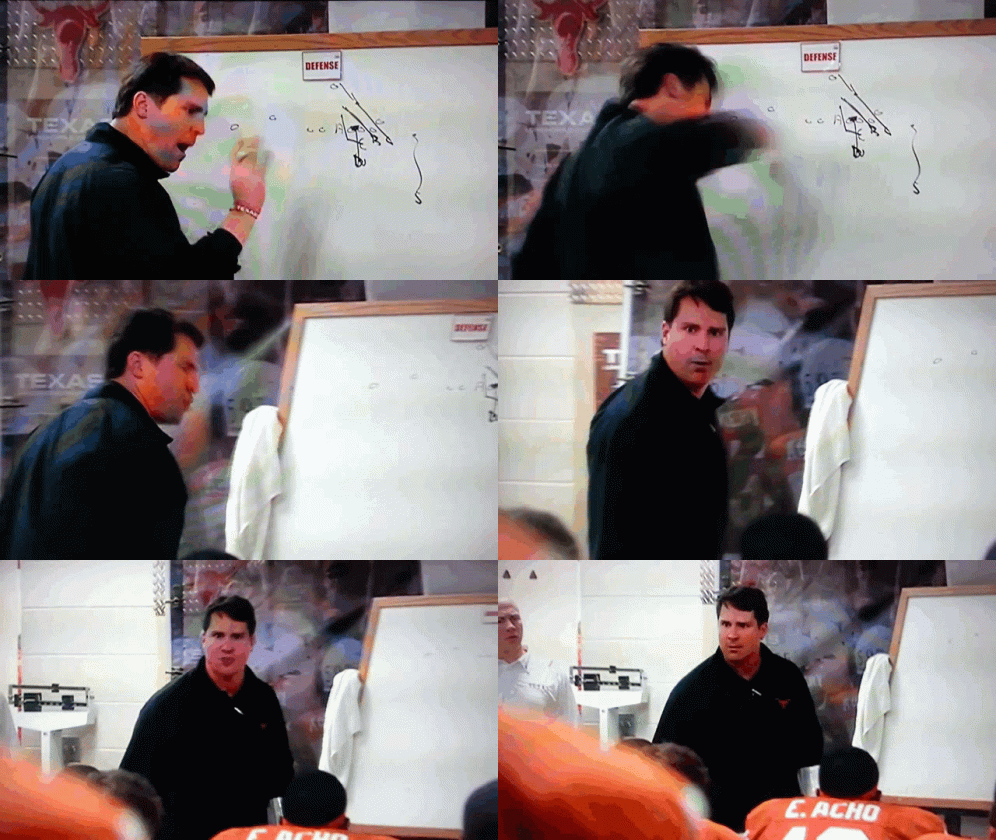
 Sean Miller doing the Lord’s work in Cam’s recruitment tonight.He’s committing to Texas once our DC Muschamp talks to him.
 Prayers up to the Shipley Family!McKinney, Texas
Important Information
We have placed cookies on your device to help make this website better. You can adjust your cookie settings, otherwise we'll assume you're okay to continue.
Account
Navigation
Search
Configure browser push notifications
Chrome (Android)
- Tap the lock icon next to the address bar.
- Tap Permissions → Notifications.
- Adjust your preference.
Chrome (Desktop)
- Click the padlock icon in the address bar.
- Select Site settings.
- Find Notifications and adjust your preference.
Safari (iOS 16.4+)
- Ensure the site is installed via Add to Home Screen.
- Open Settings App → Notifications.
- Find your app name and adjust your preference.
Safari (macOS)
- Go to Safari → Preferences.
- Click the Websites tab.
- Select Notifications in the sidebar.
- Find this website and adjust your preference.
Edge (Android)
- Tap the lock icon next to the address bar.
- Tap Permissions.
- Find Notifications and adjust your preference.
Edge (Desktop)
- Click the padlock icon in the address bar.
- Click Permissions for this site.
- Find Notifications and adjust your preference.
Firefox (Android)
- Go to Settings → Site permissions.
- Tap Notifications.
- Find this site in the list and adjust your preference.
Firefox (Desktop)
- Open Firefox Settings.
- Search for Notifications.
- Find this site in the list and adjust your preference.