


CJ Vogel
Moderators
-
Joined
-
Last visited
Everything posted by CJ Vogel
-
Let's get going. Always a surprise seeing Gene Chizik on this set.
-
-
Public perception sure isn’t very high right now.
-
I believe this has been floated on OTF channels as well.Swan's sister is at UT Law as well. Cool to see.Massive addition. Should be a seamless transition to replacing Reese Atwood. Great get for the Horns.Hocutt: "To my colleagues: I understand the frustration. This situation is hard, it is new and there is no perfect answer."Absolutely the pick for me too.Cocoa beach Gerry!Think this is going to be one to watch.I was a bit surprised too. Hope there’s a silver lining in all of this for himUGA Athletics DirectorlolProbably should be a question asked.Hmmm....Cody Campbell
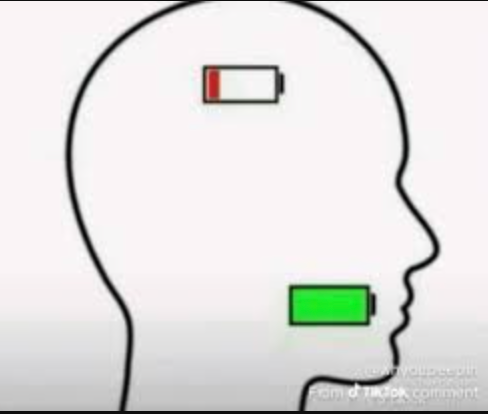 lmao
lmao






Important Information
We have placed cookies on your device to help make this website better. You can adjust your cookie settings, otherwise we'll assume you're okay to continue.
Account
Navigation
Search
Configure browser push notifications
Chrome (Android)
- Tap the lock icon next to the address bar.
- Tap Permissions → Notifications.
- Adjust your preference.
Chrome (Desktop)
- Click the padlock icon in the address bar.
- Select Site settings.
- Find Notifications and adjust your preference.
Safari (iOS 16.4+)
- Ensure the site is installed via Add to Home Screen.
- Open Settings App → Notifications.
- Find your app name and adjust your preference.
Safari (macOS)
- Go to Safari → Preferences.
- Click the Websites tab.
- Select Notifications in the sidebar.
- Find this website and adjust your preference.
Edge (Android)
- Tap the lock icon next to the address bar.
- Tap Permissions.
- Find Notifications and adjust your preference.
Edge (Desktop)
- Click the padlock icon in the address bar.
- Click Permissions for this site.
- Find Notifications and adjust your preference.
Firefox (Android)
- Go to Settings → Site permissions.
- Tap Notifications.
- Find this site in the list and adjust your preference.
Firefox (Desktop)
- Open Firefox Settings.
- Search for Notifications.
- Find this site in the list and adjust your preference.