Wayne
Supporters
-
Joined
-
Last visited
Everything posted by Wayne
-
Thanks for sharing
-
We are planning on staying too. Gonna do the Smokey Mountains the week before then enjoy the game!
-
makes a lot of senseDoes this start the 48 hour clock over again?Bobby- was this headline premature?
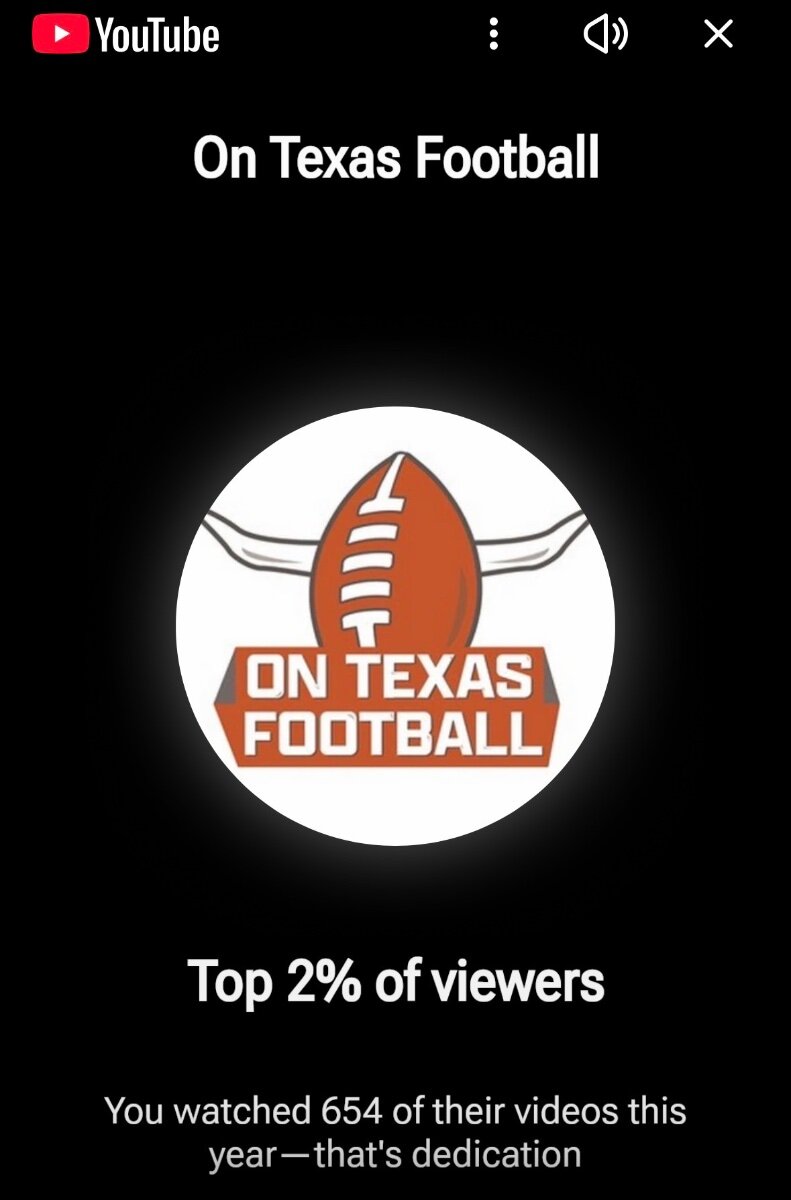
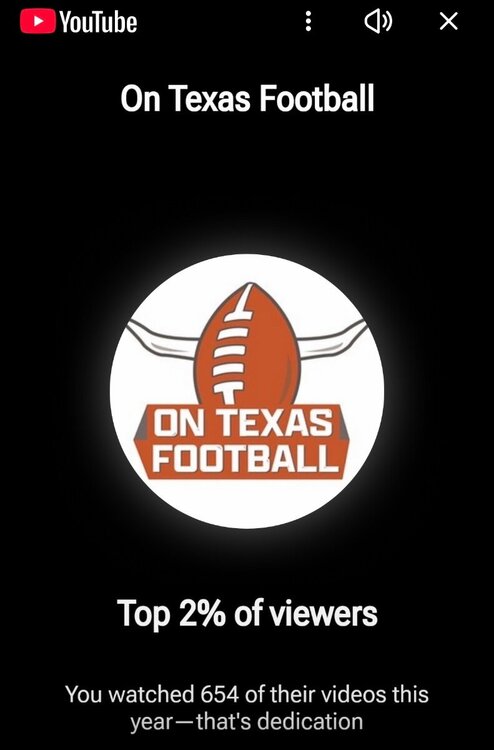
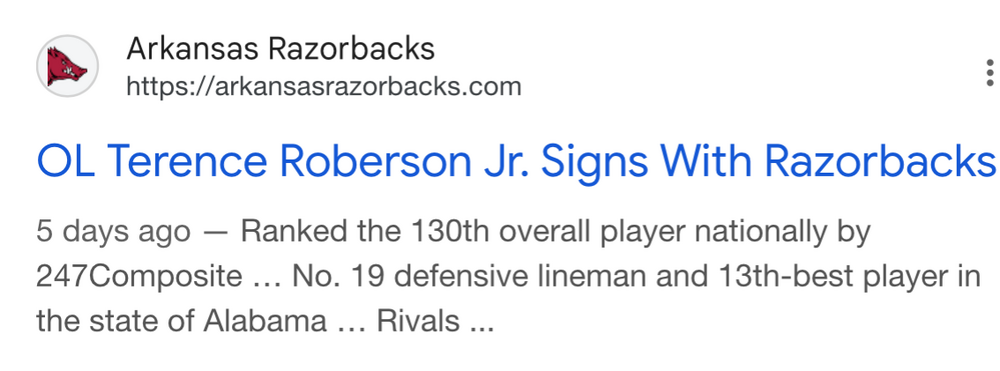 Also former player Keilan RobinsonOhio state rbHow much are yall watching that I am only top 2%? I feel like I watch every video!
 The post game show after we beat AlabamaRick said they will have 100 at the door tickets available. See his sticky note on surly horns. Probably best to get there earlyOmg omg omgI’m in. Been watching y’all on youtube from the start. It is about time I start paying for the value and entertainment you’ve been bringing me. Hook em!
Important Information
We have placed cookies on your device to help make this website better. You can adjust your cookie settings, otherwise we'll assume you're okay to continue.
Account
Navigation
Search
Configure browser push notifications
Chrome (Android)
- Tap the lock icon next to the address bar.
- Tap Permissions → Notifications.
- Adjust your preference.
Chrome (Desktop)
- Click the padlock icon in the address bar.
- Select Site settings.
- Find Notifications and adjust your preference.
Safari (iOS 16.4+)
- Ensure the site is installed via Add to Home Screen.
- Open Settings App → Notifications.
- Find your app name and adjust your preference.
Safari (macOS)
- Go to Safari → Preferences.
- Click the Websites tab.
- Select Notifications in the sidebar.
- Find this website and adjust your preference.
Edge (Android)
- Tap the lock icon next to the address bar.
- Tap Permissions.
- Find Notifications and adjust your preference.
Edge (Desktop)
- Click the padlock icon in the address bar.
- Click Permissions for this site.
- Find Notifications and adjust your preference.
Firefox (Android)
- Go to Settings → Site permissions.
- Tap Notifications.
- Find this site in the list and adjust your preference.
Firefox (Desktop)
- Open Firefox Settings.
- Search for Notifications.
- Find this site in the list and adjust your preference.