BurntOrangeMD
Supporters
-
Joined
-
Last visited
Everything posted by BurntOrangeMD
-
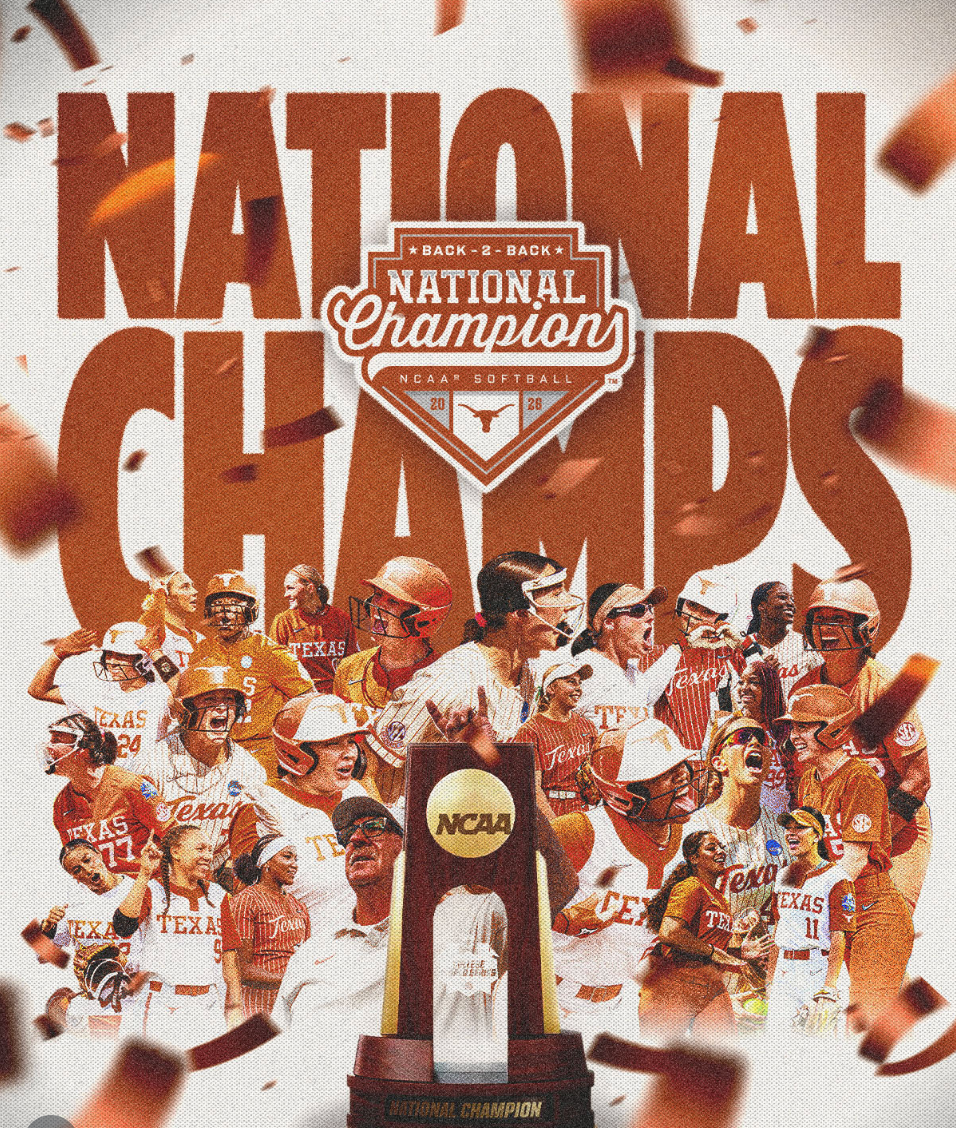
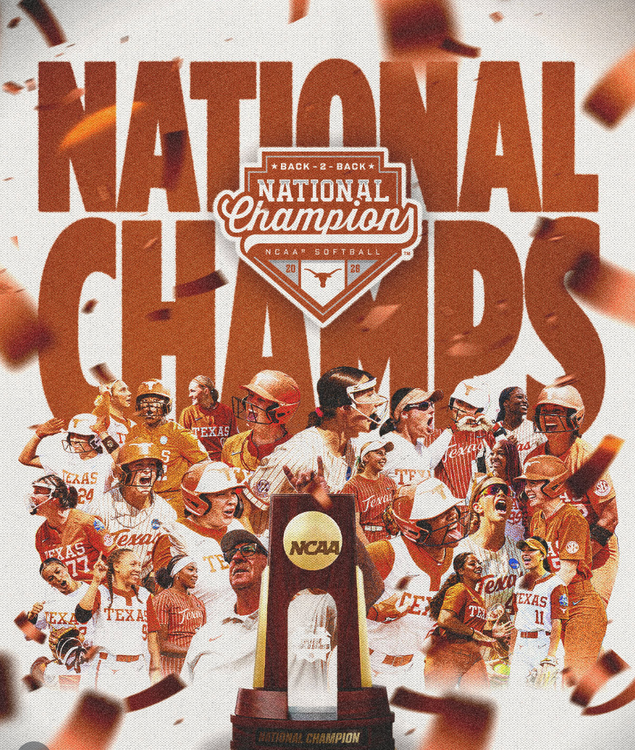
Congratulations to the Lady Longhorns! Back-to-back national champions. https://www.instagram.com/reel/DZMH4deNDd9/?utm_source=ig_web_button_share_sheet
-
Looked like the cleat was on the bag.
-
All-Time Classic! CaddyShack
-
Counts in my book.
-
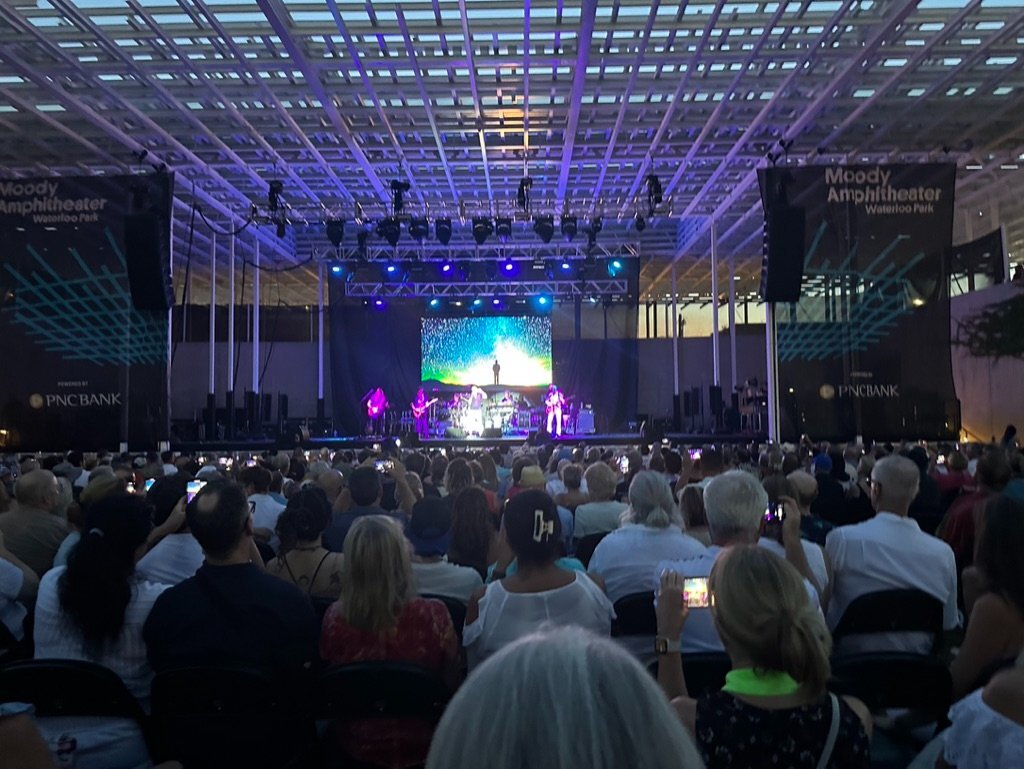
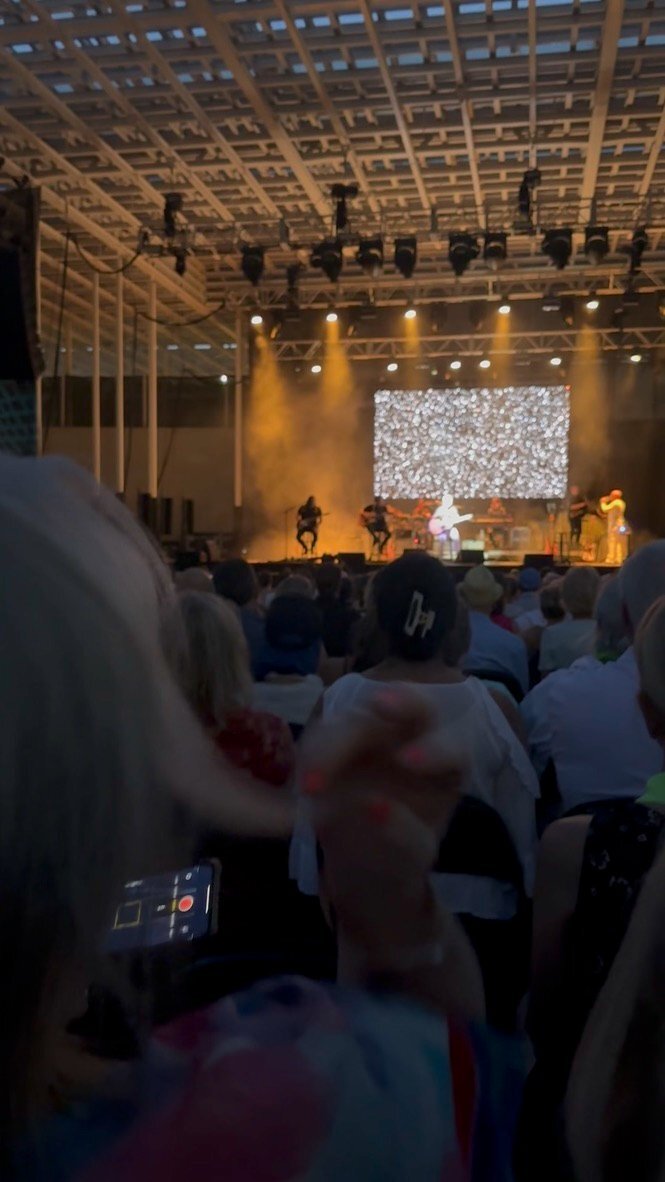
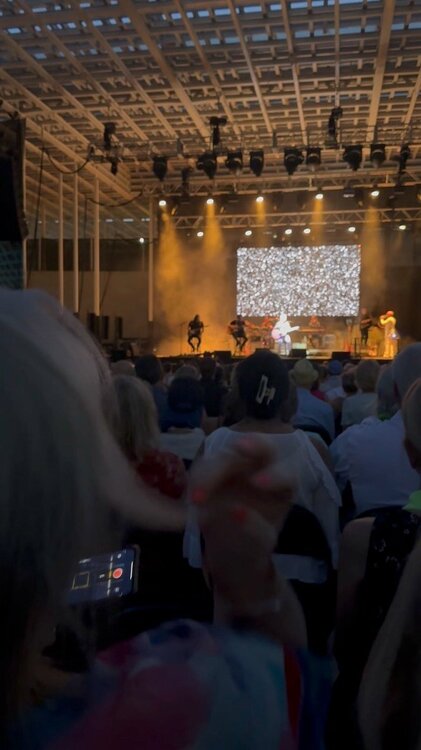
Kenny Loggins, Moody Amphitheater, Waterloo Park, August 2023.
 But now it is found! Bobby has got to love this one.Interestingly,,,Best ever. ...and I get the feeling that it is one of Craig Way's favorites as well.Sleeper
Important Information
We have placed cookies on your device to help make this website better. You can adjust your cookie settings, otherwise we'll assume you're okay to continue.
Account
Navigation
Search
Configure browser push notifications
Chrome (Android)
- Tap the lock icon next to the address bar.
- Tap Permissions → Notifications.
- Adjust your preference.
Chrome (Desktop)
- Click the padlock icon in the address bar.
- Select Site settings.
- Find Notifications and adjust your preference.
Safari (iOS 16.4+)
- Ensure the site is installed via Add to Home Screen.
- Open Settings App → Notifications.
- Find your app name and adjust your preference.
Safari (macOS)
- Go to Safari → Preferences.
- Click the Websites tab.
- Select Notifications in the sidebar.
- Find this website and adjust your preference.
Edge (Android)
- Tap the lock icon next to the address bar.
- Tap Permissions.
- Find Notifications and adjust your preference.
Edge (Desktop)
- Click the padlock icon in the address bar.
- Click Permissions for this site.
- Find Notifications and adjust your preference.
Firefox (Android)
- Go to Settings → Site permissions.
- Tap Notifications.
- Find this site in the list and adjust your preference.
Firefox (Desktop)
- Open Firefox Settings.
- Search for Notifications.
- Find this site in the list and adjust your preference.