Everything posted by Hank South
-
Studs. Cam says Texas has a good chance to get Kellan.
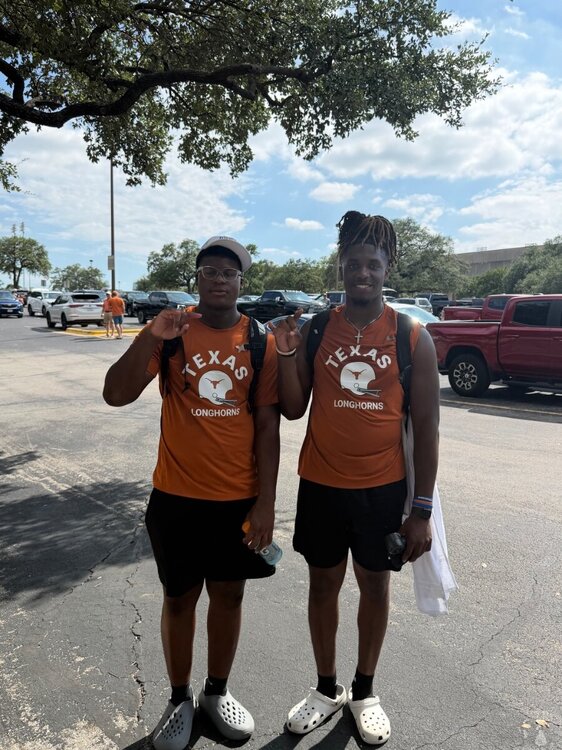 Lubbock Cooper TE Coleman Hendrix. Brother plays at Tech. Says he's not automatically going to TTU because of it. Visiting TCU soon.
 This kid is first off the bus. 2028 Atascocita DE David Dotson. Look for him to announce an offer later. Texas in his early top 10. looks like a million bucks
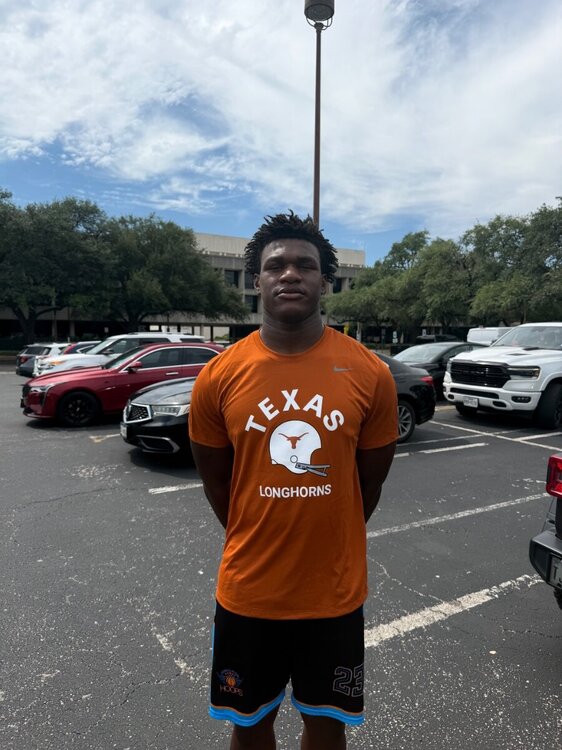 2029 TE from El Paso2028 WR from Manvel2028 EDGE from Killeen2028 EDGE Luke Nabors Texas is in this one deep with Miami and UGA. Maybe the team to beat. Will be back for Texas/Ohio State. Texas Tech next week.
 2028 ATH from Manvel. Kiotti Armstrong's cousin. Says Texas is the favorite right now.
 Elite OT Austin Atallah. Named Texas his leader earlier this spring.
 2028 LB from Fort Bend Ridge Pointhttps://www.hudl.com/video/3/19390153/68ebd566ed4b1e3e02ebbd392029 WR from Panther Creek2028 QB Neimann Lawrence's mom tells me all is well so far at camp.No not right now
Important Information
We have placed cookies on your device to help make this website better. You can adjust your cookie settings, otherwise we'll assume you're okay to continue.
Account
Navigation
Search
Configure browser push notifications
Chrome (Android)
- Tap the lock icon next to the address bar.
- Tap Permissions → Notifications.
- Adjust your preference.
Chrome (Desktop)
- Click the padlock icon in the address bar.
- Select Site settings.
- Find Notifications and adjust your preference.
Safari (iOS 16.4+)
- Ensure the site is installed via Add to Home Screen.
- Open Settings App → Notifications.
- Find your app name and adjust your preference.
Safari (macOS)
- Go to Safari → Preferences.
- Click the Websites tab.
- Select Notifications in the sidebar.
- Find this website and adjust your preference.
Edge (Android)
- Tap the lock icon next to the address bar.
- Tap Permissions.
- Find Notifications and adjust your preference.
Edge (Desktop)
- Click the padlock icon in the address bar.
- Click Permissions for this site.
- Find Notifications and adjust your preference.
Firefox (Android)
- Go to Settings → Site permissions.
- Tap Notifications.
- Find this site in the list and adjust your preference.
Firefox (Desktop)
- Open Firefox Settings.
- Search for Notifications.
- Find this site in the list and adjust your preference.