
Longhornfrenzy
Supporters
-
Joined
-
Last visited
Everything posted by Longhornfrenzy
-
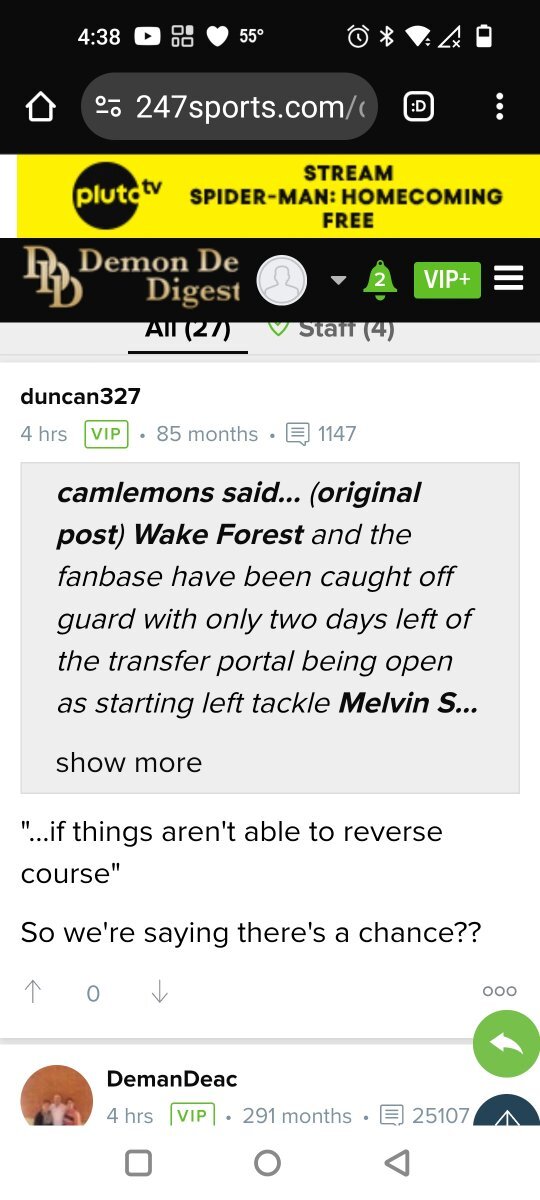
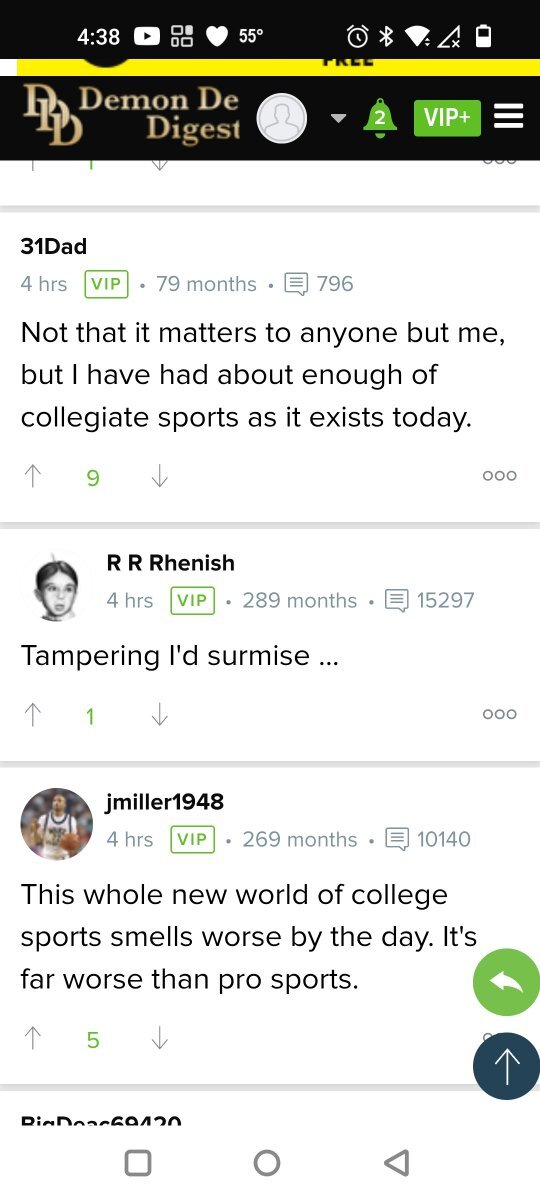
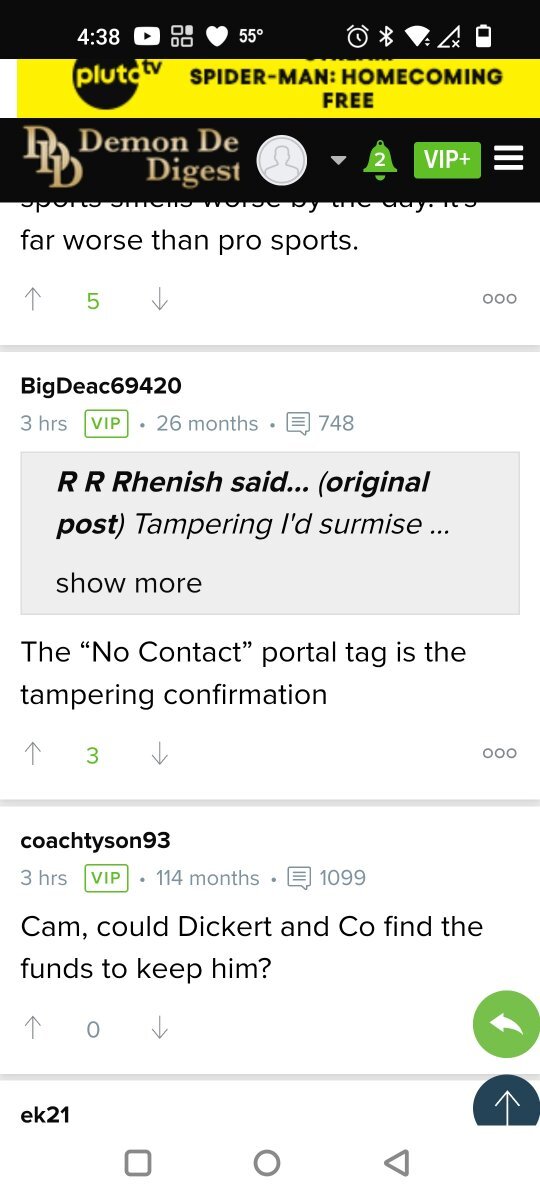
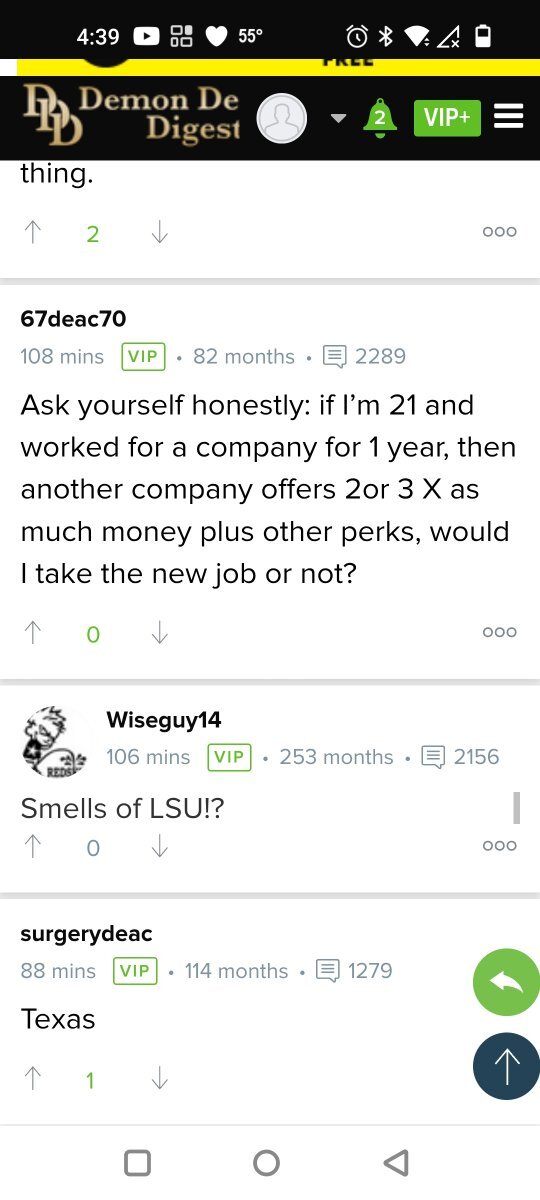
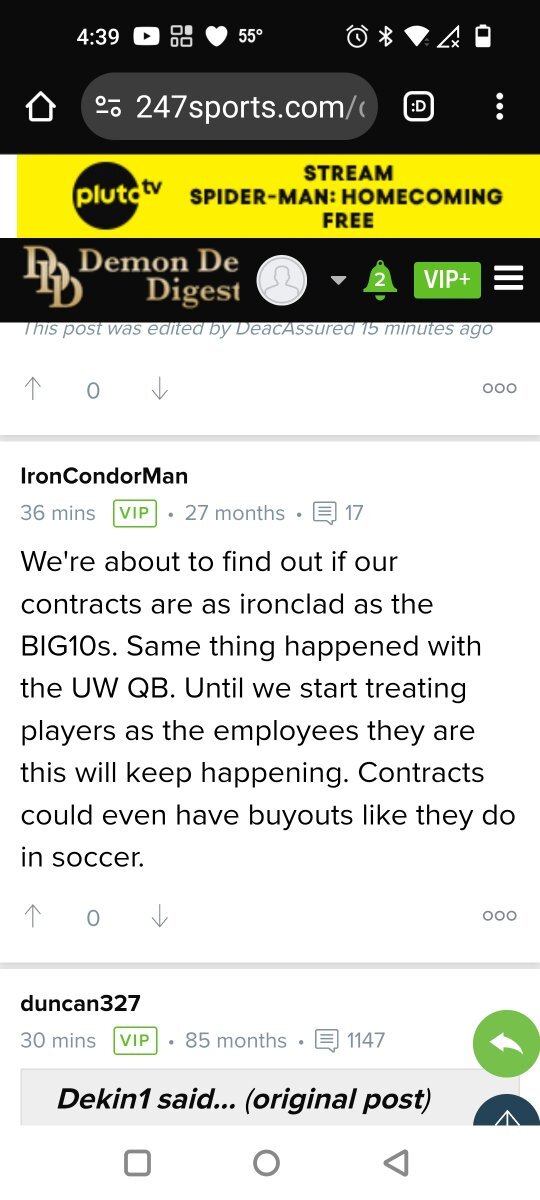
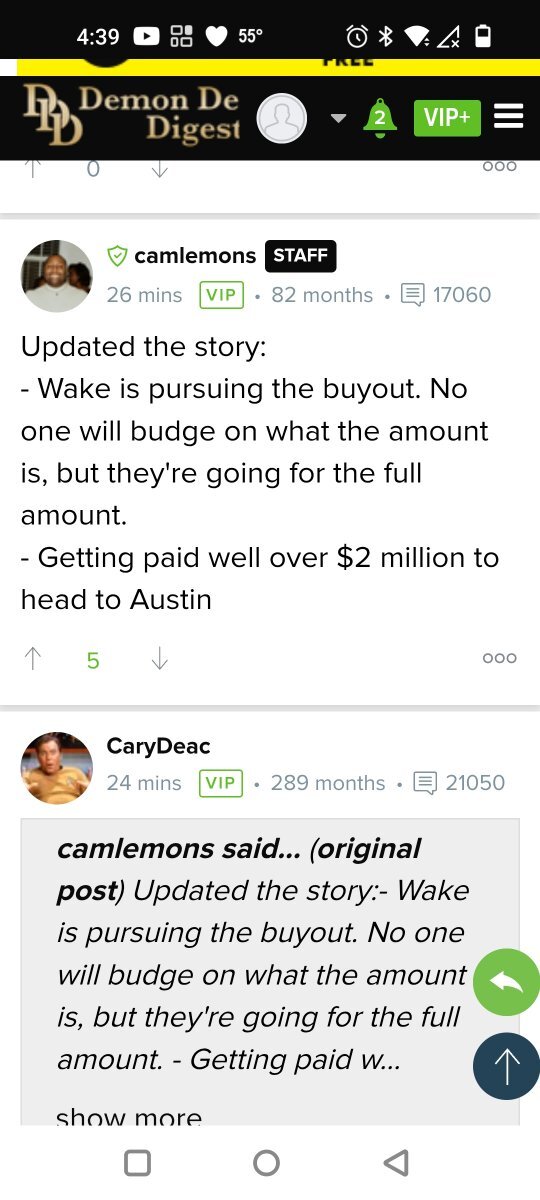
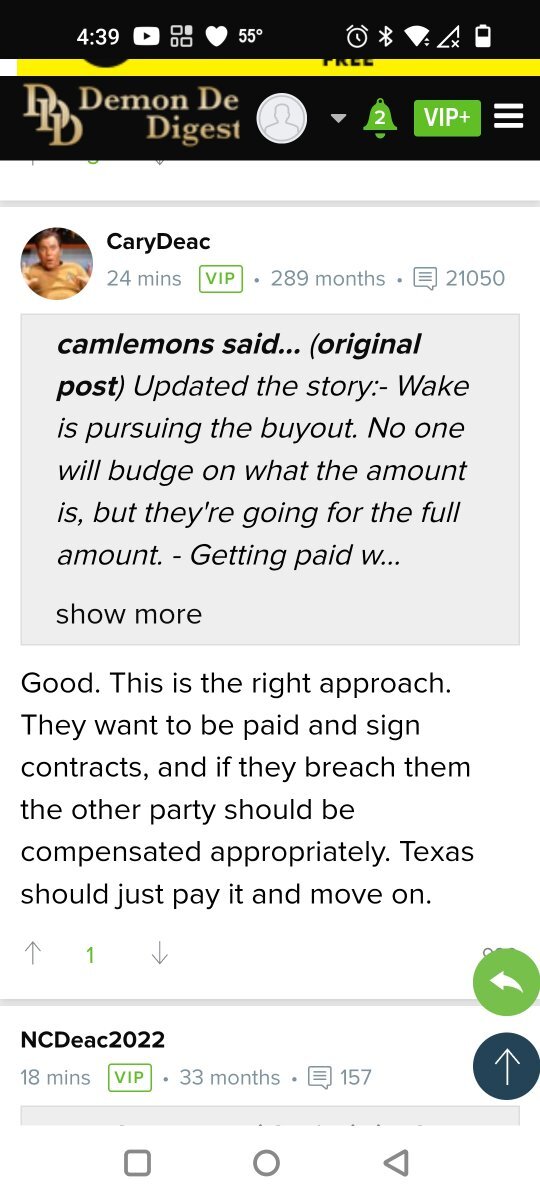
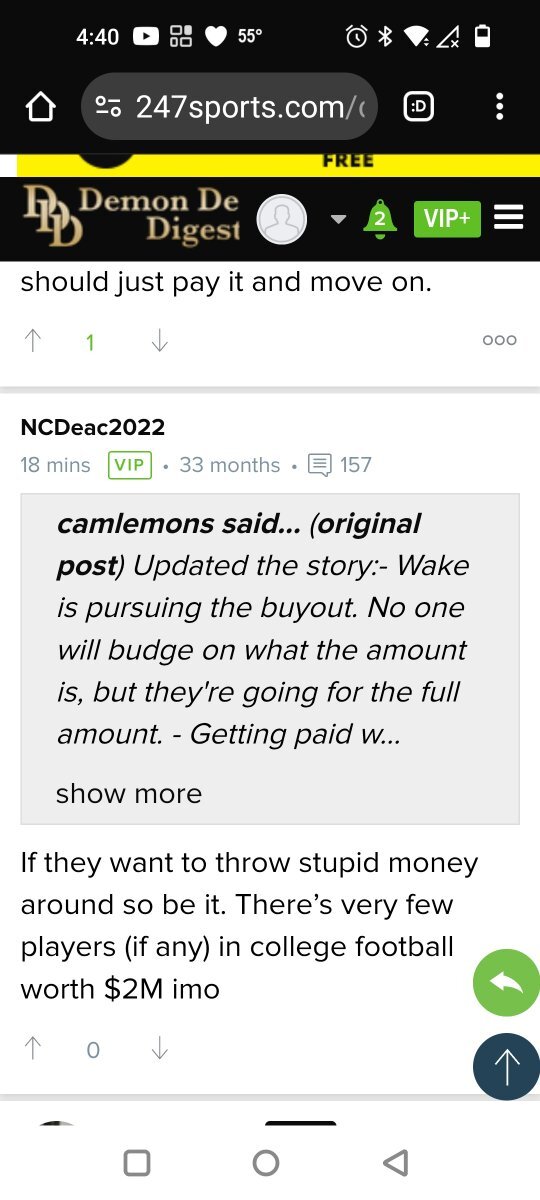
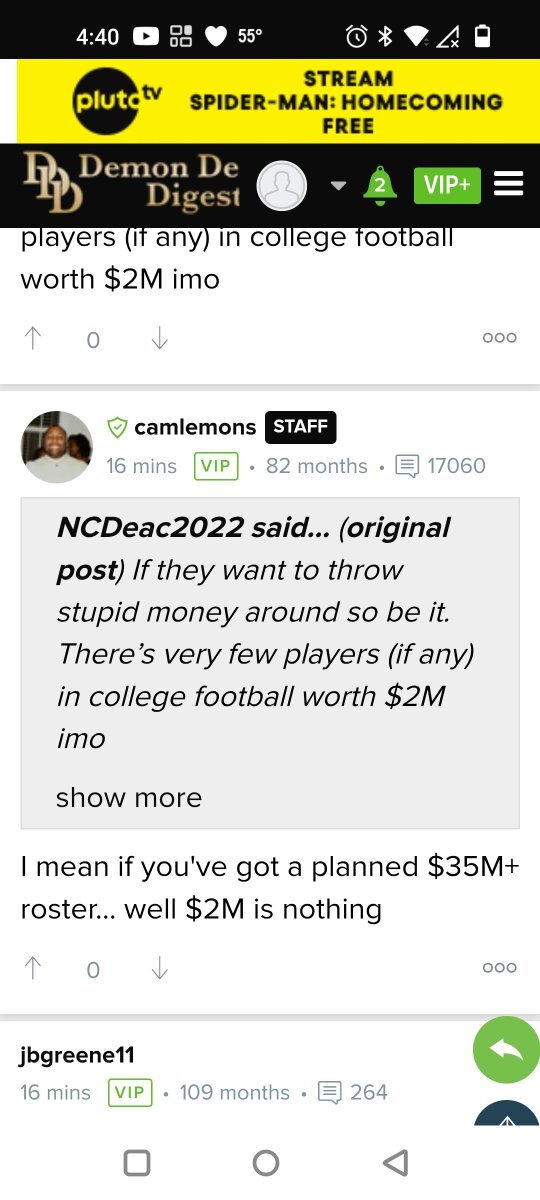
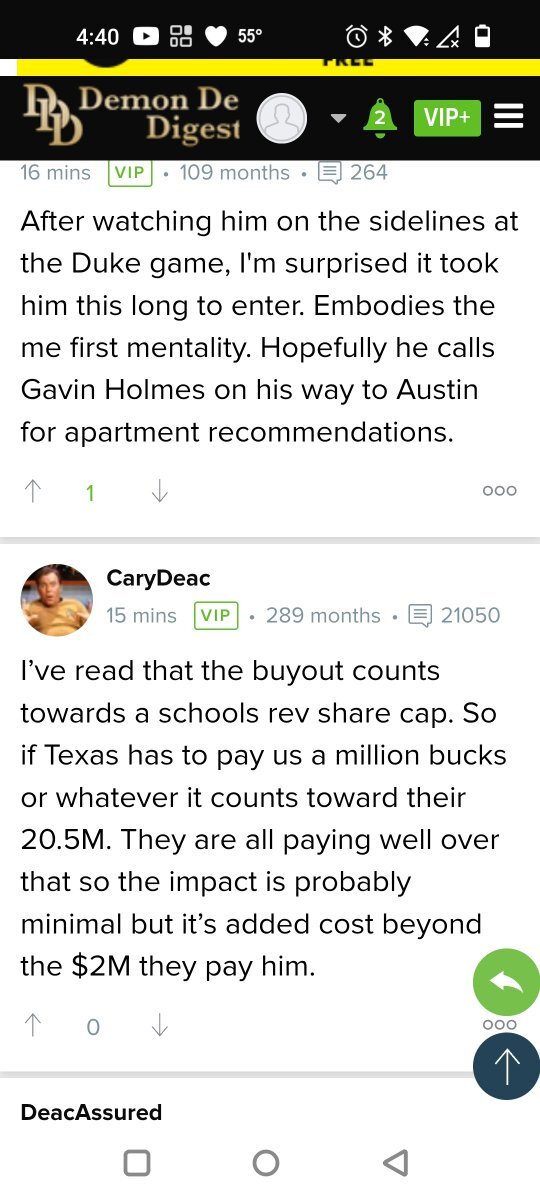
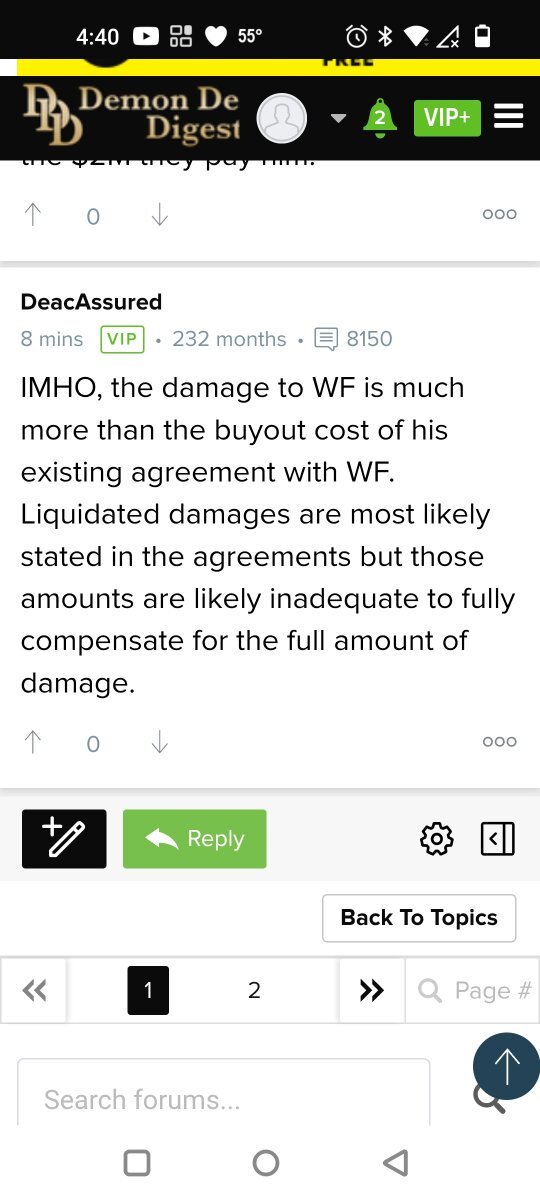
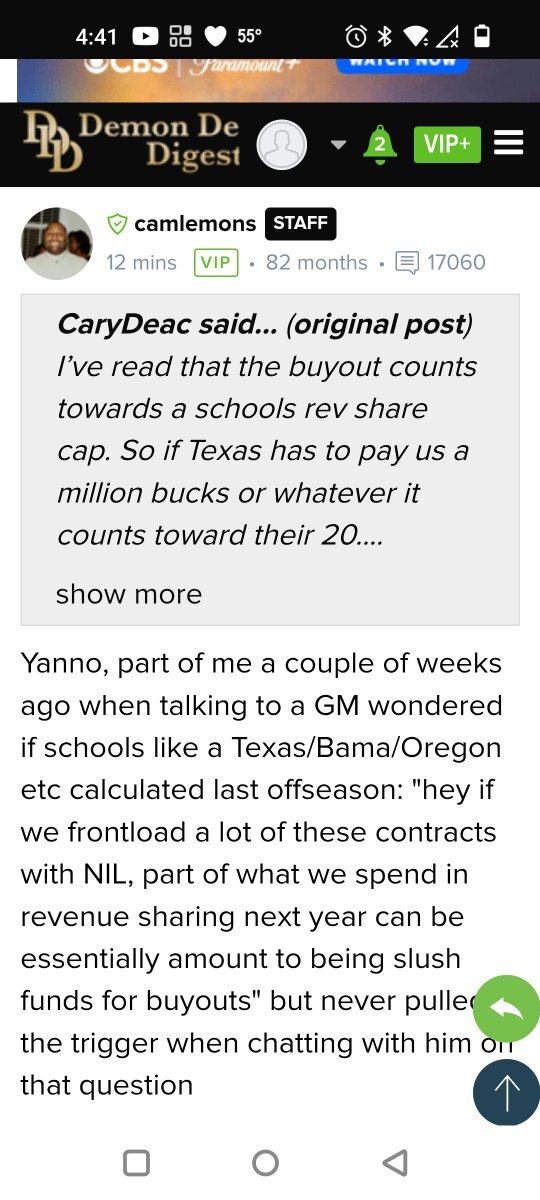
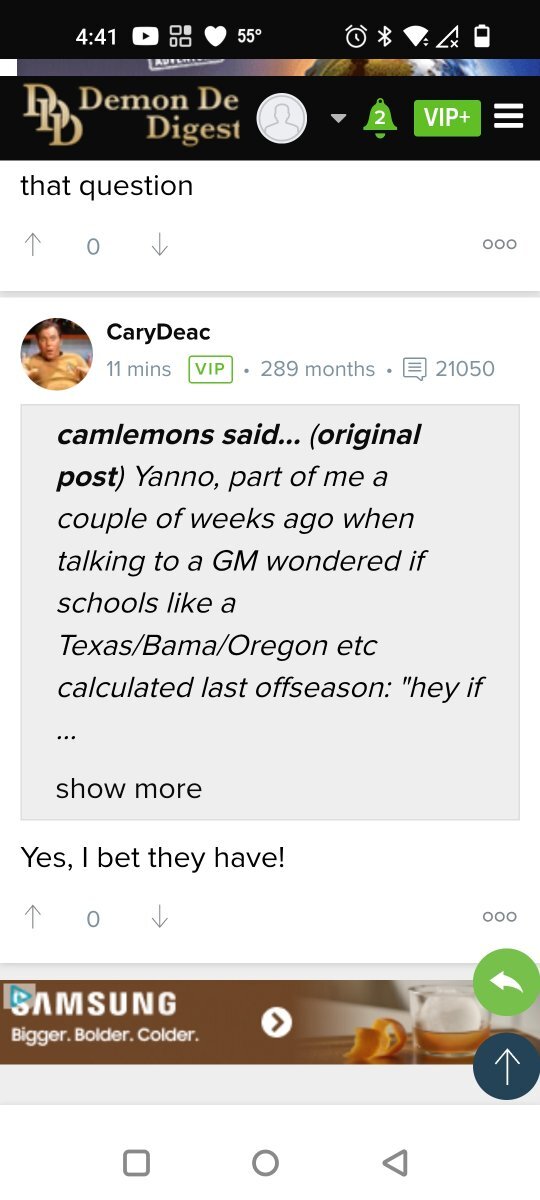
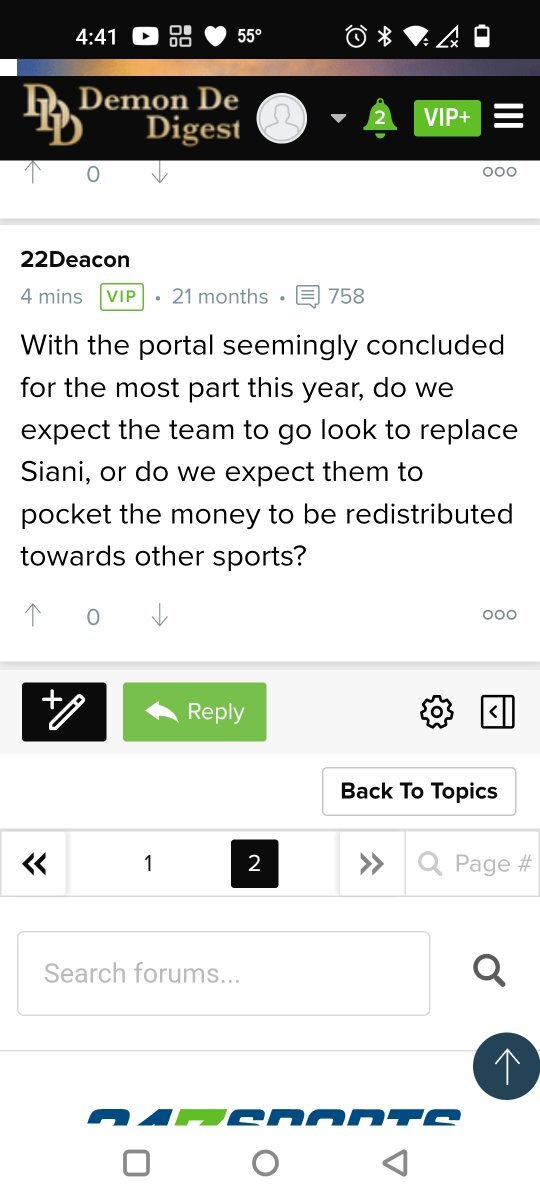
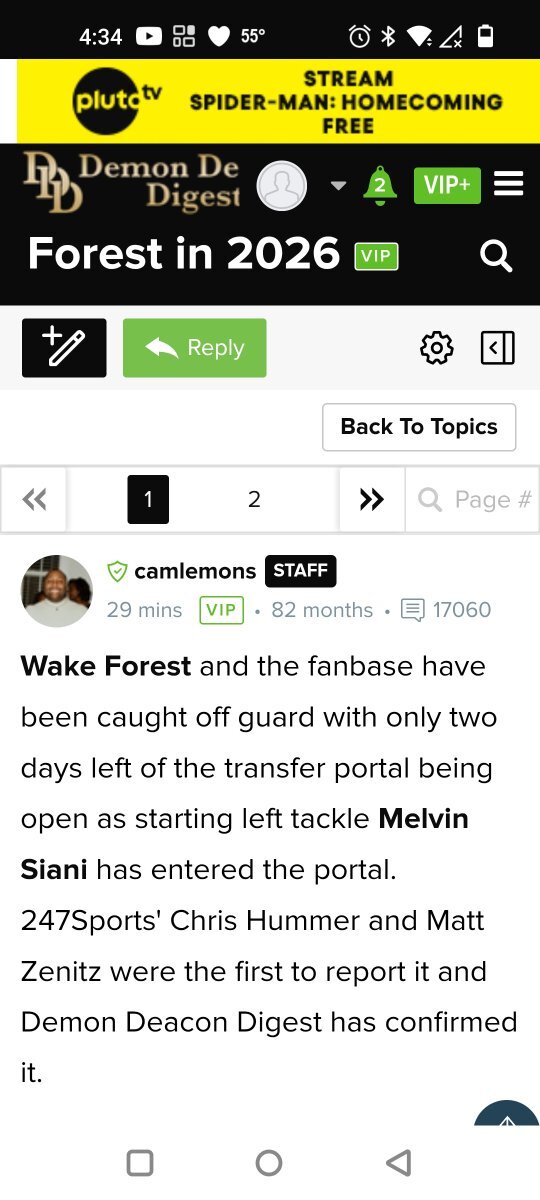
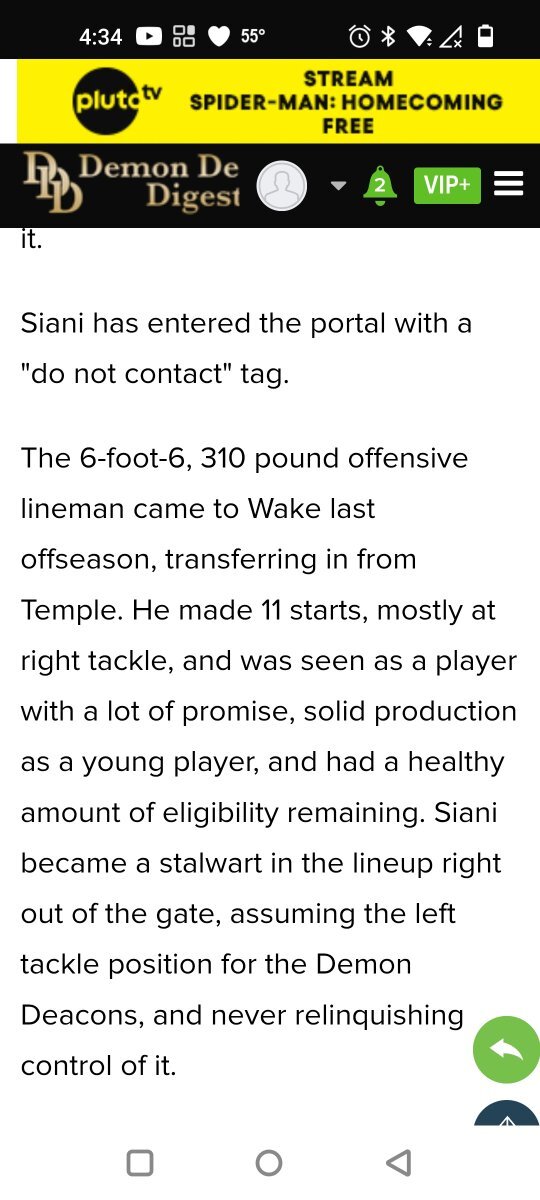
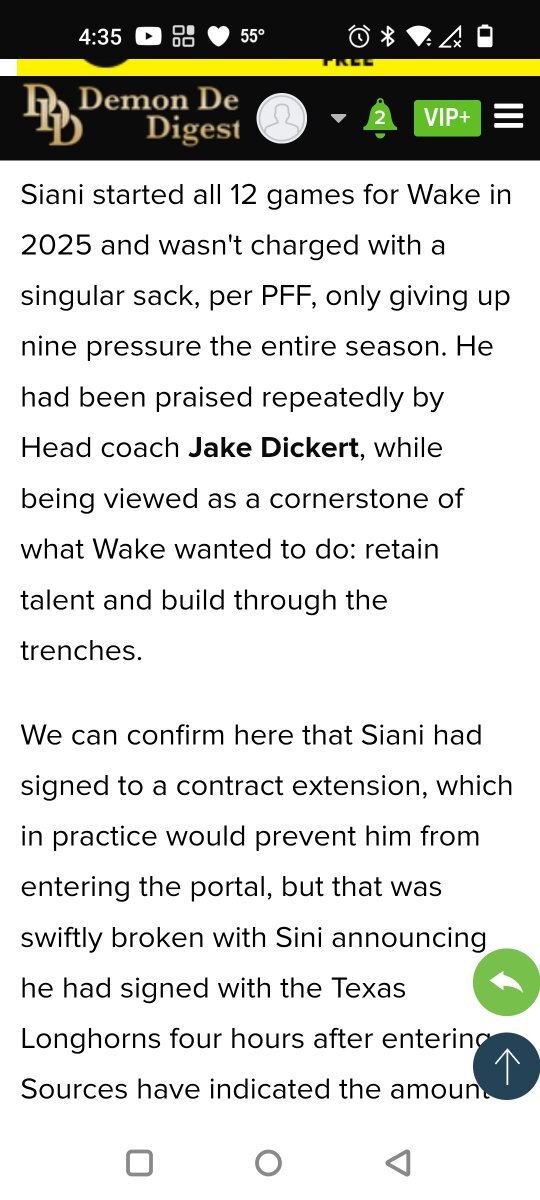
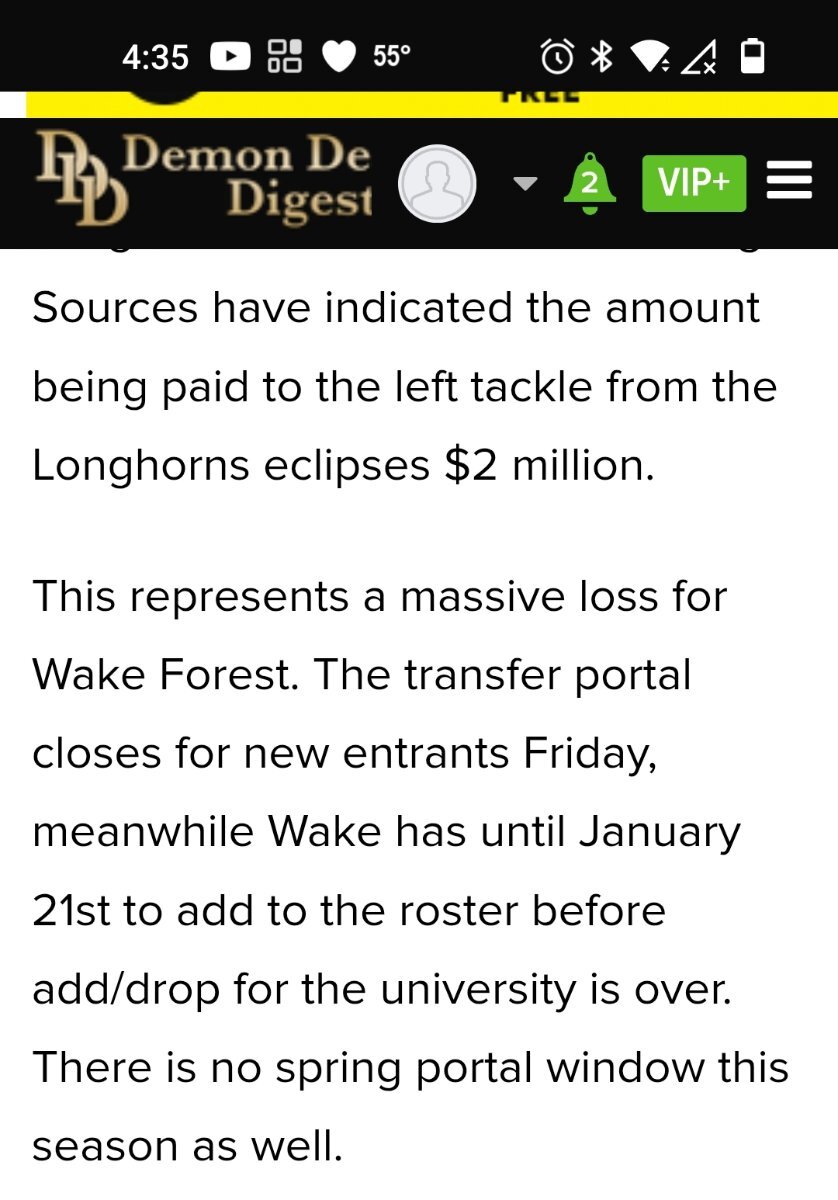
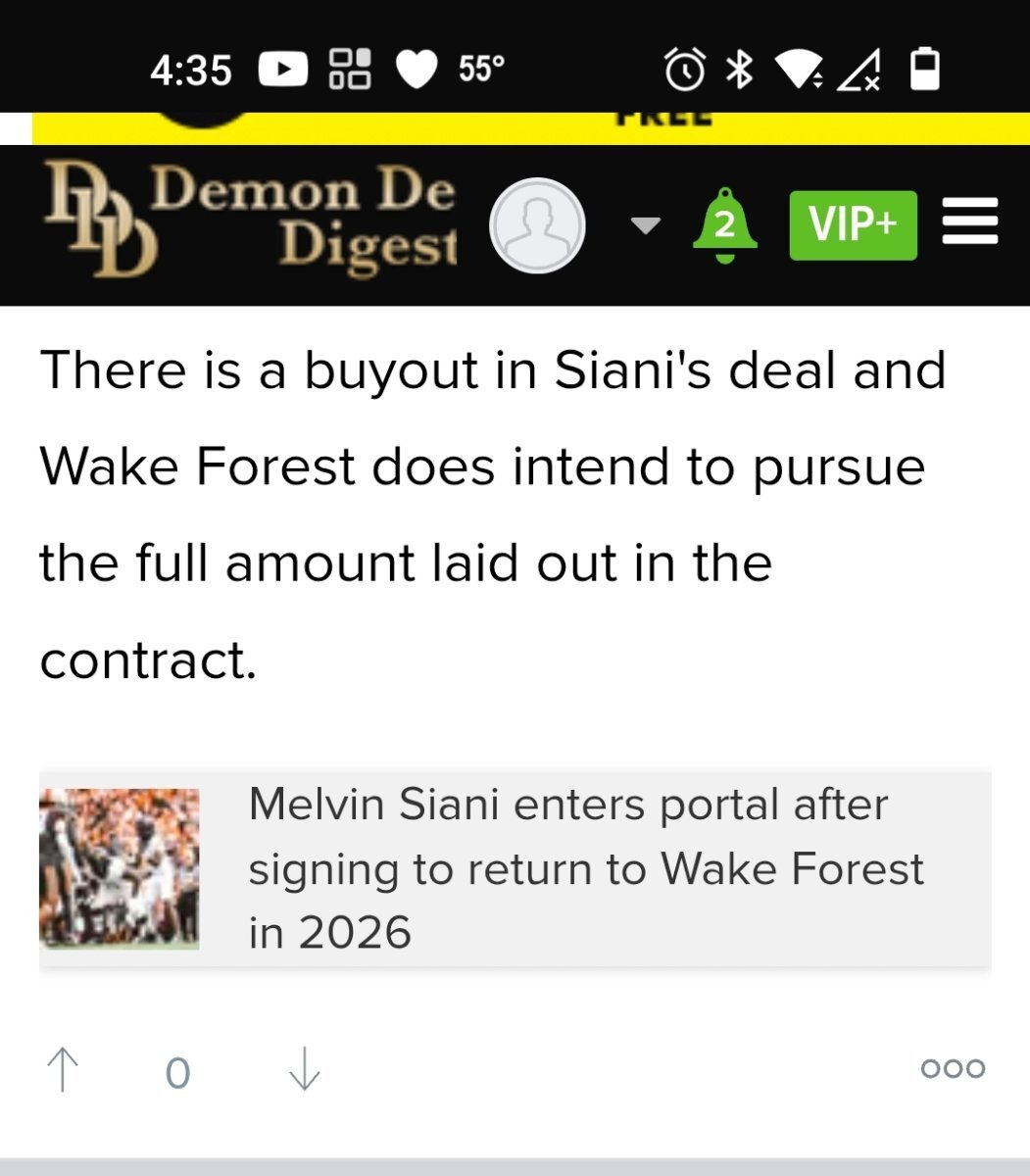
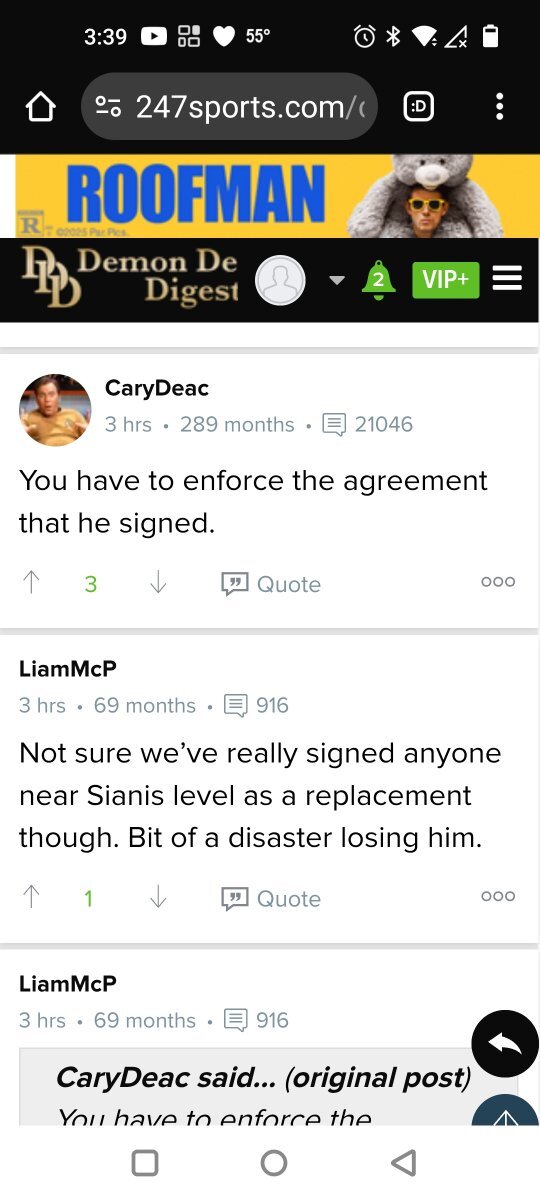
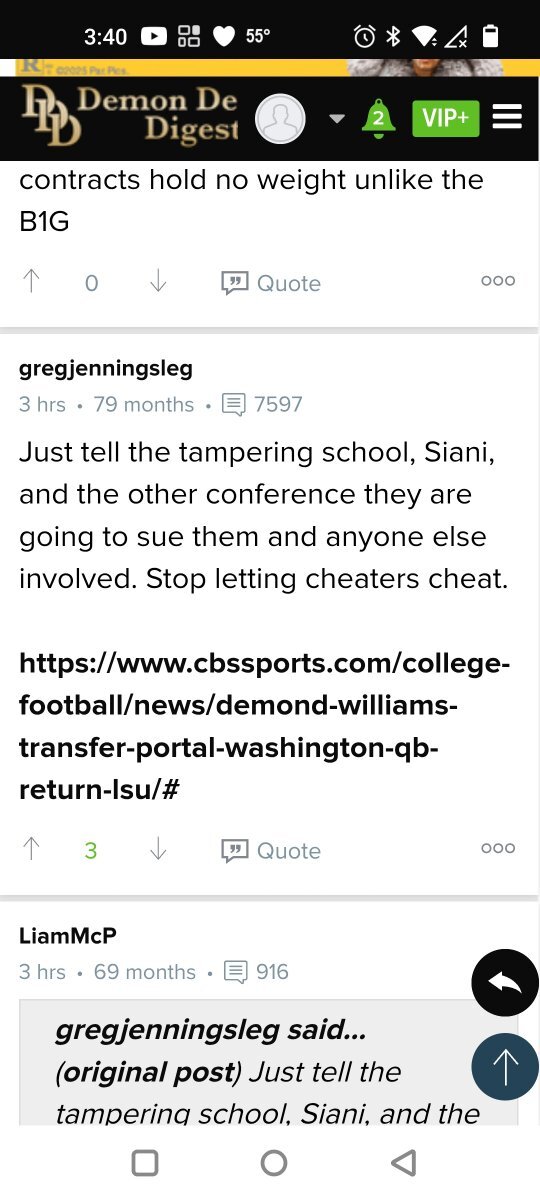
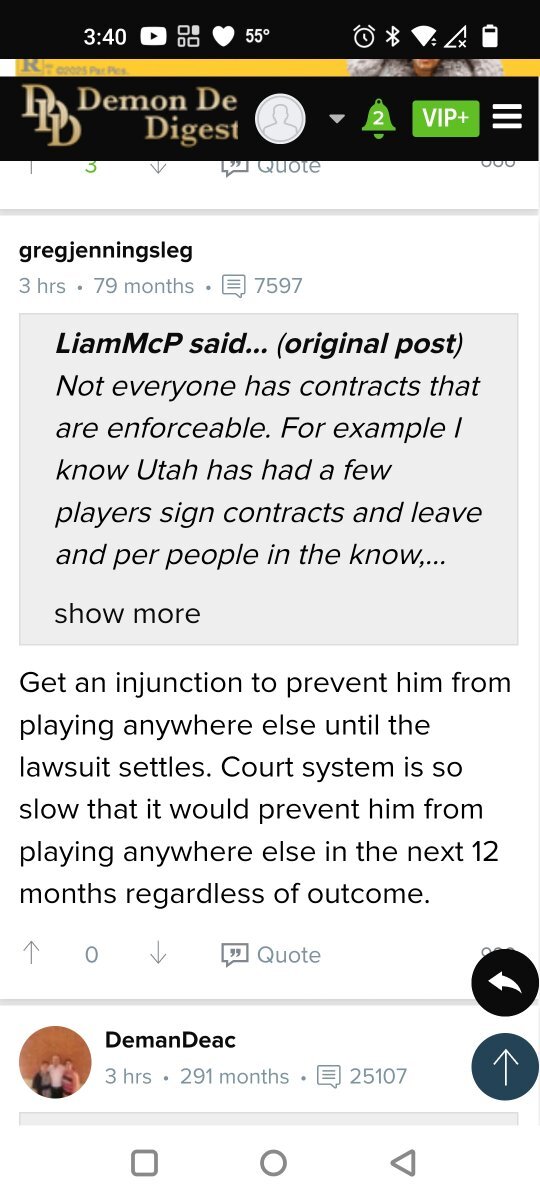
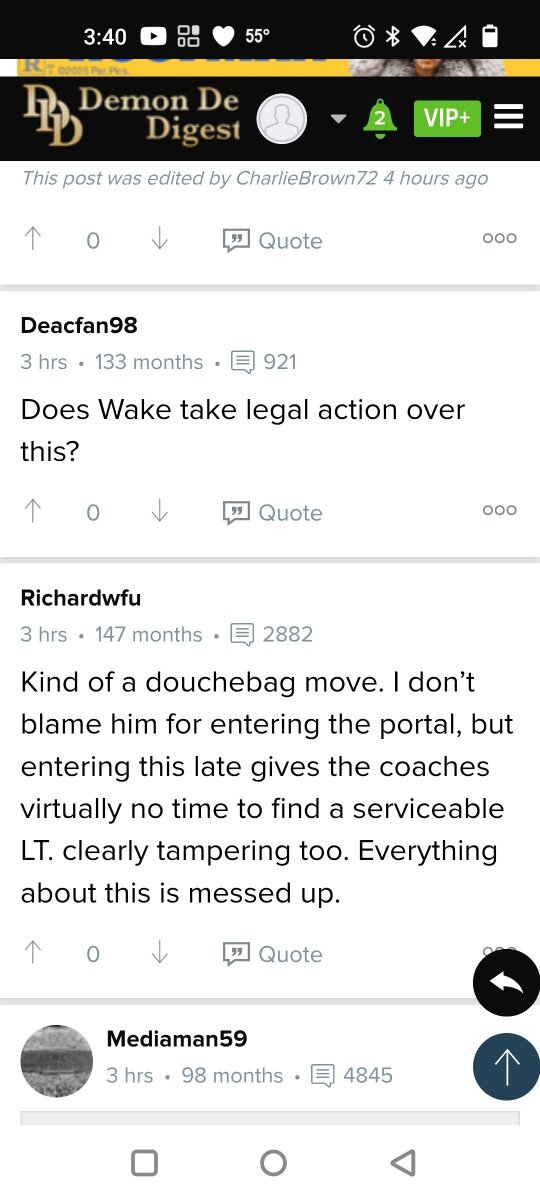
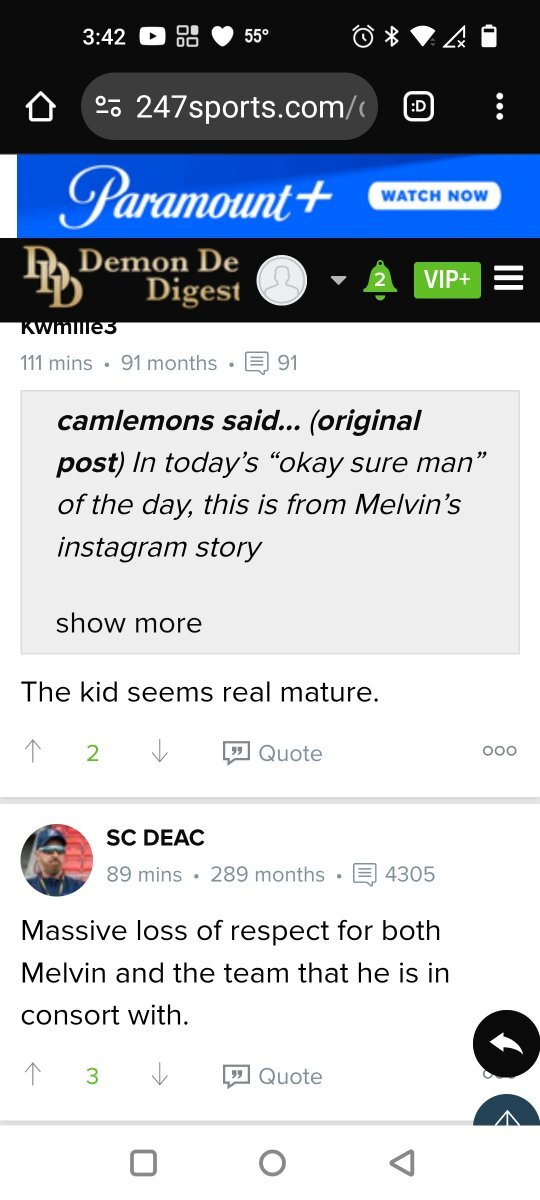
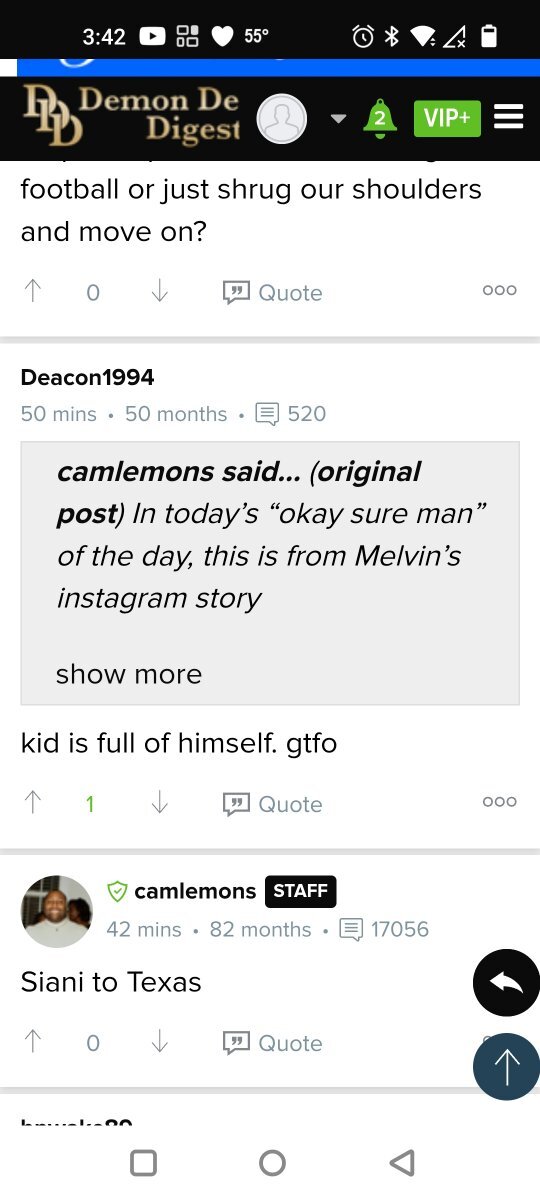
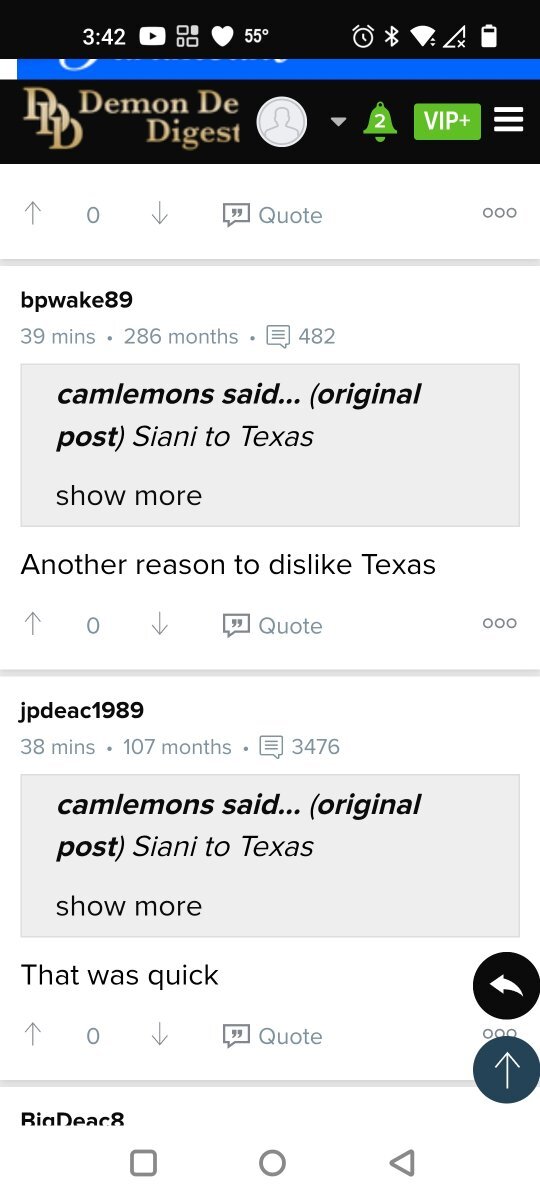
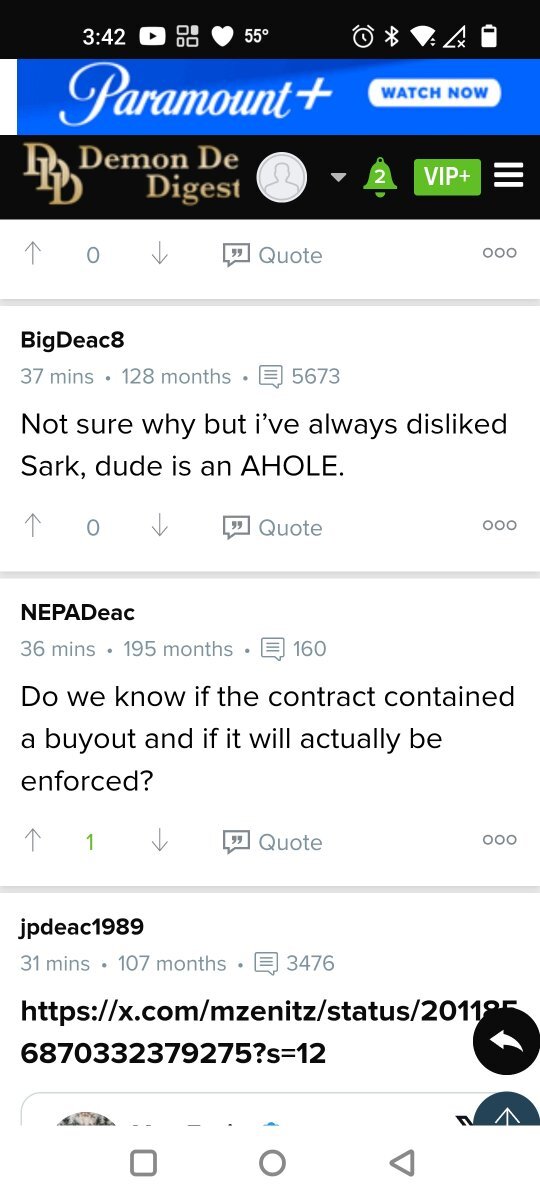
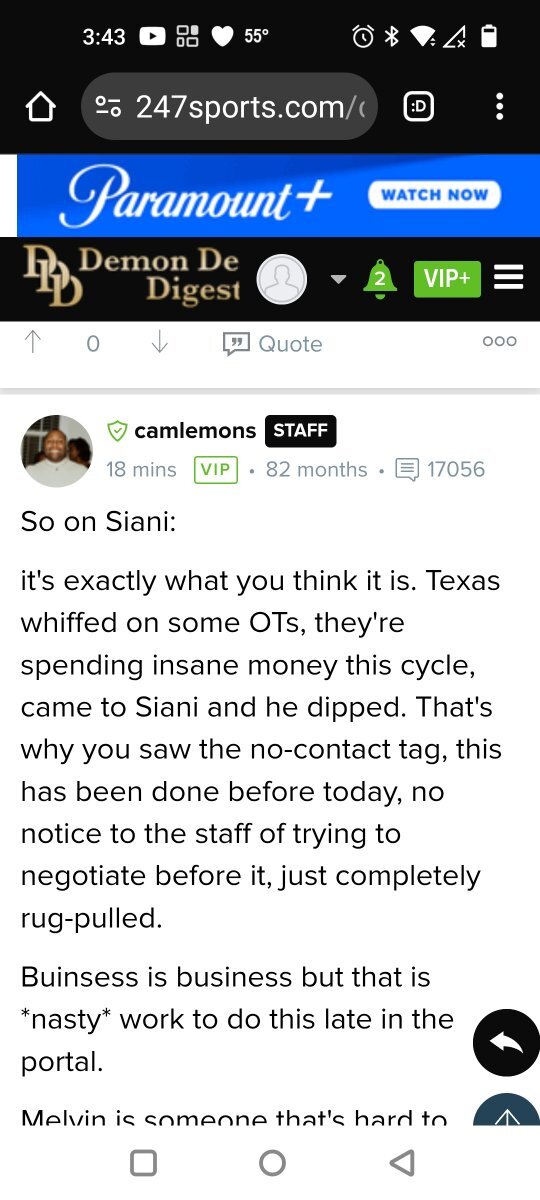
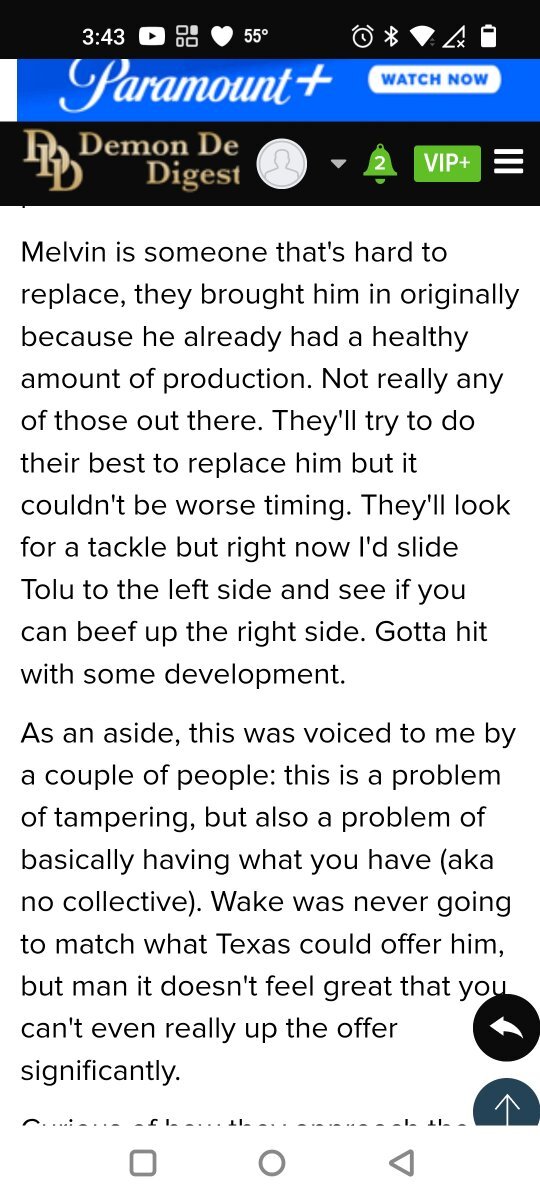
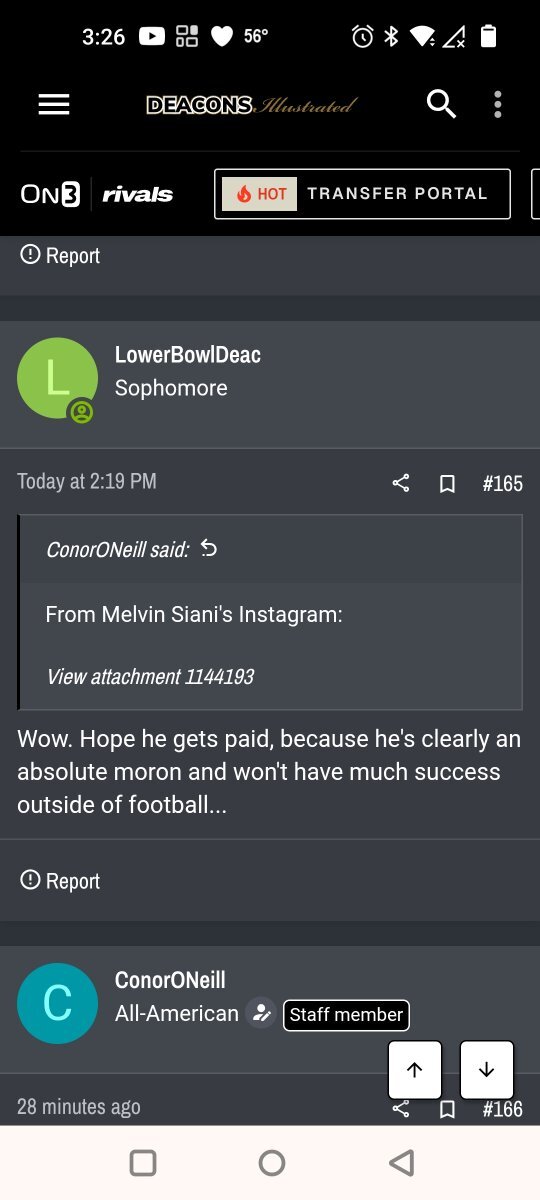
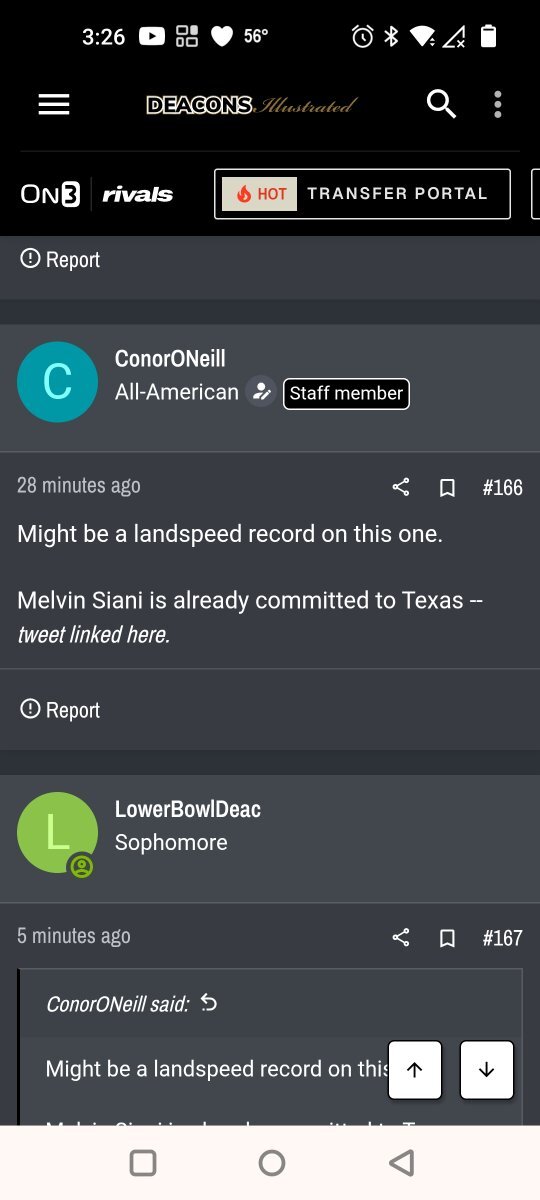
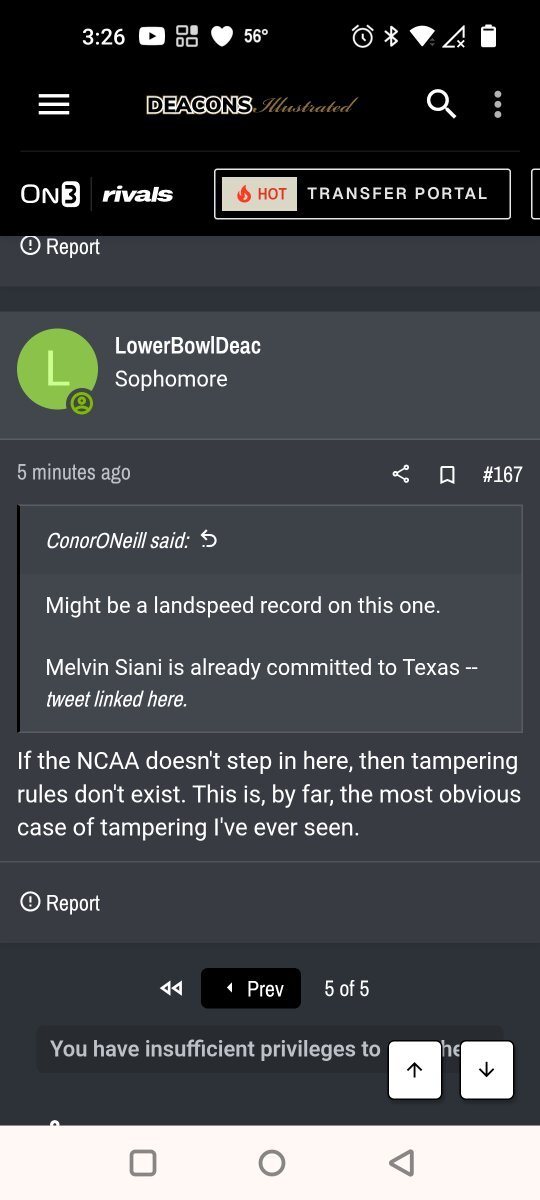
All of the aggy board's & staffer's are so blinded by hate for Texas. It is impossible for them to be unbiased and rational.Yes. Damn AIWake Forest 247 is claiming Texas will have to pay a buyout for Siani Just send them a dozen street tacos courtesy of @CJ VogelReal G's move in silence
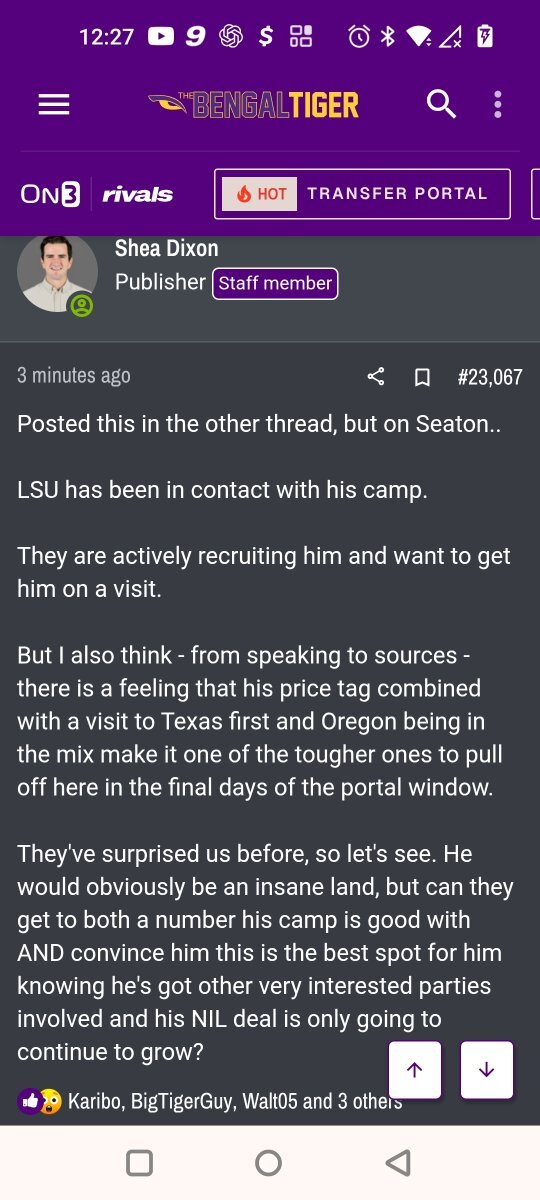
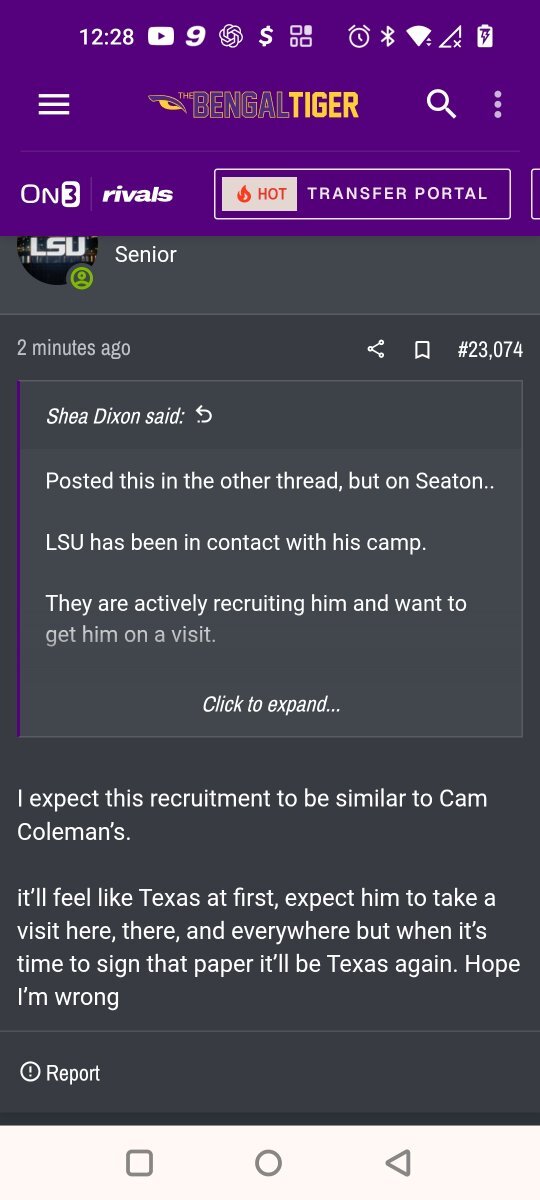
.gif.eb69efccc3d3c32583e0d8499b1d3275.gif) YesWake Forest is having a Meltdown 😁Portal house is fun again. 🤘🏼It's all quiet on the Oregon boards. No Seaton talk at all. @Gerry Hamilton do you think all the Oregon visit talk was premature?Bobby looking at the portal thread
YesWake Forest is having a Meltdown 😁Portal house is fun again. 🤘🏼It's all quiet on the Oregon boards. No Seaton talk at all. @Gerry Hamilton do you think all the Oregon visit talk was premature?Bobby looking at the portal thread We are homies😁🤘🏼Welcome.🤘🏼 Joe Z is like Scotch. He's an acquired taste. He makes me laugh
 Appreciate you 🤘🏼 Their obsession with him is weird
Important Information
We have placed cookies on your device to help make this website better. You can adjust your cookie settings, otherwise we'll assume you're okay to continue.
Account
Navigation
Search
Configure browser push notifications
Chrome (Android)
- Tap the lock icon next to the address bar.
- Tap Permissions → Notifications.
- Adjust your preference.
Chrome (Desktop)
- Click the padlock icon in the address bar.
- Select Site settings.
- Find Notifications and adjust your preference.
Safari (iOS 16.4+)
- Ensure the site is installed via Add to Home Screen.
- Open Settings App → Notifications.
- Find your app name and adjust your preference.
Safari (macOS)
- Go to Safari → Preferences.
- Click the Websites tab.
- Select Notifications in the sidebar.
- Find this website and adjust your preference.
Edge (Android)
- Tap the lock icon next to the address bar.
- Tap Permissions.
- Find Notifications and adjust your preference.
Edge (Desktop)
- Click the padlock icon in the address bar.
- Click Permissions for this site.
- Find Notifications and adjust your preference.
Firefox (Android)
- Go to Settings → Site permissions.
- Tap Notifications.
- Find this site in the list and adjust your preference.
Firefox (Desktop)
- Open Firefox Settings.
- Search for Notifications.
- Find this site in the list and adjust your preference.