
Longhornfrenzy
Supporters
-
Joined
-
Last visited
Everything posted by Longhornfrenzy
-
Bringing Joe z on full time to make sure Blake doesn't hit the mute button & Gerrys freezer never runs out of corn dogs😁
 Welcome to the family Jordan. 🤘🏻 The question is mayo on corn dogs or no mayo? Choose your answer carefully
 ChatgptLiving the dreamThe man, the myth, the legend.
 images.mp4OTF is the best in the biz. No complaints here 🤘🏼I had to pick my work productivity up. I only checked the board 4 times today. I fell so far behind last week. I had to call a meeting this morning and give myself a stern talking to, 😁I hear ya🤘🏼It's Saturday night. Gerry passed out in the frozen food aisle near the State Fair microwavable corn dogs in a food coma. CJ trolling for ladies on 6th St. It's almost 8 PM in Tennessee, Bobby is getting ready for bedNow the portal house thread is getting back to normal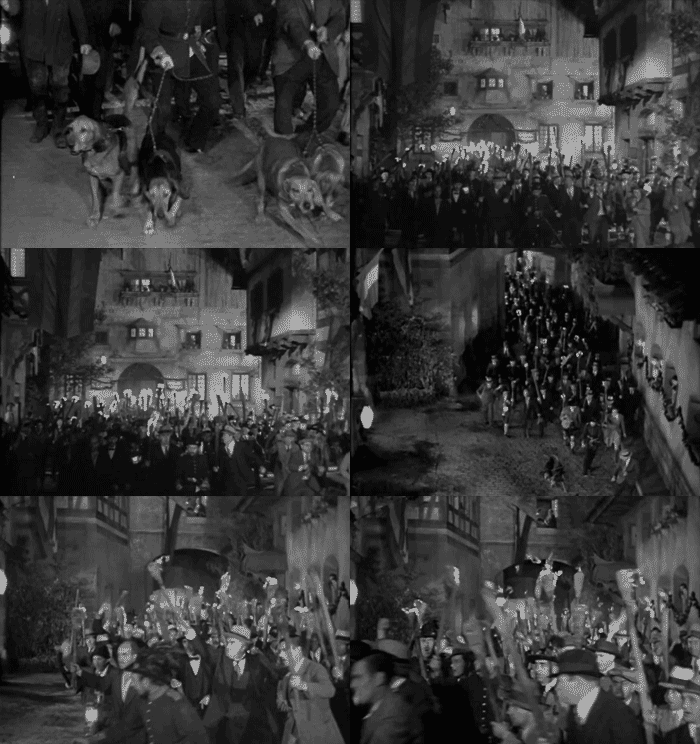
Important Information
We have placed cookies on your device to help make this website better. You can adjust your cookie settings, otherwise we'll assume you're okay to continue.
Account
Navigation
Search
Configure browser push notifications
Chrome (Android)
- Tap the lock icon next to the address bar.
- Tap Permissions → Notifications.
- Adjust your preference.
Chrome (Desktop)
- Click the padlock icon in the address bar.
- Select Site settings.
- Find Notifications and adjust your preference.
Safari (iOS 16.4+)
- Ensure the site is installed via Add to Home Screen.
- Open Settings App → Notifications.
- Find your app name and adjust your preference.
Safari (macOS)
- Go to Safari → Preferences.
- Click the Websites tab.
- Select Notifications in the sidebar.
- Find this website and adjust your preference.
Edge (Android)
- Tap the lock icon next to the address bar.
- Tap Permissions.
- Find Notifications and adjust your preference.
Edge (Desktop)
- Click the padlock icon in the address bar.
- Click Permissions for this site.
- Find Notifications and adjust your preference.
Firefox (Android)
- Go to Settings → Site permissions.
- Tap Notifications.
- Find this site in the list and adjust your preference.
Firefox (Desktop)
- Open Firefox Settings.
- Search for Notifications.
- Find this site in the list and adjust your preference.










.gif.89576cb8a5a83a4d3d85a6ff478d4a26.gif)
.gif.417b3cdde4e92f580ace0f5a62338070.gif)



.gif.cef8738534626b969c8fe812d8aecb8c.gif)