
Longhornfrenzy
Supporters
-
Joined
-
Last visited
Everything posted by Longhornfrenzy
-
Sark likes to play the long game. I will trust him & the staff until there is a reason not to.🤘🏼
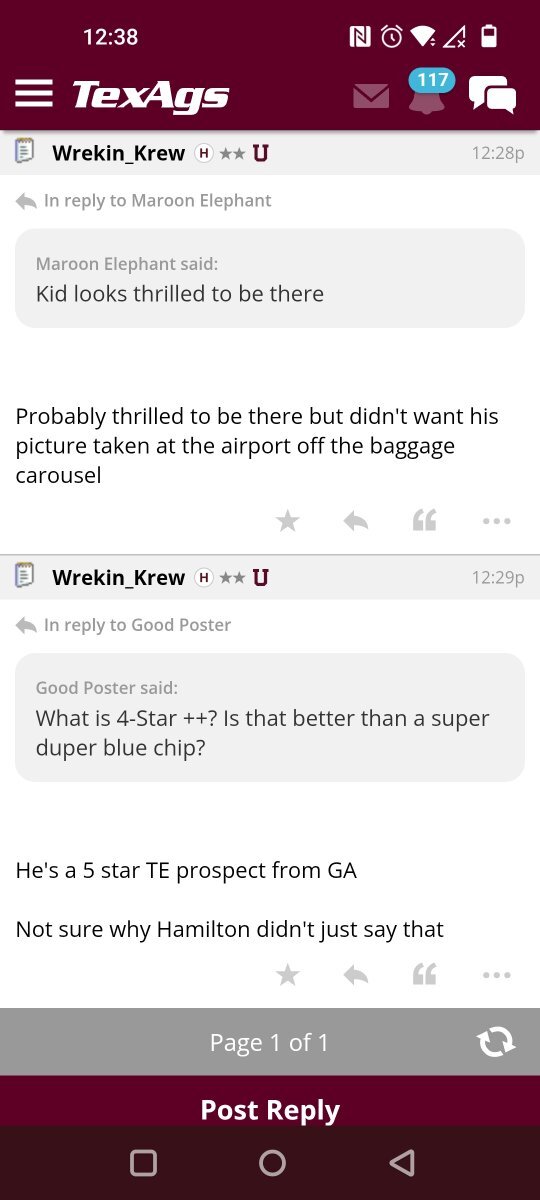
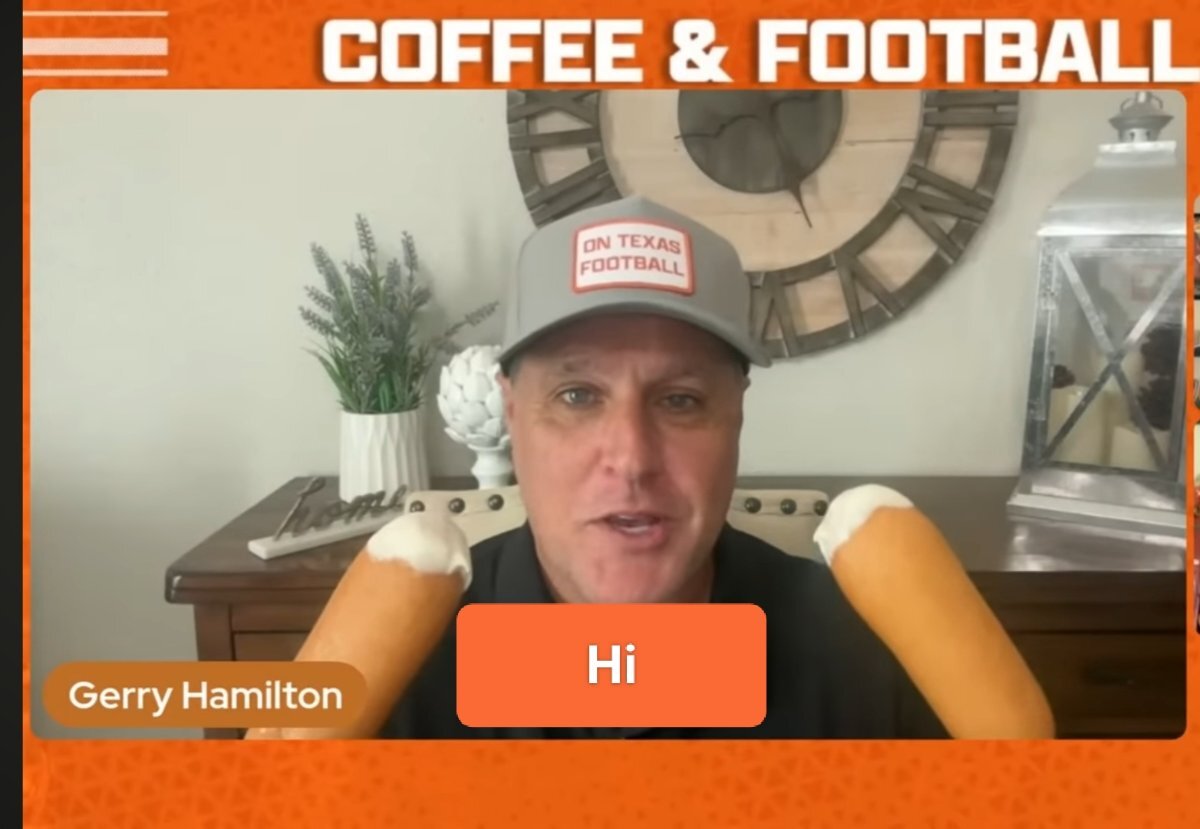
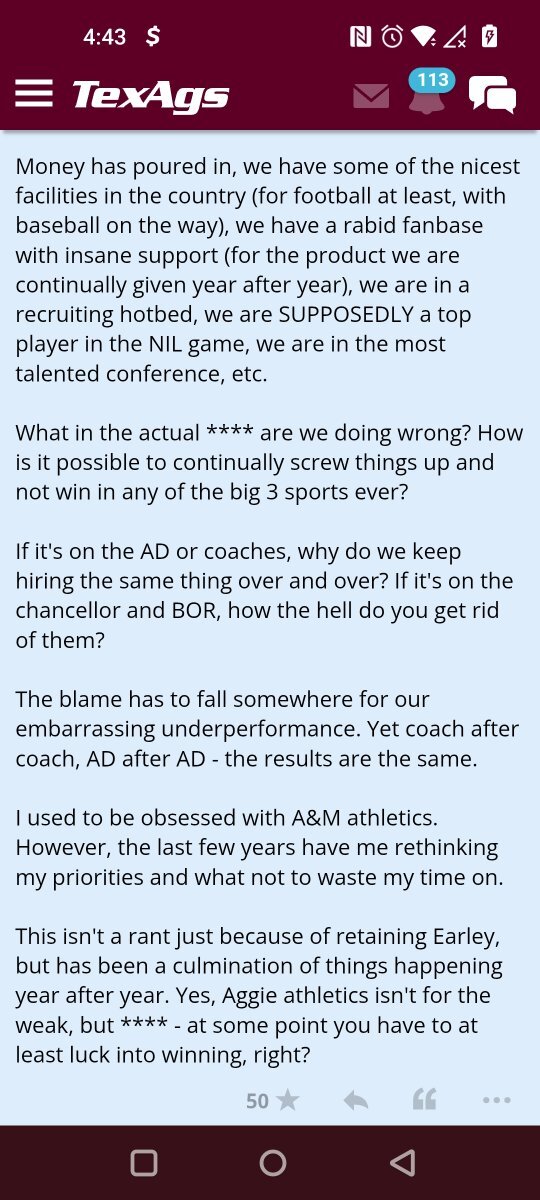
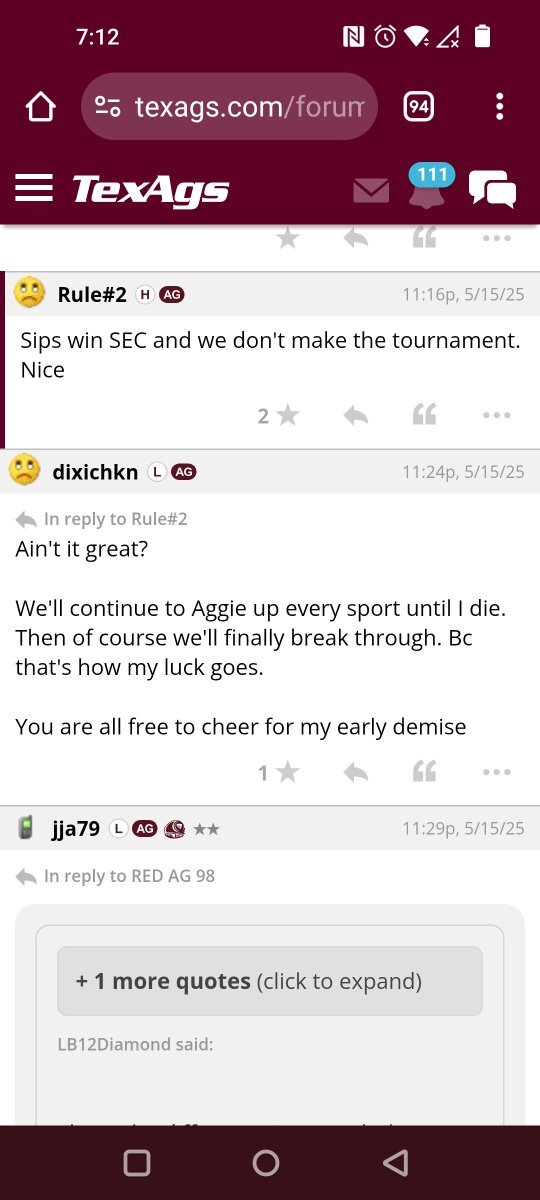
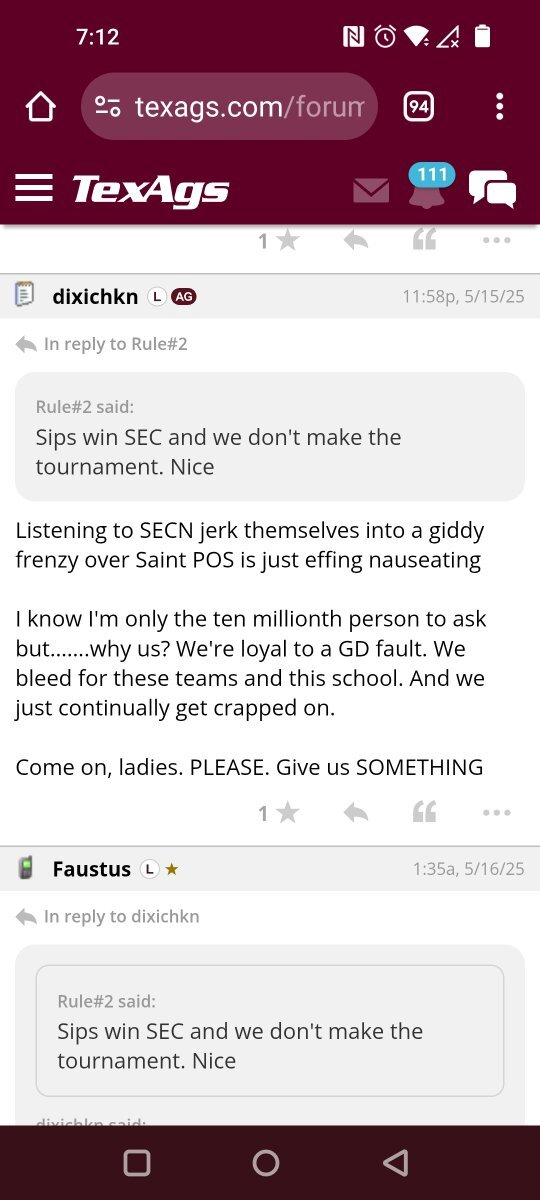
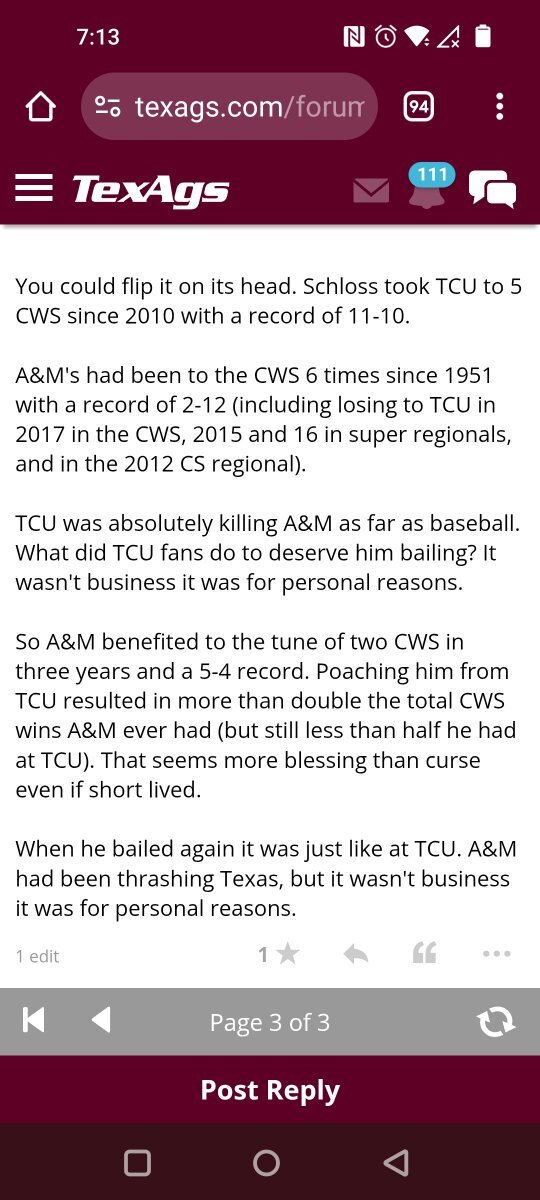
 There was a method to my madness with my super chat question this morning on OTFFlorida & Auburn mods thinks Texas will be the pickTurnabout fair play😁LSU visit back on nowThanks Gerryaggy is keeping Michael Earley as their head baseball coach @longhornfrenzy1 on the XCalling out texags staff won't end well
 Welcome aboard Jeff! Another great addition 🤘🏼aggy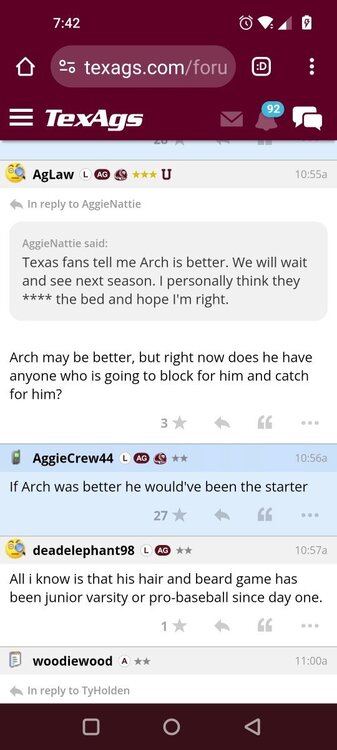
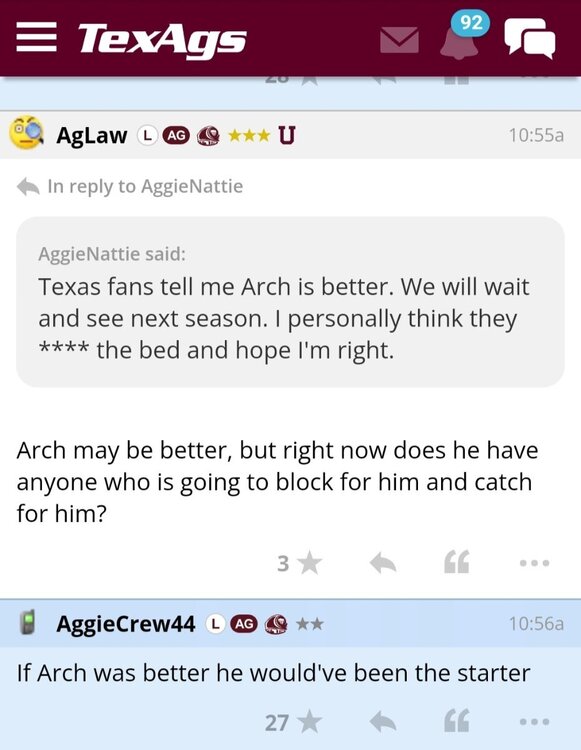
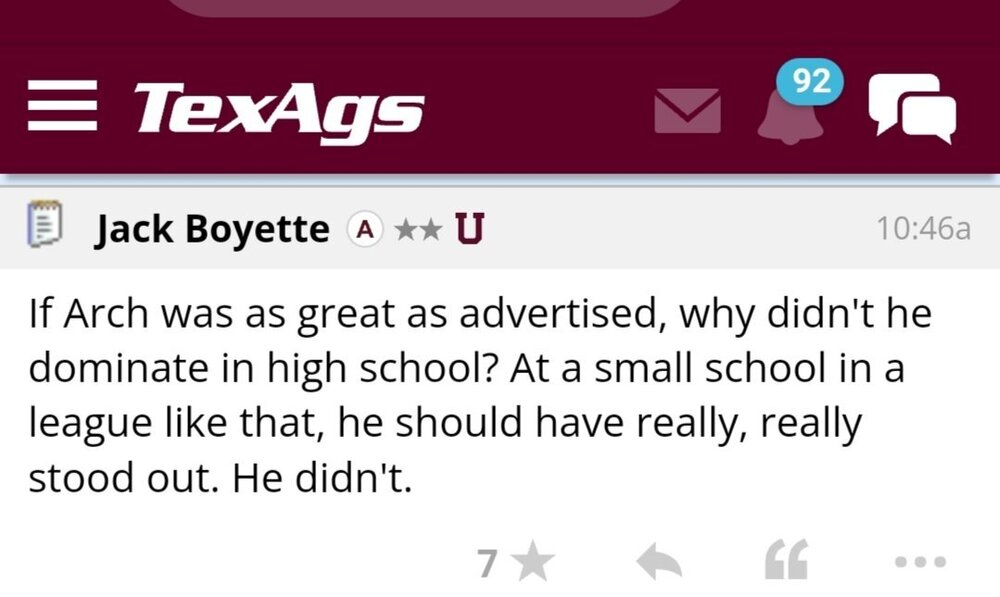
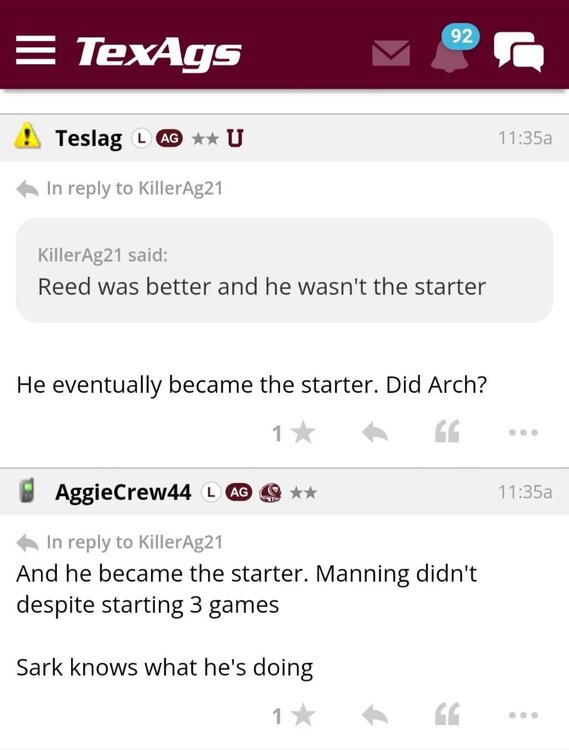 Happy New Year everyone 🎉 🥂 Beat ASU Hook'em 🤘🏼
Important Information
We have placed cookies on your device to help make this website better. You can adjust your cookie settings, otherwise we'll assume you're okay to continue.
Account
Navigation
Search
Configure browser push notifications
Chrome (Android)
- Tap the lock icon next to the address bar.
- Tap Permissions → Notifications.
- Adjust your preference.
Chrome (Desktop)
- Click the padlock icon in the address bar.
- Select Site settings.
- Find Notifications and adjust your preference.
Safari (iOS 16.4+)
- Ensure the site is installed via Add to Home Screen.
- Open Settings App → Notifications.
- Find your app name and adjust your preference.
Safari (macOS)
- Go to Safari → Preferences.
- Click the Websites tab.
- Select Notifications in the sidebar.
- Find this website and adjust your preference.
Edge (Android)
- Tap the lock icon next to the address bar.
- Tap Permissions.
- Find Notifications and adjust your preference.
Edge (Desktop)
- Click the padlock icon in the address bar.
- Click Permissions for this site.
- Find Notifications and adjust your preference.
Firefox (Android)
- Go to Settings → Site permissions.
- Tap Notifications.
- Find this site in the list and adjust your preference.
Firefox (Desktop)
- Open Firefox Settings.
- Search for Notifications.
- Find this site in the list and adjust your preference.